


 06 March 2026
WhatsApp Business API News Today: Latest Updates, Features, and What Businesses Need to Know in 2026
06 March 2026
WhatsApp Business API News Today: Latest Updates, Features, and What Businesses Need to Know in 2026

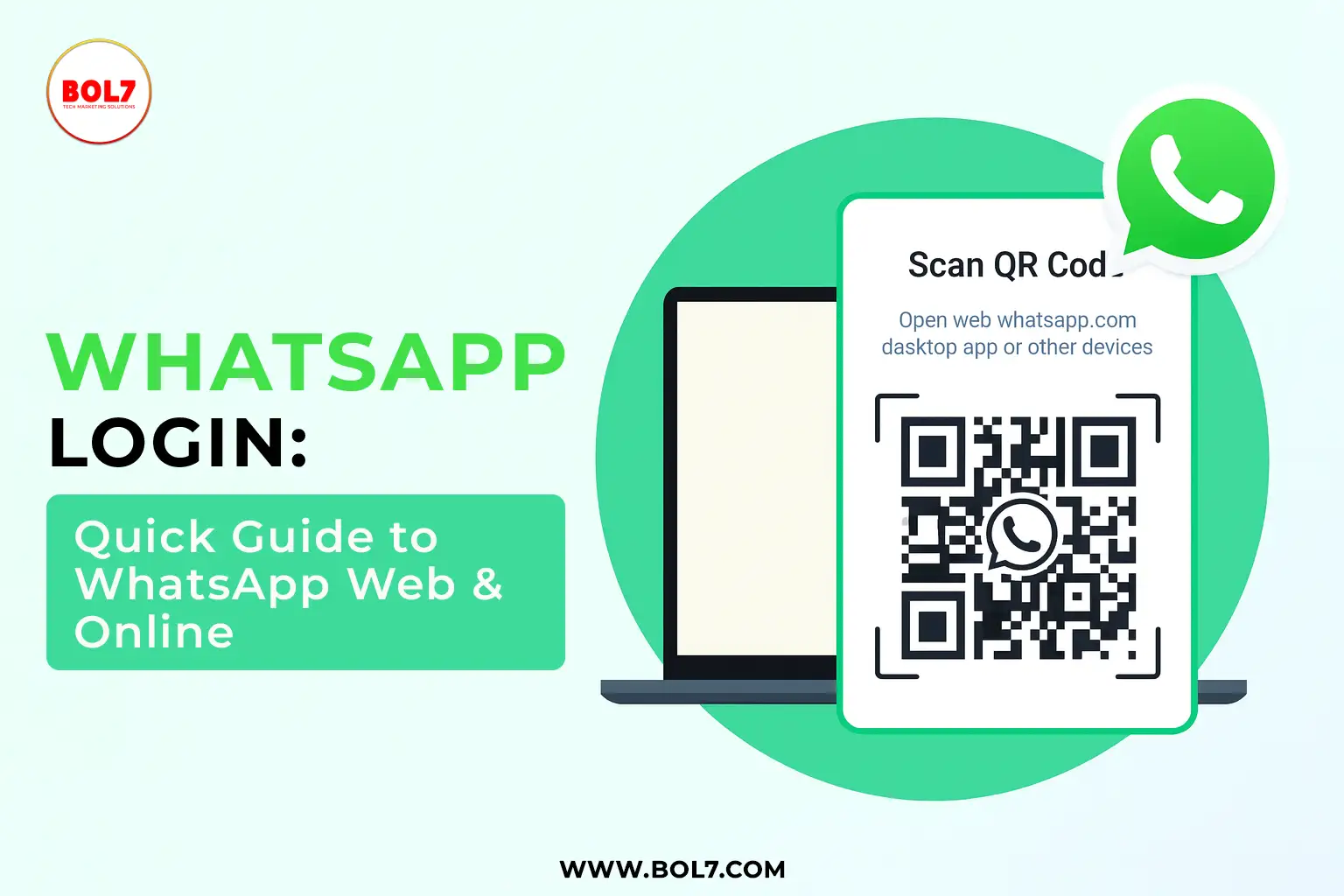
WhatsApp Login: Quick Guide to WhatsApp Web & Online
WhatsApp has become a daily essential for communication, whether it’s staying in touch with friends, chatting with customers, or managing work communication. As WhatsApp continues to grow, so do the ways we can use it—on mobile, desktop, and browsers.
Many users search for terms like WhatsApp Login, WhatsApp Online, and WhatsApp Web, but often get scattered information.
This blog brings everything together in one place—simple, clear, and 100% helpful.
What Is WhatsApp Login?
WhatsApp Login simply means signing into your WhatsApp account so you can access your chats, media, and contacts.
Ways to Login to WhatsApp
You can log in using:
1. WhatsApp Mobile App (Primary Login)
- Download WhatsApp
- Verify your phone number
- Enter OTP
- Restore backup (optional)
This becomes your primary device—your account remains connected until you log out or change your number.
What Is WhatsApp Online?
“WhatsApp Online” is a status indicator that shows when a user is active on WhatsApp.
When Does It Show “Online”?
You appear online when:
- WhatsApp is open on your phone
- You are using WhatsApp Web or Desktop
- WhatsApp is running in the background (in some cases)
Does Online Mean They Are Chatting?
No.
“Online” only means the app is open, not that the person is messaging.
What Is WhatsApp Web?
WhatsApp Web is the browser-based version of WhatsApp that lets you use your chats on a PC or laptop.
It mirrors your phone conversations in real-time and syncs messages instantly.
How to Use WhatsApp Web (Step-by-Step Guide)
1. Open WhatsApp Web
Go to:
https://web.whatsapp.com
You will see a QR code.
2. Open WhatsApp on Your Phone
- Go to Settings (Android/iPhone)
- Tap Linked Devices
- Select Link a Device
3. Scan the QR Code
Point your phone camera at the QR code on the computer screen.
Done!
Your WhatsApp chats will appear instantly on your browser.
Key Features of WhatsApp Web
WhatsApp Web is not just a mirror—it’s a productivity tool. You can:
- Send and receive messages
- Upload media, documents, and contacts
- Download files instantly
- Use keyboard shortcuts
- Pin chats
- Mute/unmute notifications
- Manage profile settings
- Use chat search
- Send voice notes
- Use emojis, GIFs, and stickers
For professionals, it's faster and easier to type on a full keyboard and manage multiple conversations.
WhatsApp Desktop vs WhatsApp Web
You can also install WhatsApp Desktop, a downloadable app available for Windows and Mac.
WhatsApp Desktop Offers:
- Faster performance
- Better notifications
- Voice & video calls (Web doesn’t support calling)
- Higher reliability compared to a browser
Is WhatsApp Web Safe?
Yes—WhatsApp Web is secure.
Security Features:
- End-to-end encryption
- Device linking alerts
- Remote logout options
- No password storage
- QR-based login system
Tip:
Always log out when using a public or shared computer.
How to Log Out of WhatsApp Web
You can log out from:
1. PC Browser
- Click Menu (⋮)
- Select Log out
2. Phone App
- Go to Linked Devices
- Select the active session
- Tap Log Out
WhatsApp Login Not Working? Try These Fixes
- Check internet connection
- Update WhatsApp
- Re-scan the QR code
- Clear browser cache
- Disable VPN (it may block WhatsApp Web)
- Ensure your phone stays connected
WhatsApp Web only works when your phone is online.
Benefits of Using WhatsApp Online for Businesses
WhatsApp is widely used for:
- Customer support
- Sales follow-ups
- Automated replies
- Sending invoices & documents
- Broadcasting offers
- Managing appointments
- Ecommerce chats
Businesses often upgrade to WhatsApp Business API or Chatbot systems to scale automation and manage large chat volumes.
Final Thoughts
Whether you're logging in on mobile, checking online status, or using WhatsApp Web for work, WhatsApp continues to be one of the most powerful communication tools in the world.
Understanding how WhatsApp Login, WhatsApp Online, and WhatsApp Web work helps you:
- Stay productive
- Stay connected
- Manage chats faster
- Use WhatsApp effectively across devices
As WhatsApp evolves, cross-platform connectivity will only get better—making communication smoother for everyone.
"This article aims to simplify how users access WhatsApp across different devices by explaining WhatsApp login methods, WhatsApp Web functionality, online status behavior, and multi-device usage. It provides a step-by-step guide for logging in, scanning QR codes, checking online status, resolving login issues, and using WhatsApp on desktop efficiently. The goal is to help users—beginners and professionals—understand all aspects of WhatsApp login and online access in a clear, practical, and user-friendly manner."
Blog Comments (0)
Leave a Reply
Categories
- Performance
- Pay Per Click
- Search Engine Optimization
- Digital Marketing
- Advertising
- Election Management
- Technology
- Social Media Marketing
- Business Data Solutions
- Artificial Intelligence & Automation
- Security
- Colocation Services
- Company Registration UAE
- WhatsApp Business API
- Digital Tools
- Business Messaging
- Business Communication
Recent Post







Popular Categories
Related Blogs & Article

Adobe PT (Substance Painter): Features, Pricing & Best Use Cases in 2026
Adobe PT (Substance Painter) is a leading 3D texturing software used in gaming, animation, and product design. Learn features, pricing, workflow benefits, and why it’s worth learning in 2026.
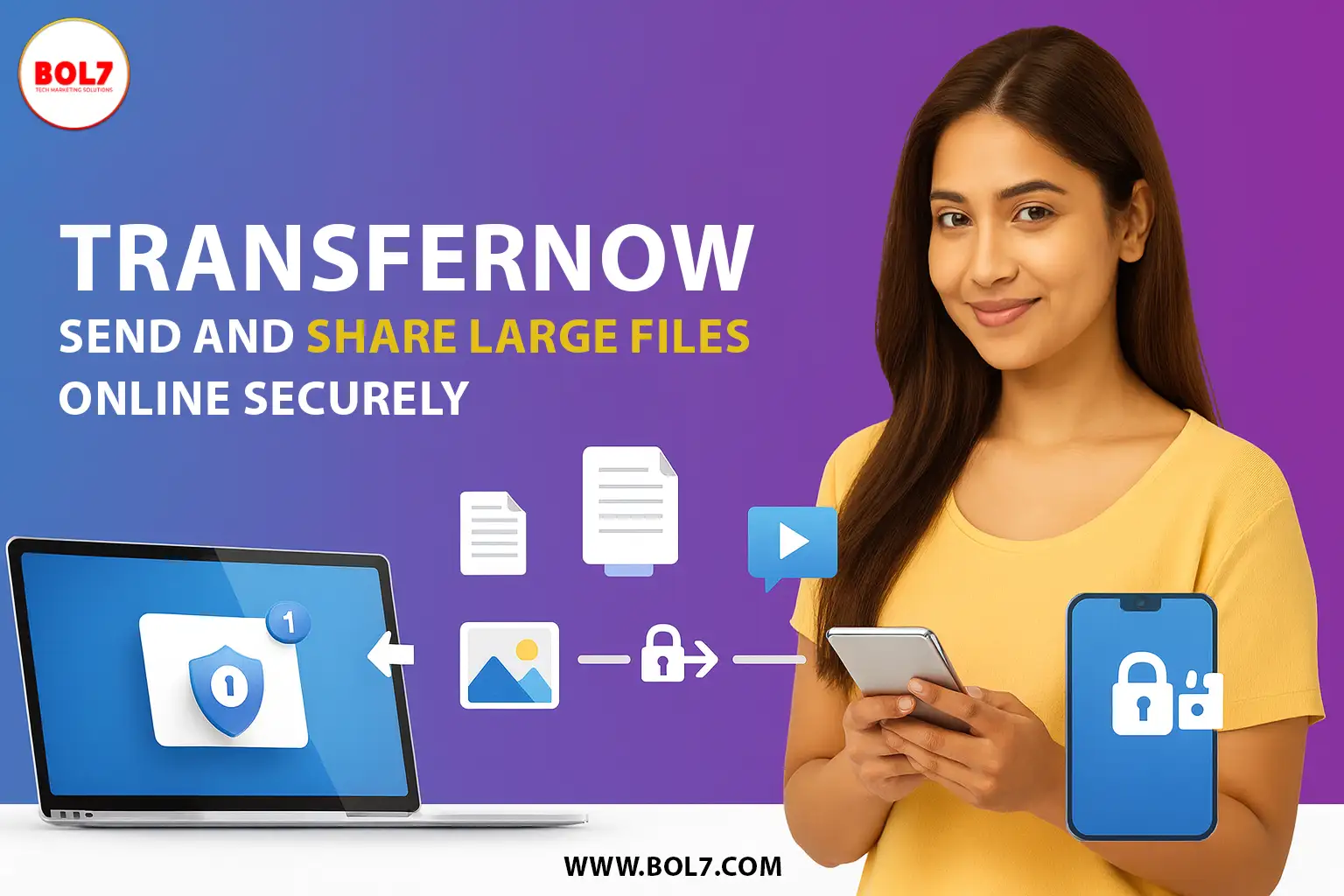
TransferNow: Send Large Files Online Securely
TransferNow is an easy way to send large files online using email delivery or secure download links. Learn how TransferNow works in 2026, key features, safety tips, and best use cases.
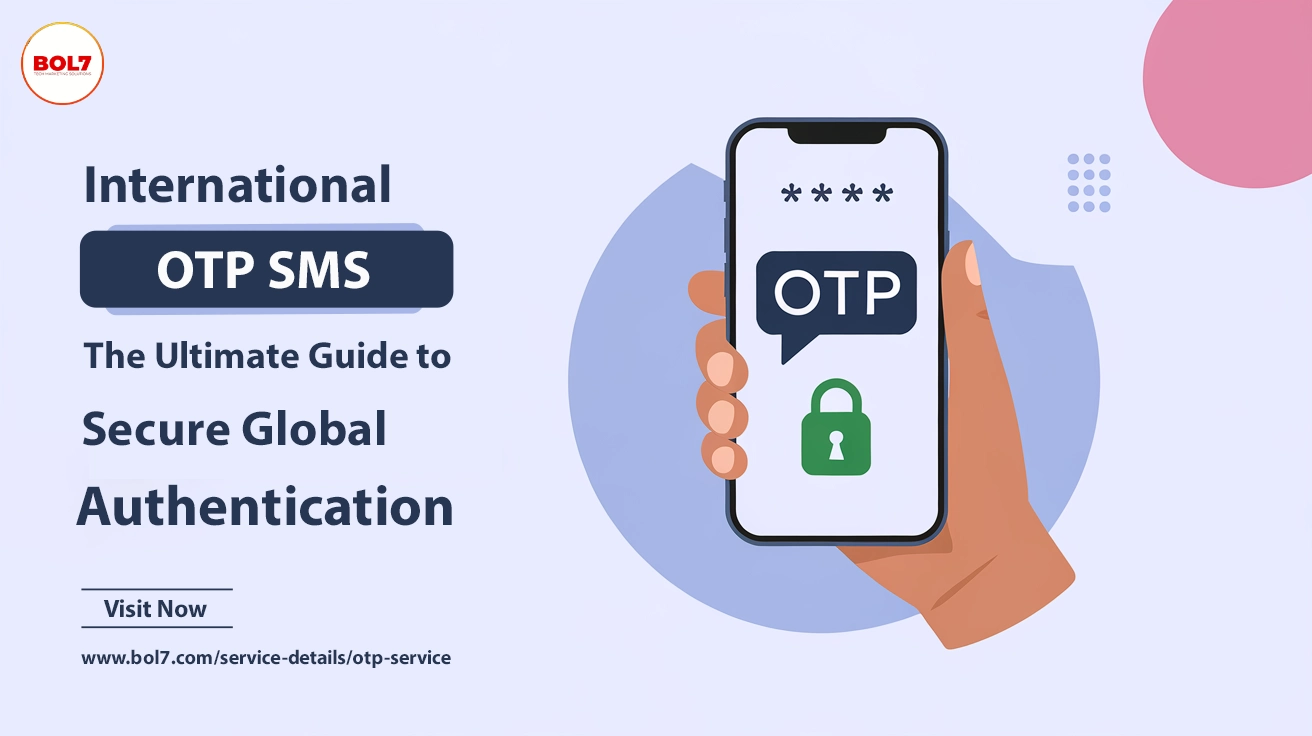
International OTP SMS – The Ultimate Guide to Secure Global Authentication
International OTP SMS ensures fast and secure global authentication for businesses. BOL7 Technologies provides instant OTP delivery, API & SMPP integration, and encrypted messaging for seamless verification across 190+ countries. Get reliable OTP services with real-time tracking and global reach tod
The Ultimate Guide: How to Recover a Lost Phone
Lost your phone? Learn how to track and recover it using IMEI, Google Account, or Find My Device. Get step-by-step tips to locate your mobile quickly.
How to Track a Phone Number: A Comprehensive Guide
Discover easy ways to track a phone number using built-in tools, third-party apps, and reverse lookup services. Learn how to do it safely and effectively.


Ready To Take Your SEO To The Next Level
Effective SEO strategies not only elevate a website's visibility but also drive targeted traffic, enhance user experience.
Get Started with WhatsApp Business API!
Need WhatsApp Business API service? Click here to connect with our best‑in‑class provider and start your integration now!
Buy Now


Get In Touch
 [email protected]
 +91 70650 40985
- live:hemant_136
 A-27J, Noida Sec 16, Gautam Buddha Nagar, Uttar Pradesh 201301
ⓒ 2024 BOL7 All Rights Reserved
