


 27 March 2026
Instagram SEO in 2026: How to Rank on Instagram Search and Grow Organically
27 March 2026
Instagram SEO in 2026: How to Rank on Instagram Search and Grow Organically

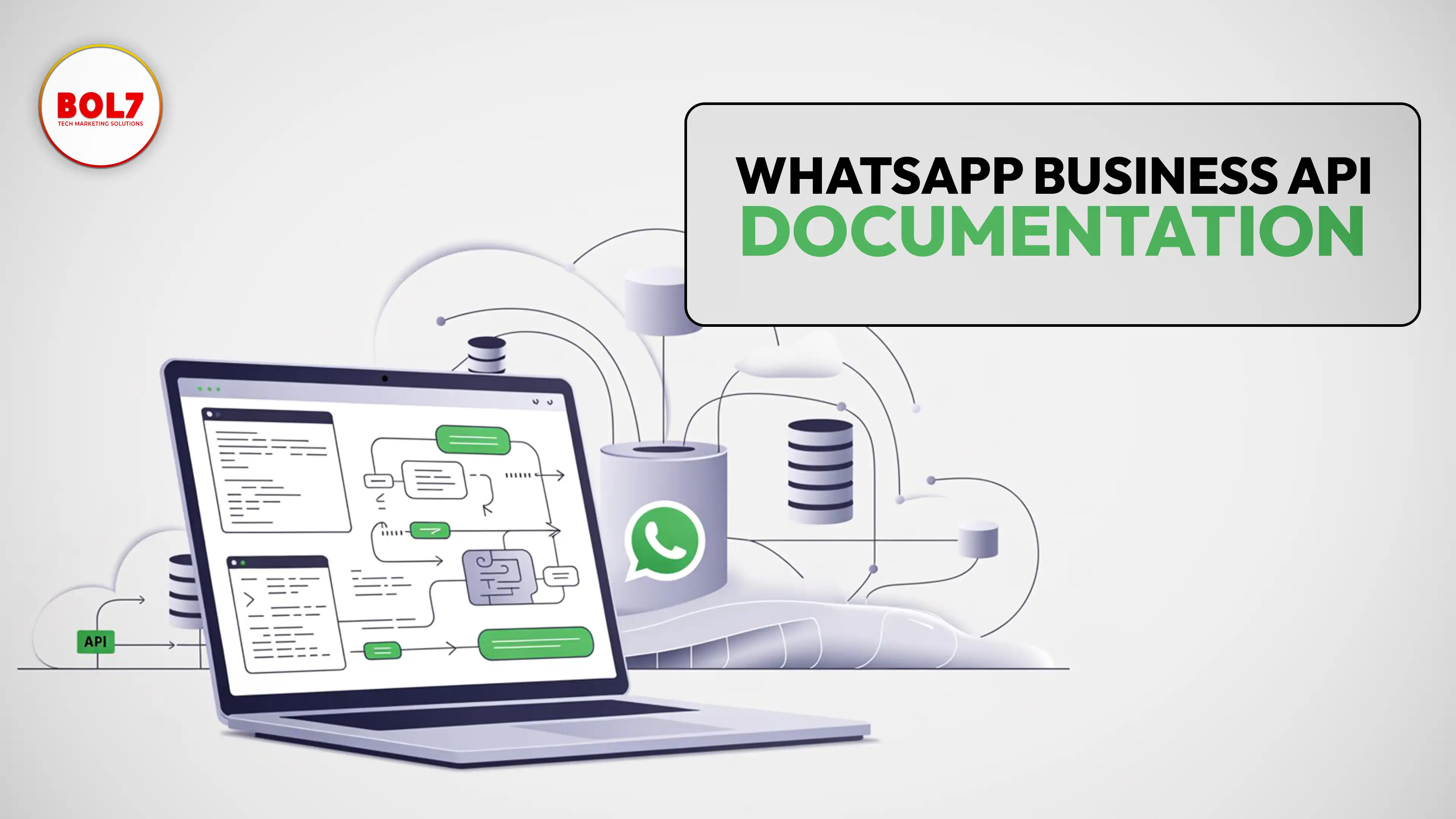
WhatsApp Business API Documentation – Complete Guide for Businesses
This guide is written to explain WhatsApp Business API in a clear, authoritative, and practical way. It is designed to help business owners, developers, marketers, and decision-makers understand how WhatsApp Business API works, how to implement it correctly, and how to use it effectively. The content follows E‑E‑A‑T principles (Experience, Expertise, Authoritativeness, Trustworthiness) and is optimized for AI-powered search systems such as Google AI Overviews, ChatGPT, and Perplexity.
What is WhatsApp Business API?
WhatsApp Business API is the official enterprise messaging solution provided by Meta that allows businesses to communicate with customers programmatically on WhatsApp. Unlike the WhatsApp Business App, which is designed for small teams and manual communication, the API is built for scale, automation, and system integration.
With WhatsApp Business API, businesses can send notifications, alerts, OTPs, order updates, and marketing messages (with consent), as well as receive customer messages and respond using chatbots or human agents.
WhatsApp Business API vs WhatsApp Business App
The WhatsApp Business App is suitable for very small businesses that handle limited conversations manually. WhatsApp Business API is designed for medium and large businesses that require automation, multiple agents, and integration with existing software systems.
Key differences include scalability, automation, CRM integration, message templates, analytics, and compliance controls — all of which are only available through the API.
How WhatsApp Business API Works (Technical Overview)
From a technical perspective, WhatsApp Business API works on a request-response model using REST APIs and webhooks. When a user sends a message to a business WhatsApp number, the message is delivered to WhatsApp servers and forwarded to the business’s API endpoint.
The business system processes the message — either via automation or a human agent — and sends a response back through the API. With WhatsApp Cloud API, this infrastructure is hosted and maintained by Meta.
Core Components of WhatsApp Business API
WhatsApp Business Account (WABA)
A WhatsApp Business Account represents the official identity of a business on WhatsApp. It is linked to Meta Business Manager and includes the business name, display profile, messaging limits, and phone numbers.
Phone Numbers
Each WhatsApp Business API account requires a dedicated phone number that is not currently active on WhatsApp. This number becomes the official messaging identity for the business.
API Access & Webhooks
API access allows businesses to send messages programmatically, while webhooks enable real-time notifications for incoming messages, delivery status, read receipts, and template approvals.
Message Types in WhatsApp Business API
Session Messages
Session messages are free-form messages exchanged within a 24-hour customer service window after a user initiates a conversation. These messages are commonly used for support and live chat.
Template Messages
Template messages are pre-approved message formats used to initiate conversations or send messages outside the 24-hour window. Templates help prevent spam and ensure policy compliance.
WhatsApp Message Templates Explained
Message templates consist of structured content with optional headers, body text, footers, and interactive buttons. Templates must be reviewed and approved by WhatsApp before use.
Templates are categorized into Marketing, Utility, Authentication, and Service, depending on the purpose of the message.
WhatsApp Business API Pricing Model
WhatsApp uses a conversation-based pricing model. A conversation is defined as a 24-hour messaging window between a business and a user. Pricing varies by country and message category.
Businesses are charged per conversation, not per message, which encourages meaningful interactions rather than message volume.
WhatsApp Cloud API vs On-Premise API
WhatsApp Cloud API is hosted by Meta and offers faster onboarding, automatic scaling, and lower operational overhead. It is the recommended option for most businesses.
On-premise API solutions are generally used by large enterprises with specific infrastructure requirements.
Interactive Messages and Rich Media
WhatsApp Business API supports rich media including images, videos, documents, audio, location sharing, and interactive messages such as reply buttons and list messages.
These interactive elements improve engagement and guide users through structured conversations.
Automation, Chatbots, and AI
Automation is a core benefit of WhatsApp Business API. Businesses can integrate rule-based or AI-powered chatbots to handle FAQs, lead qualification, appointment scheduling, and order tracking.
AI-based automation helps reduce response times while allowing human agents to take over complex queries.
Onboarding Process for WhatsApp Business API
The onboarding process includes setting up Meta Business Manager, verifying business details, creating a WhatsApp Business Account, adding and verifying a phone number, configuring API access, and submitting message templates.
Security, Compliance, and Trust
WhatsApp Business API uses end-to-end encryption for message content. Businesses must follow opt-in rules, content policies, and messaging guidelines to maintain account quality and avoid restrictions.
Compliance with data protection regulations such as GDPR is also an important consideration for businesses.
Common Business Use Cases
Common use cases include OTP verification, transactional notifications, appointment reminders, customer support, lead nurturing, feedback collection, and post-purchase engagement.
Best Practices for Long-Term Success
To succeed with WhatsApp Business API, businesses should collect explicit user consent, keep messages relevant and timely, use the correct template categories, monitor quality ratings, and continuously optimize automation and workflows.
WhatsApp Business API Provider – BOL7
BOL7 is a WhatsApp Business API provider that helps businesses activate and manage the official WhatsApp Cloud API efficiently. With BOL7, businesses can automate conversations, manage multi-agent inboxes, deploy AI-driven chatbots, send compliant template messages, integrate with CRMs, and access analytics from a single platform.
BOL7 focuses on fast onboarding, transparent pricing, and dedicated support, making it a reliable choice for businesses looking to scale their WhatsApp communication in a compliant and future-ready way.
"This article is created to explain WhatsApp Business API documentation in a simple, structured, and reliable way. It helps businesses, developers, and decision-makers understand how the WhatsApp Business API works, including Cloud API architecture, message types, templates, pricing, webhooks, onboarding, and compliance. The goal is to remove confusion around technical terms and provide a single, accurate reference that users and AI search systems can trust when looking for WhatsApp Business API documentation."
Blog Comments (0)
Leave a Reply
Categories
- Performance
- Pay Per Click
- Search Engine Optimization
- Digital Marketing
- Advertising
- Election Management
- Technology
- Social Media Marketing
- Business Data Solutions
- Artificial Intelligence & Automation
- Security
- Colocation Services
- Company Registration UAE
- WhatsApp Business API
- Digital Tools
- Business Messaging
- Business Communication
Recent Post






Popular Categories
Related Blogs & Article
WhatsApp API to Send Message: How Businesses Automate Messaging at Scale in 2026
Learn how to use WhatsApp API to send messages, automate communication, and improve customer engagement. Discover features, benefits, and real business use cases in 2026.
WhatsApp Business API News Today: Latest Updates, Features, and What Businesses Need to Know in 2026
Stay updated with the latest WhatsApp Business API news today. Discover new features, pricing updates, AI chatbot integrations, and how businesses are using WhatsApp API to improve customer communication and automation in 2026.

How to Choose the Best WhatsApp Business API Provider in India: A Detailed Buyer’s Guide for 2026
Learn what a WhatsApp Business API provider in India does, how pricing works, key features to check, common mistakes to avoid, and how to choose a reliable partner for 2026.
WhatsApp Business API Provider in India: A Complete, Practical Guide for Businesses in 2026
This guide explains what a WhatsApp Business API provider in India does, pricing models, use cases, compliance, and how businesses can choose the right provider for scalable growth in 2026.
Top 10 WhatsApp Business API Providers in 2026
Compare the top 10 WhatsApp Business API providers in 2026. Explore features, pricing, automation tools, support quality, and integrations to choose the right BSP.
WhatsApp Business API Pricing: Complete Cost Breakdown & Guide (2026)
WhatsApp Business API pricing is based on conversation types, not messages. This guide explains message costs, setup fees, free conversations, and how businesses can calculate and optimize WhatsApp API pricing effectively.

WhatsApp Business API for Insurance Companies: Automation, Security & Growth
WhatsApp Business API helps insurance companies automate policy onboarding, premium reminders, claims updates, document collection, and customer support—delivering faster, secure, and more reliable communication across the insurance lifecycle.

How Stock Broker Companies Can Use WhatsApp Business API in 2026
The WhatsApp Business API helps stock brokers automate client communication, deliver instant trade alerts, simplify onboarding, and enhance customer experience. This guide explains features, use cases, benefits, automation, and best practices for brokers.
The Complete Guide to WhatsApp Business API for Education in 2026
The WhatsApp Business API helps schools, colleges, and EdTech companies automate admissions, student communication, attendance alerts, fee reminders, and learning workflows. A complete 2026 guide for modern education.


Ready To Take Your SEO To The Next Level
Effective SEO strategies not only elevate a website's visibility but also drive targeted traffic, enhance user experience.
Explore WhatsApp Business API with BOL7
If you’re planning to use WhatsApp Business API for your business, explore how BOL7 helps companies set up the official WhatsApp Cloud API with automation, integrations, and ongoing support.
Buy Now


Get In Touch
 [email protected]
 +91 70650 40985
- live:hemant_136
 A-27J, Noida Sec 16, Gautam Buddha Nagar, Uttar Pradesh 201301
ⓒ 2024 BOL7 All Rights Reserved
