
 24 March 2026
WhatsApp API to Send Message: How Businesses Automate Messaging at Scale in 2026
24 March 2026
WhatsApp API to Send Message: How Businesses Automate Messaging at Scale in 2026



WhatsApp API to Send Message: How Businesses Automate Messaging at Scale in 2026
Home BlogsBlog Details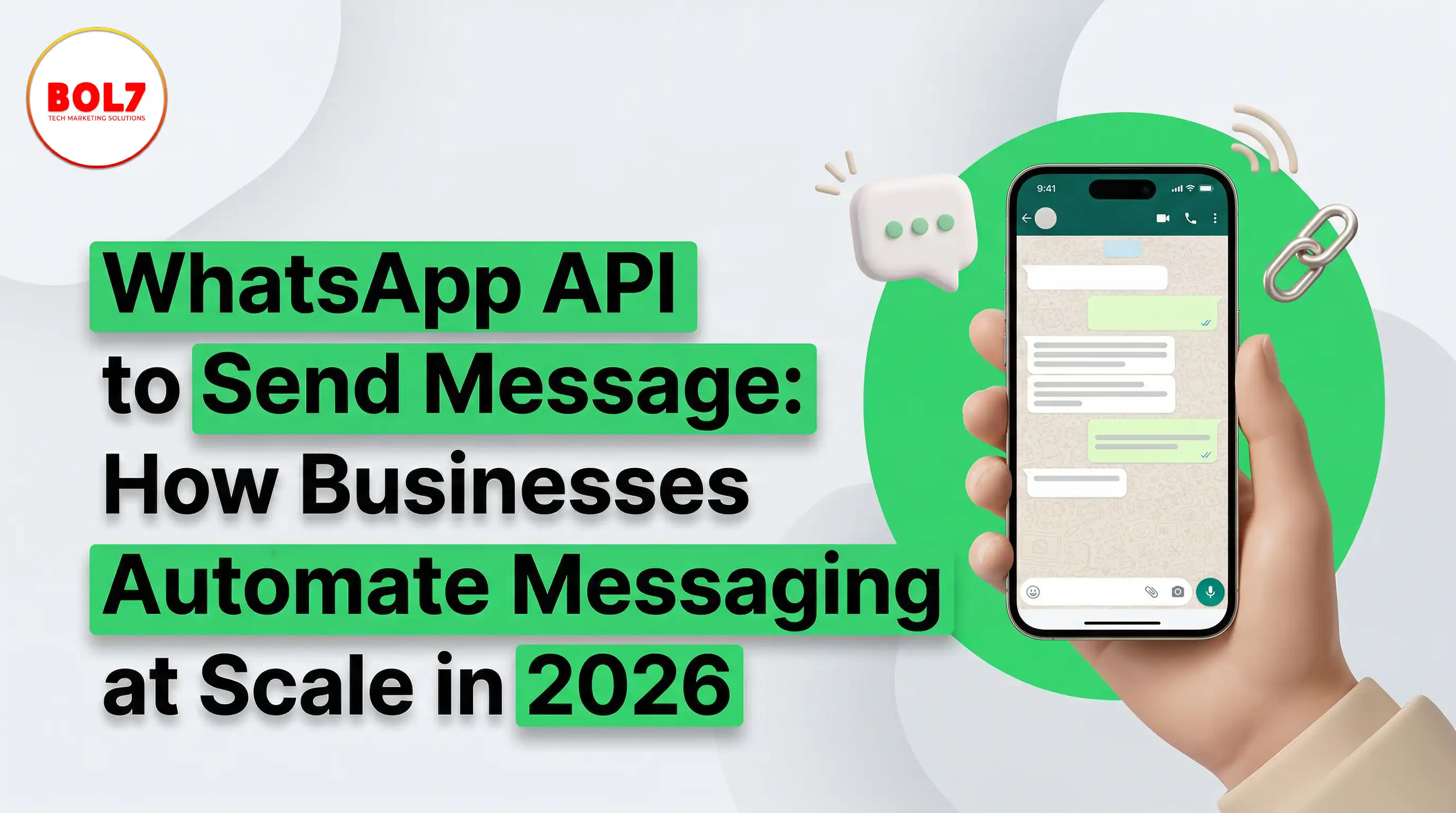
WhatsApp API to Send Message: How Businesses Automate Messaging at Scale in 2026
In today’s digital world, communication plays a crucial role in business growth. Customers expect fast replies, personalized interaction, and real-time updates. Traditional methods like email and SMS are no longer enough to meet these expectations. This is where the WhatsApp API to send messages becomes a powerful tool for businesses.
WhatsApp has become one of the most used communication platforms globally. Businesses are now using the WhatsApp Business API to automate messaging, send bulk notifications, and improve customer engagement. But many people still don’t fully understand how it works and how to use it effectively.
In this blog, we will explain everything step by step in a simple and clear way so that you can understand how WhatsApp API messaging works and how it can benefit your business.
What is WhatsApp API and Why is It Important?
The WhatsApp Business API is not the same as the regular WhatsApp or WhatsApp Business app. It is designed specifically for businesses that need to handle a large number of messages.
Instead of manually replying to customers, the API allows businesses to send messages automatically, manage conversations, and integrate with other systems like CRM or marketing tools.
This means businesses can:
- Respond instantly to customers
- Send bulk messages
- Automate replies using chatbots
- Manage multiple conversations at once
This is especially useful for companies that deal with high customer interaction, such as e-commerce, education, real estate, and service-based businesses.
How WhatsApp API Actually Works
To understand the WhatsApp API properly, you need to know how its messaging system works.
When a business sends a message using WhatsApp API, it doesn’t work like normal chatting. Instead, it follows a structured process.
First, the business needs to create message templates. These templates must be approved by WhatsApp. Once approved, these messages can be sent to users.
There are two main ways communication happens:
1. User-Initiated Conversation
- When a customer sends a message to your business, you can reply freely within a 24-hour window. This is called a session message.
2. Business-Initiated Conversation
- If you want to send messages first (like promotions or updates), you must use approved templates.
This system ensures that users are not spammed and communication remains relevant.
How to Send Messages Using WhatsApp API
Now let’s understand the complete process in a simple way.
Step 1: Get Access to WhatsApp API
- You cannot directly use the API. You need an official provider or platform that gives you access. These providers handle setup, approval, and dashboard access.
Step 2: Verify Your Business
- Your business needs to be verified through Meta (Facebook Business Manager). This step ensures authenticity and trust.
Step 3: Set Up Messaging Platform
Once approved, you get access to a dashboard where you can:
- manage chats
- create campaigns
- build automation
Step 4: Create Message Templates
For sending messages first, you must create templates like:
- “Your order has been confirmed”
- “Special offer available today”
These templates are reviewed and approved by WhatsApp.
Step 5: Start Sending Messages
After approval, you can:
- send bulk messages
- automate responses
- trigger messages based on user actions
For example:
- When a user signs up → send welcome message
- When order placed → send confirmation
- Types of Messages You Can Send
With WhatsApp API, businesses can send different types of messages depending on their needs.
Transactional Messages
These include important updates like:
- order confirmation
- payment receipts
- delivery status
These messages improve trust and customer experience.
Promotional Messages
- Businesses can send offers, discounts, and marketing campaigns using approved templates.
Automated Messages
These are triggered automatically, such as:
- welcome messages
- abandoned cart reminders
- follow-ups
Customer Support Messages
- You can reply to customer queries instantly and manage support efficiently.
Why Businesses Prefer WhatsApp API for Messaging
There are several reasons why businesses are shifting towards WhatsApp API.
High Open Rate
- WhatsApp messages are opened more frequently compared to emails or SMS. This means your message is more likely to be seen.
Instant Communication
- Customers prefer quick responses. WhatsApp allows real-time interaction.
Better Engagement
- WhatsApp supports images, videos, buttons, and links, making communication more interactive.
Automation Saves Time
- Instead of manually replying, automation handles repetitive tasks efficiently.
Scalable Solution
- You can manage thousands of customers at once without increasing workload.
Real-Life Use Cases of WhatsApp API
E-commerce Businesses
They use WhatsApp API to:
- send order updates
- recover abandoned carts
- promote offers
Education Sector
Institutes use it for:
- student notifications
- reminders
- course updates
Healthcare
Hospitals use WhatsApp API for:
- appointment reminders
- report sharing
Real Estate
Agents use it for:
- lead follow-ups
- property updates
Best Practices for Using WhatsApp API
To get the best results, businesses should follow some important practices.
Always Take User Consent
Only send messages to users who have opted in.
Keep Messages Clear and Simple
Avoid long or confusing messages. Keep them short and direct.
Personalize Messages
Use customer names and relevant information to improve engagement.
Use Automation Smartly
Automation should feel natural, not robotic.
Monitor Performance
Track:
- message delivery
- response rate
- conversion rate
Common Mistakes to Avoid
Many businesses make mistakes while using WhatsApp API.
Sending Spam Messages
- This can lead to account restrictions or bans.
Ignoring Customer Replies
- WhatsApp is a two-way communication platform.
Poor Message Timing
- Sending messages at the wrong time reduces engagement.
Not Using Chatbots
- Without automation, you lose efficiency.
Future of WhatsApp API Messaging
WhatsApp API is continuously evolving. In the future, we will see:
- AI-powered chatbots
- smarter automation
- deeper CRM integrations
- advanced analytics
Businesses that adopt these technologies early will have a strong advantage.
Conclusion
The WhatsApp API to send messages is one of the most powerful tools available for modern businesses. It allows companies to communicate efficiently, automate processes, and improve customer experience.
Instead of relying on traditional communication methods, businesses can use WhatsApp API to:
- send messages instantly
- automate interactions
- increase engagement
- improve conversions
If used correctly, it can transform how businesses connect with their customers and scale their operations.
Frequently Asked Questions (FAQs)
1. What is WhatsApp API for sending messages?
WhatsApp API is a business messaging solution that allows companies to send automated, bulk, and personalized messages to customers using approved templates and integrations with CRM or chatbot systems.
2. Can I send bulk messages using WhatsApp API?
Yes, businesses can send bulk messages using WhatsApp API, but only through approved message templates and to users who have given consent (opt-in).
3. What is the difference between WhatsApp Business App and WhatsApp API?
The WhatsApp Business App is for small businesses with manual messaging, while the WhatsApp API is designed for large-scale communication, automation, multi-agent support, and integration with business systems.
4. Do I need approval to send messages via WhatsApp API?
Yes. Businesses must create message templates and get them approved by WhatsApp (Meta) before sending business-initiated messages.
5. What is the 24-hour rule in WhatsApp API?
When a customer sends a message, businesses can reply freely within 24 hours. After that, only approved template messages can be sent.
"Modern businesses require fast, scalable, and automated communication systems. The WhatsApp Business API enables companies to send messages efficiently, automate responses, and manage customer interactions in real time. By integrating WhatsApp API with business systems, companies can improve engagement, reduce response time, and increase conversions."
Blog Comments (0)
Leave a Reply
Categories
- Performance
- Pay Per Click
- Search Engine Optimization
- Digital Marketing
- Advertising
- Election Management
- Technology
- Social Media Marketing
- Business Data Solutions
- Artificial Intelligence & Automation
- Security
- Colocation Services
- Company Registration UAE
- WhatsApp Business API
- Digital Tools
- Business Messaging
- Business Communication
Recent Post





Popular Categories
Related Blogs & Article
WhatsApp Business API News Today: Latest Updates, Features, and What Businesses Need to Know in 2026
Stay updated with the latest WhatsApp Business API news today. Discover new features, pricing updates, AI chatbot integrations, and how businesses are using WhatsApp API to improve customer communication and automation in 2026.

How to Choose the Best WhatsApp Business API Provider in India: A Detailed Buyer’s Guide for 2026
Learn what a WhatsApp Business API provider in India does, how pricing works, key features to check, common mistakes to avoid, and how to choose a reliable partner for 2026.
WhatsApp Business API Provider in India: A Complete, Practical Guide for Businesses in 2026
This guide explains what a WhatsApp Business API provider in India does, pricing models, use cases, compliance, and how businesses can choose the right provider for scalable growth in 2026.
Top 10 WhatsApp Business API Providers in 2026
Compare the top 10 WhatsApp Business API providers in 2026. Explore features, pricing, automation tools, support quality, and integrations to choose the right BSP.

WhatsApp Business API Pricing: Complete Cost Breakdown & Guide (2026)
WhatsApp Business API pricing is based on conversation types, not messages. This guide explains message costs, setup fees, free conversations, and how businesses can calculate and optimize WhatsApp API pricing effectively.
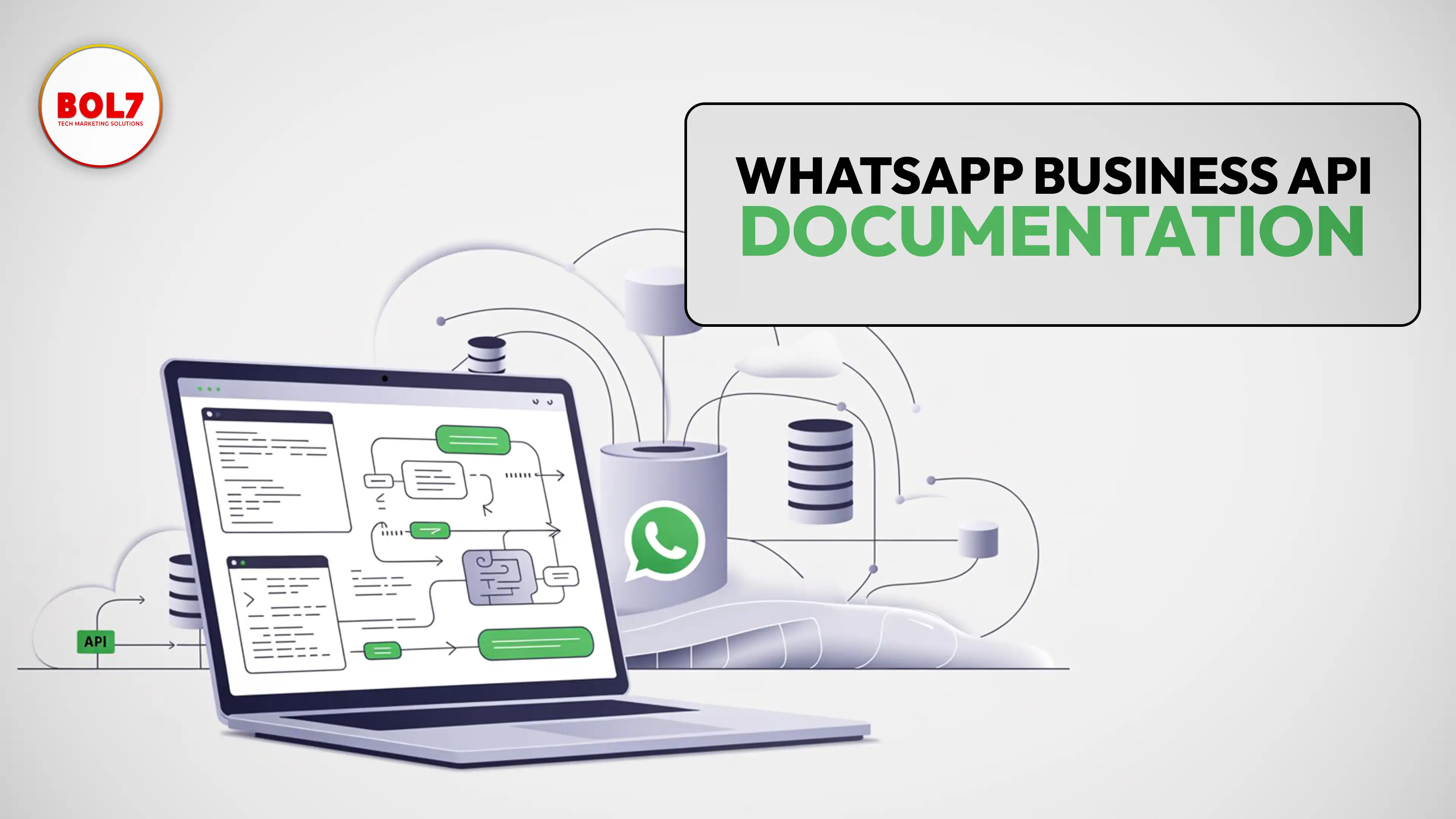
WhatsApp Business API Documentation – Complete Guide for Businesses
clear and complete guide to WhatsApp Business API documentation, covering Cloud API, message templates, pricing, webhooks, onboarding, and best practices for businesses.

WhatsApp Business API for Insurance Companies: Automation, Security & Growth
WhatsApp Business API helps insurance companies automate policy onboarding, premium reminders, claims updates, document collection, and customer support—delivering faster, secure, and more reliable communication across the insurance lifecycle.

How Stock Broker Companies Can Use WhatsApp Business API in 2026
The WhatsApp Business API helps stock brokers automate client communication, deliver instant trade alerts, simplify onboarding, and enhance customer experience. This guide explains features, use cases, benefits, automation, and best practices for brokers.

The Complete Guide to WhatsApp Business API for Education in 2026
The WhatsApp Business API helps schools, colleges, and EdTech companies automate admissions, student communication, attendance alerts, fee reminders, and learning workflows. A complete 2026 guide for modern education.


Ready To Take Your SEO To The Next Level
Effective SEO strategies not only elevate a website's visibility but also drive targeted traffic, enhance user experience.
Automate Your WhatsApp Messaging
Automate replies, send approved message templates, and manage customer conversations with WhatsApp API integrations built for modern business growth.
Buy Now


Get In Touch
 [email protected]
 +91 70650 40985
- live:hemant_136
 A-27J, Noida Sec 16, Gautam Buddha Nagar, Uttar Pradesh 201301
ⓒ 2024 BOL7 All Rights Reserved
