


 06 March 2026
WhatsApp Business API News Today: Latest Updates, Features, and What Businesses Need to Know in 2026
06 March 2026
WhatsApp Business API News Today: Latest Updates, Features, and What Businesses Need to Know in 2026

SMPP to WhatsApp: Complete Guide to Modern Business Messaging
For years, SMPP-based A2P SMS has been the backbone of business messaging. Banks, e-commerce brands, OTT apps and enterprises use SMPP (Short Message Peer-to-Peer) to send millions of OTPs, alerts and promotional SMS every day. SMPP is an open, telecom industry protocol designed for high-volume, high-speed SMS delivery between SMSCs and external applications.
But user behavior has shifted.
Most customers now prefer chatting on WhatsApp instead of opening traditional SMS, especially for ongoing conversations with brands. That’s why businesses are actively exploring SMPP to WhatsApp integration – not to kill SMS completely, but to add WhatsApp as a richer, more engaging channel on top of their existing SMPP infrastructure.
This guide explains:
- What SMPP is and why it still matters
- Why WhatsApp Business API is changing A2P messaging
- How to integrate SMPP and WhatsApp together
- A practical SMPP to WhatsApp migration plan
- Best practices to improve engagement and compliance
What is SMPP?
SMPP (Short Message Peer-to-Peer) is an industry-standard protocol that allows applications (like SMS gateways, CPaaS platforms and enterprise systems) to send and receive SMS through SMSCs (Short Message Service Centers) and other routing entities.
Businesses use SMPP for:
- OTP and two-factor authentication
- Banking & transaction alerts
- Order and delivery updates
- Bulk promotional SMS campaigns
- System alerts and service notifications
Why SMPP is popular:
- Handles high TPS (transactions per second) and bulk traffic
- Offers low latency, ideal for OTPs
- Works across operators and countries
- Widely supported by SMS aggregators and CPaaS platforms
The limitation is not SMPP itself, but SMS as the end-user channel: plain text, limited interactivity, and lower engagement in a world dominated by chat apps.
Why businesses are moving from SMPP SMS to WhatsApp
1. Customers live inside WhatsApp
WhatsApp has billions of active users across more than 180 countries. For many people, it is the default messaging app—used more frequently than their SMS inbox.
If you send a critical update only via SMS, there’s a good chance it gets ignored or buried among promotional texts.
2. Rich, interactive and branded messaging
On WhatsApp Business API you can send:
- Text + emojis
- Images, videos, audio messages, PDFs
- Buttons (Quick Reply, Call-to-Action), lists, and structured messages
This transforms a simple text alert into an interactive experience. For example:
- “Your order #1234 is shipped”
- Button: Track Order
- “Your bill is due”
- Button: Pay Now
Compared to basic SMPP/SMS, WhatsApp delivers better UX and higher conversion.
3. Verified business identity and trust
WhatsApp Business shows:
- Verified business name instead of random numeric sender
- Logo, category, website and description
- End-to-end encrypted conversations
This builds trust and brand recall far more than generic SMS headers.
4. Conversation-based, two-way messaging
SMPP-based SMS is mostly one-way: brand → user. WhatsApp is built for two-way conversations:
- Chatbots for FAQs, order status, booking, account info
- Seamless handover to human agents
- Conversation history that both sides can see
This turns messaging from a “notification channel” into a full customer engagement channel.
How WhatsApp Business API works (in short)
To use WhatsApp at scale, you integrate via the WhatsApp Business API, usually through a Business Solution Provider (BSP) / CPaaS platform.
A key concept here is message templates.
WhatsApp template categories
WhatsApp templates are grouped into three main categories:
- Marketing – Offers, deals, recommendations, new launches
- Utility – Transactional notifications like order status, reminders, invoices
- Authentication – OTP and login / verification messages
Using the correct category impacts:
- Approval chances
- Pricing per conversation
- Compliance with WhatsApp policies
This is important when you move OTPs, alerts and campaigns from SMPP to WhatsApp.
SMPP to WhatsApp Integration Options
You do not have to scrap your SMPP gateway. The most effective strategy is to combine SMPP and WhatsApp in an omnichannel setup.
1. Omnichannel CPaaS with SMPP + WhatsApp
In this model you plug your systems into a CPaaS / messaging platform that supports:
- SMPP for A2P SMS
- WhatsApp Business API
- Optionally RCS, email, Viber, Telegram, voice, etc.
Benefits:
- Single platform for both SMS and WhatsApp
- Unified reporting, analytics and routing
- Easier management of templates, opt-ins and automation
This is ideal for SMS aggregators, CPaaS providers and enterprises that already rely heavily on SMPP.
2. Direct migration for selected use cases
You can also migrate specific use cases from SMS to WhatsApp, such as:
- OTP → WhatsApp Authentication templates
- Order/shipping updates → Utility templates with “Track Order” button
- Offers and campaigns → Marketing templates with images and CTAs
Here, SMPP SMS remains as a fallback channel, but WhatsApp becomes the primary touchpoint wherever possible.
Step-by-step SMPP to WhatsApp Migration Plan
Step 1: Audit your current SMPP traffic
List all your current SMS use cases:
- Login & OTP messages
- Banking or wallet notifications
- Orders, deliveries, refunds
- App install / referral campaigns
- Reminders and renewals
Tag them as Critical / Important / Promotional. This helps you decide:
- What to move to WhatsApp first
- Where SMS must stay as a backup channel
Step 2: Choose the right WhatsApp integration partner
You’ll need:
- WhatsApp Business Account (WABA)
- One or more WhatsApp-enabled phone numbers
- A BSP or CPaaS provider that supports both SMPP and WhatsApp
Evaluate providers on:
- Template management and analytics
- Ability to route traffic across SMS + WhatsApp
- Support for automation, chatbots and CRM integration
Step 3: Design WhatsApp templates from your existing SMS
Convert your high-volume SMPP messages into WhatsApp templates:
- Authentication (OTP)
- Short message, dynamic code & expiry, brand name
- Utility (alerts, invoices, updates)
- Clear transaction details, links, buttons
- Marketing (offers, campaigns)
- Strong hook, media (banners/products), “Shop Now” / “Claim Offer” button
Submit templates to your BSP for approval under the correct Marketing / Utility / Authentication category.
Step 4: Build WhatsApp-first, SMPP-fallback routing
A good SMPP to WhatsApp integration strategy looks like this:
- Check if the customer has opted in to WhatsApp and is active.
- If yes →
- Send the message using a WhatsApp template.
- If delivery fails, or user is not reachable on WhatsApp →
- Automatically fallback to SMS via SMPP.
Result:
- Better engagement & conversions from WhatsApp
- Reliable reach and redundancy through SMS
Step 5: Pilot, measure and scale
Start with:
- One or two countries or customer segments
- Limited use cases (for example: OTP + order updates)
Measure:
- Delivery rate & read rate on WhatsApp vs SMS
- Click-through on buttons vs plain links in SMS
- Response time and CSAT for support journeys
- Overall messaging cost per successful action
Once you see a clear improvement, expand the approach to more journeys and geographies.
Best Practices for SMPP to WhatsApp Migration
-
Get clear WhatsApp opt-in
- Use website, app, SMS, IVR, or in-store flows
- Clearly tell users they’ll receive updates and offers on WhatsApp
-
Unify customer identity
- Map one customer ID to both mobile number and WhatsApp profile
- Keep a single view of customer interactions across SMS, WhatsApp, email
-
Leverage chatbots + live agents
- Use WhatsApp chatbots for FAQs and routine queries
- Route complex issues to human agents via the same interface
-
Avoid spamming across channels
- Don’t send the exact same message on SMS and WhatsApp at the same time
- Use rules to decide which channel is primary per customer
-
Monitor performance continuously
- Track engagement and cost per conversation
- Tune your routing rules and template strategy regularly
Final Thoughts
Moving from SMPP-only SMS to a SMPP + WhatsApp Business strategy is not just a technology upgrade – it’s a customer experience upgrade. SMPP will continue to play an important role for universal SMS reach, especially for critical alerts and fallback, but WhatsApp is where real, interactive and two-way conversations now happen.
By integrating SMPP to WhatsApp, businesses can keep the reliability and scale of their existing SMS gateway while unlocking richer, branded and more engaging journeys on WhatsApp. The smartest approach is WhatsApp-first with SMPP as backup: use WhatsApp for primary communication wherever customers are active, and let SMS ensure nothing important is missed.
If you carefully audit your current A2P SMS use cases, design the right WhatsApp templates, implement WhatsApp-first, SMS-fallback routing, and track performance, you can gradually transform a basic notification channel into a powerful omnichannel messaging platform that improves engagement, conversions and customer satisfaction.
"Shifting from SMPP-only SMS to a combined SMPP + WhatsApp strategy turns basic notifications into rich, two-way conversations. WhatsApp boosts engagement with interactive, branded messages, while SMPP ensures universal reach and reliable fallback. Together, they create a modern, omnichannel messaging stack that increases customer satisfaction, trust and conversions."
Blog Comments (0)
Leave a Reply
Categories
- Performance
- Pay Per Click
- Search Engine Optimization
- Digital Marketing
- Advertising
- Election Management
- Technology
- Social Media Marketing
- Business Data Solutions
- Artificial Intelligence & Automation
- Security
- Colocation Services
- Company Registration UAE
- WhatsApp Business API
- Digital Tools
- Business Messaging
- Business Communication
Recent Post


Popular Categories
Related Blogs & Article
Top RCS Providers in India: Best RCS Messaging & Business Messaging Software (2026)
Explore RCS providers in India, RCS availability and coverage, RBM APIs, pricing factors, enterprise use cases, and how to choose the best RCS service provider for 2026 campaigns.
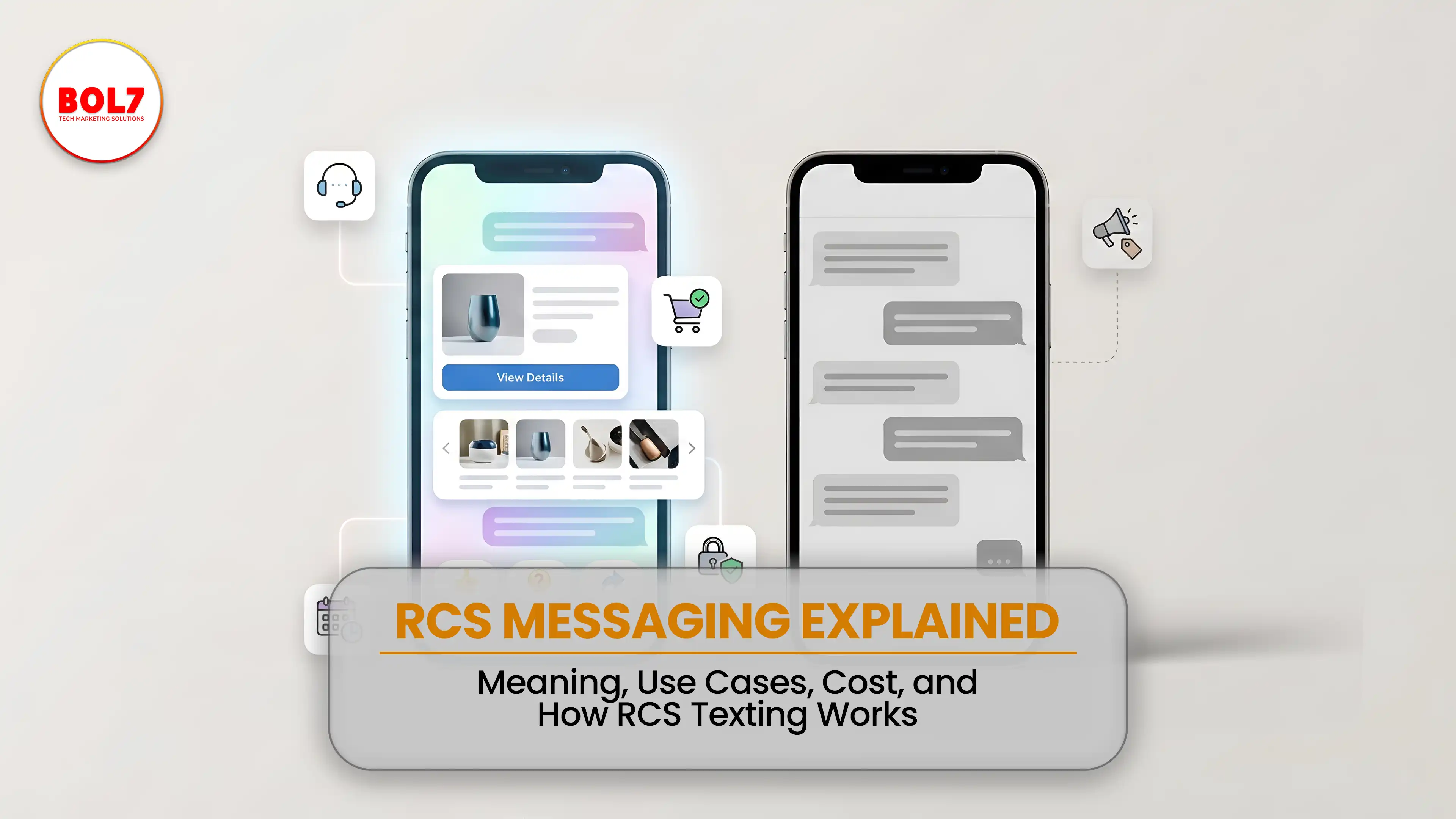
RCS Messaging Explained: Meaning, Use Cases, Cost & How RCS Texting Works
Learn what RCS messaging is, how it works, key features, business use cases, benefits, and costs. A complete guide to RCS texting for modern customer communication.
Bulk SMS Service Provider: The Complete Business Communication Guide (2026)
A complete guide to bulk SMS services, pricing, DLT compliance, use cases, benefits, and how businesses use bulk SMS for marketing, alerts, and customer engagement.
RCS Messaging for Small Businesses: A Complete Growth Guide
RCS messaging for small businesses helps upgrade SMS into rich, interactive communication. Learn how RCS improves engagement, builds trust, supports branding, and drives better customer interactions without app downloads.
RCS Messaging Services Provider in India: Complete Business Guide (2026)
RCS Messaging Services Providers in India help businesses deliver rich, interactive, and branded messages directly to mobile inboxes. This guide explains RCS features, use cases, benefits, pricing, and how businesses can get started in 2026.
What Is RCS Messaging? The Ultimate Guide for Businesses in 2026
A complete guide to RCS Messaging in 2026—explaining features, benefits, pricing, business use cases, RBM, and how RCS is transforming SMS into a rich, app-like messaging experience.
What Is RCS Messaging? (2026 Complete Guide to Rich Communication Services)
RCS messaging is the next-generation alternative to SMS that enables rich media, verified sender profiles, buttons, and interactive communication inside the default messaging app. Learn what RCS messaging is, how it works, and how businesses can use RCS Business Messaging in 2026.


Ready To Take Your SEO To The Next Level
Effective SEO strategies not only elevate a website's visibility but also drive targeted traffic, enhance user experience.
Get Started with WhatsApp Business API Today!
Need WhatsApp Business API service? Click here to connect with our best‑in‑class provider and start your integration now!
Buy Now


Get In Touch
 [email protected]
 +91 70650 40985
- live:hemant_136
 A-27J, Noida Sec 16, Gautam Buddha Nagar, Uttar Pradesh 201301
ⓒ 2024 BOL7 All Rights Reserved
