
 09 April 2026
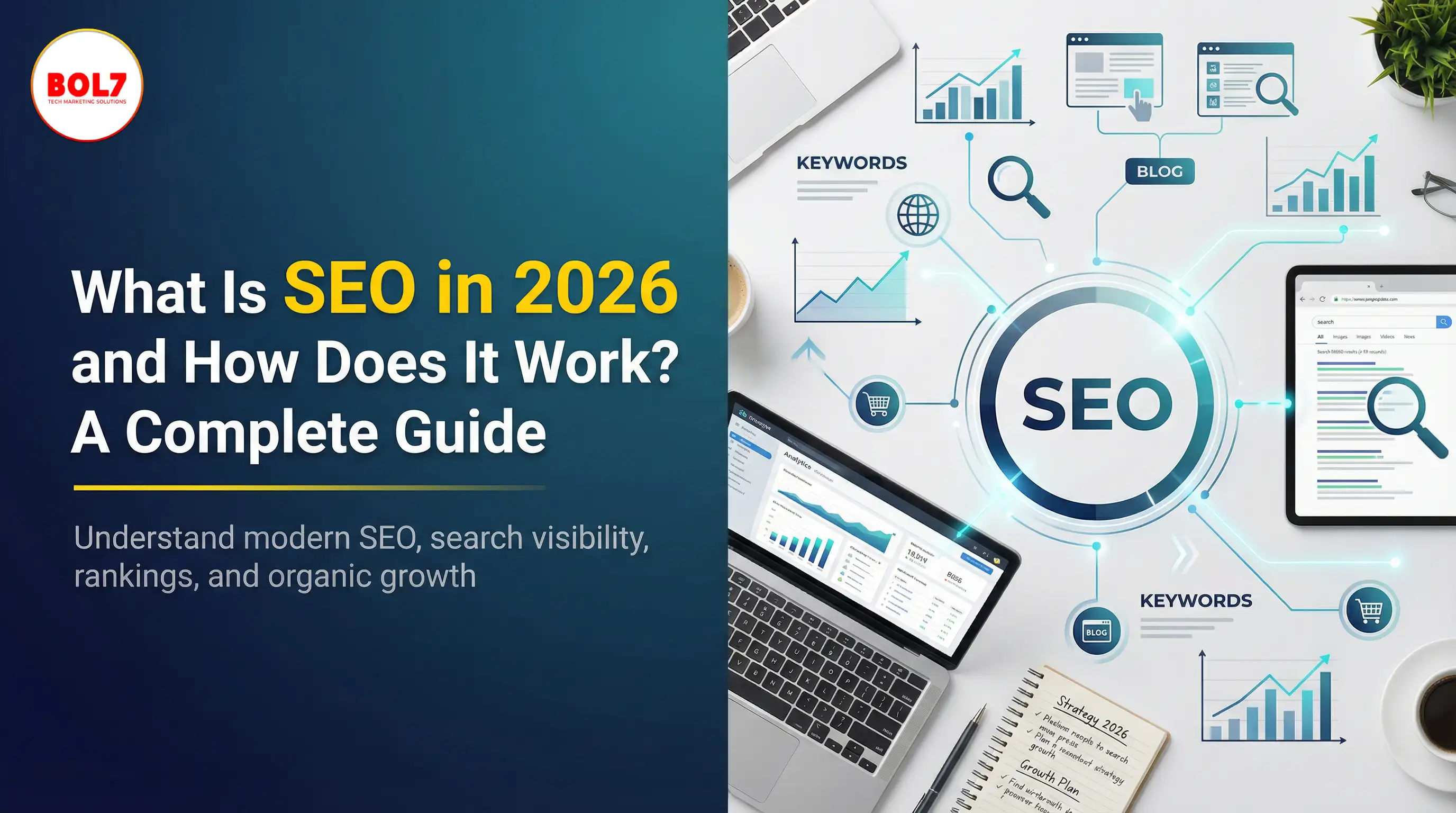
What Is SEO in 2026 and How Does It Work? A Complete Guide
09 April 2026
What Is SEO in 2026 and How Does It Work? A Complete Guide



How to Get Traffic on Pinterest: Proven Strategies to Grow Views, Clicks & Website Visits
Home BlogsBlog Details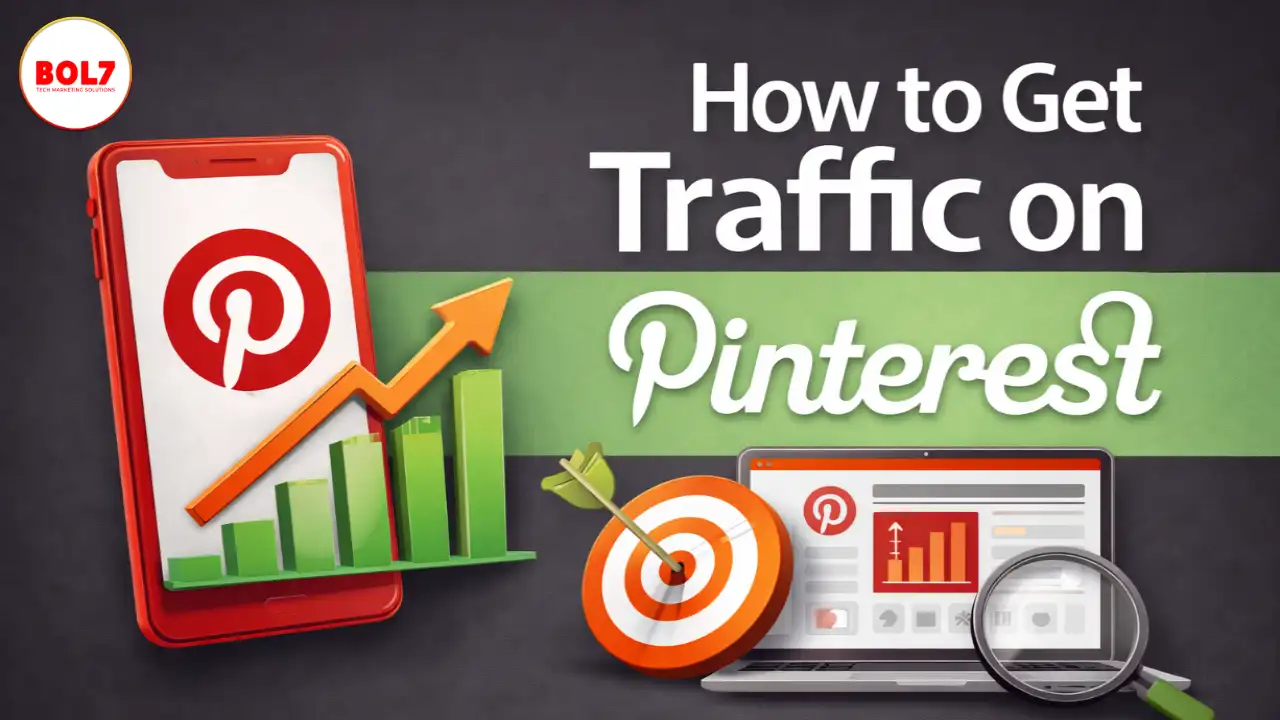
How to Get Traffic on Pinterest: Proven Strategies to Grow Views, Clicks & Website Visits
Pinterest is not just a social media platform—it’s a visual search engine. Unlike Instagram or Facebook, content on Pinterest doesn’t disappear after 24 hours. A single pin can drive traffic to your website for months or even years if it is properly optimized.
If you’re wondering how to get traffic on Pinterest, the answer lies in Pinterest SEO, consistent pinning, keyword targeting, and creating high-quality pins that match user intent.
In this blog, you’ll learn the best strategies to increase Pinterest traffic, drive clicks to your website, and build a sustainable content system that continues generating results.
Why Pinterest Is Powerful for Traffic Growth
Pinterest is unique because:
- Users are actively searching for ideas, products, and solutions
- Content has long-term visibility
- Pins rank on both Pinterest and Google
- It can send high-intent traffic to blogs, ecommerce stores, and service pages
Pinterest users usually come with a “buying” or “planning” mindset. That makes Pinterest one of the best platforms for businesses, bloggers, and creators who want consistent website traffic.
How Pinterest Traffic Works (Simple Explanation)
Pinterest traffic is driven by:
- Pinterest SEO (keywords + search ranking)
- Pin quality and relevance
- Fresh and consistent pinning
- Click-worthy design
- Content that matches the search intent
If your pin appears for the right keyword and looks attractive, Pinterest will push it to more people through search and recommendations.
How to Get Traffic on Pinterest: Step-by-Step Strategy
1. Optimize Your Pinterest Profile for SEO
Your Pinterest profile should clearly tell Pinterest what your account is about.
Update these areas:
Profile Name
Include your main niche keyword.
Example: “Bol7 Marketing | WhatsApp API & Business Growth”
Bio
Use 2–3 keywords in your bio.
Example: “Helping businesses grow with WhatsApp API, automation, lead generation, and digital marketing strategies.”
Website Claiming
Claim your website so Pinterest can track your content and improve distribution.
This improves your reach and gives access to analytics.
2. Choose a Clear Niche (Pinterest Rewards Focus)
Pinterest accounts grow faster when they focus on one niche or category.
Pinterest needs to understand:
- What your content is about
- Who it is for
- What keywords it should rank for
Examples of high-performing niches:
- Digital marketing
- Business growth
- E - commerce
- Recipes
- Home Decor
- Fashion
- Real Estate
- Education
- Health and wellness
If your pins are too random, Pinterest will struggle to recommend your content correctly.
3. Do Pinterest Keyword Research Before Creating Pins
Pinterest works like Google—keywords matter.
Search for your main keyword inside Pinterest search bar and look at:
- Autosuggestions
- Related keywords
- Popular pin titles
- Boards ranking on top
Example keyword:
“How to get traffic on Pinterest”
Related keyword suggestions may include:
- Pinterest traffic strategy
- Increase Pinterest views
- Pinterest SEO tips
- Pinterest marketing for beginners
- Pinterest content strategy
- Pinterest pin design tips
Use those keywords naturally in:
- Pin title
- Pin description
- Board title
- Board description
4. Create Click-Worthy Pin Designs (Design = Traffic)
Pinterest is visual first. If your design doesn’t stand out, it won’t get clicks—even if your keyword is correct.
Best pin design practices:
- Use vertical pins (1000×1500)
- Add large readable text
- Use high-quality images
- Add strong value-based headline
- Keep branding consistent
- Use clear call-to-action text (like “Read More”, “Step-by-step”, “Free Template”)
Pinterest users click because they expect value.
5. Publish Fresh Pins Consistently
Pinterest loves fresh content. A fresh pin means:
- New design
- New image
- New headline
- New URL or same URL with a new creative
Even if you are promoting the same blog post, create 4–6 different pin designs for it.
Recommended pinning frequency:
- Beginners: 3–5 pins per day
- Growth stage: 5–10 pins per day
- Advanced: 10–20 pins per day
Consistency matters more than quantity.
6. Build Keyword-Rich Boards (Board SEO Matters)
Boards help Pinterest categorize your content.
Tips to optimize boards:
- Use niche board titles with keywords
- Example: “Pinterest Marketing Tips”, “WhatsApp Business Growth”, “SEO Strategies”
- Add keyword-rich board descriptions
- Pin only relevant content to each board
Avoid creating too many boards. Keep it structured.
7. Write SEO-Friendly Pin Titles and Descriptions
Pin titles and descriptions strongly impact ranking.
Best practices:
- Use the main keyword in the title
- Add supporting keywords in description
- Keep description natural and helpful
- Add a CTA (Read more, learn more, download, shop now)
Example description:
“Learn how to get traffic on Pinterest using Pinterest SEO, fresh pins, keyword research, and pin design strategies. Follow these steps to drive clicks and grow website traffic.”
8. Use Idea Pins for Reach (Even Though They Don’t Link)
Idea pins do not allow links in most cases, but they help:
- Grow followers
- Increase engagement
- Train Pinterest algorithm
Then, your regular pins start getting better distribution.
Use Idea pins to:
- Share tips
- Mini tutorials
- Step-by-step guides
- Before/after content
9. Use Pinterest Analytics to Improve Traffic
Pinterest analytics tells you:
- Which pins are getting clicks
- Which boards perform best
- What keywords drive impressions
- Top-performing content categories
Focus more on content that brings:
- Outbound clicks
- Saves
- High engagement
Repeat and scale winning topics.
10. Use Pinterest for Blog Traffic (Best Method)
Pinterest works best when you link pins to:
- Blog posts
- Landing pages
- Product pages
- Lead magnets
Pinterest users love informative content.
If you have a blog, Pinterest can become one of your best long-term traffic sources.
Pinterest blog content that performs:
- How-to posts
- Listicles
- Comparisons
- Templates
- Step-by-step guides
- Tutorials
Common Mistakes That Reduce Pinterest Traffic
Avoid these mistakes:
- Not using keywords
- Using horizontal pins
- Posting randomly without strategy
- Pinning only once a week
- Writing short descriptions without SEO
- Using blurry text or weak designs
- Creating boards without relevance
- Not optimizing profile and website claim
Pinterest success requires consistency + optimization.
How Long Does It Take to Get Traffic from Pinterest?
Pinterest is a long-term platform.
You may see:
- Early results in 3–4 weeks
- Consistent traffic after 60–90 days
- Strong growth after 4–6 months
Pinterest rewards accounts that publish consistently and stay within a niche.
Final Thoughts
If you want to know how to get traffic on Pinterest, focus on these core areas:
- Pinterest SEO + keyword research
- Click-worthy pin design
- Fresh pins consistently
- Optimized boards and descriptions
- Analytics-based strategy
Pinterest is not about going viral overnight. It’s about building a traffic engine that grows over time.
When you follow the right Pinterest strategy, your pins can rank for months and drive traffic without daily posting pressure.
"Pinterest works like a search engine, not a social feed. This blog explains how to use Pinterest SEO, keywords, fresh pins, and analytics to grow long-term traffic and website clicks."
Blog Comments (0)
Leave a Reply
Categories
- Performance
- Pay Per Click
- Search Engine Optimization
- Digital Marketing
- Advertising
- Election Management
- Technology
- Social Media Marketing
- Business Data Solutions
- Artificial Intelligence & Automation
- Security
- Colocation Services
- Company Registration UAE
- WhatsApp Business API
- Digital Tools
- Business Messaging
- Business Communication
Recent Post


Popular Categories
Related Blogs & Article
How to Leave a Google Review (Complete 2026 Guide – Step-by-Step)
Learn how to leave a Google review on mobile and desktop, write helpful feedback, edit or delete reviews, and understand why reviews sometimes don’t show—updated for 2026.

Call Center Dialer: The Backbone of High-Performance Calling Operations
A call center dialer helps businesses automate outbound calls, improve agent productivity, increase connection rates, and manage sales and support campaigns efficiently.
Top 10 Digital Marketing Agencies & Companies in India 2025
Explore the top 10 digital marketing agencies and companies in India for 2025. Find the best SEO, PPC, and social media marketing experts to boost your business growth.
10 Best B2B Database Vendors and Providers 2025
Discover the 10 best B2B database vendors and providers of 2025. Access verified business contact data, email lists, and lead generation platforms for smarter sales and marketing success.
Top 11 RCS Service Providers in India 2025
Discover the top 11 RCS service providers in India for 2025. Compare features and find the best Rich Communication Services platform for interactive business messaging and customer engagement.
Top 10 Bulk Voice Broadcast Services Provider in India (2026 Updated Guide)
Discover the top 10 bulk voice broadcast services provider in India for 2026. Compare features, pricing, use cases, and benefits to choose the best platform.
Best WhatsApp Business API Provider in India 2025 Pricing & Setup, features, benefits, case studies
Discover the cheapest and most reliable WhatsApp Business API provider in India. Compare pricing, features, and benefits to choose the right solution for your business growth.
Introducing BOL7’s Facebook & Instagram Audience Rental Service for Targeted CPM Ads
Learn how to boost your ad performance with BOL7’s Facebook & Instagram Audience Rental Service. Gain instant access to over 100+ custom audience segments and run high-ROI CPM-based campaigns.
Best WhatsApp Business API Provider in India: A Complete Guide (2025)
Explore the complete guide to the Best WhatsApp Business API Provider in India for 2025. Learn how the API helps automate communication, boost customer engagement, and streamline support for businesses of all sizes—powered by platforms like BOL7.


Ready To Take Your SEO To The Next Level
Effective SEO strategies not only elevate a website's visibility but also drive targeted traffic, enhance user experience.
Want More Website Traffic from Pinterest?
Discover proven Pinterest SEO strategies, keyword tips, and pin design methods to increase impressions, clicks, and long-term website traffic.
Buy Now


Get In Touch
 [email protected]
 +91 70650 40985
- live:hemant_136
 A-27J, Noida Sec 16, Gautam Buddha Nagar, Uttar Pradesh 201301
ⓒ 2024 BOL7 All Rights Reserved
