


 10 March 2026
Best SMM Panel in India: How to Choose the Right SMM Service Provider in 2026
10 March 2026
Best SMM Panel in India: How to Choose the Right SMM Service Provider in 2026

How to Get WhatsApp Business API Verified in 10 Minutes (Step-by-Step Guide)
Getting WhatsApp Business API verified is one of the fastest ways to build trust, improve message delivery, and unlock advanced features such as automation, bulk messaging, and verified business communication. Many businesses assume that verification is complex or time-consuming.
But with the right steps and a trusted WhatsApp API provider, you can activate your WhatsApp Business API in as little as 10 minutes.
This guide explains how to get WhatsApp Business API verified fast, what you need to qualify, and how to avoid delays.
What Is WhatsApp Business API Verification?
WhatsApp Business API verification is the process of activating your business number on the official Meta-approved WhatsApp API. Once verified, your business gains access to:
- Official WhatsApp Business API
- Automated messaging & chatbots
- Multi-agent support
- Broadcast marketing campaigns
- Secure and verified communication
- CRM & eCommerce integration
This is different from the green tick verification, which is optional and requires higher brand credibility.
Benefits of Getting WhatsApp Business API Verified
Here’s what you unlock after verification:
1. High Message Delivery Rates
- Official WhatsApp API ensures your messages reach customers without spam issues.
2. Automated Business Workflows
- Chatbots handle FAQs, sales, support, and notifications.
3. Support for High-Volume Messaging
- Send OTPs, order updates, alerts, reminders, and marketing broadcasts at scale.
4. Multi-Agent Inbox
- Your team can reply from a shared dashboard.
5. Advanced Security & Encryption
- Complies with Meta’s privacy guidelines.
6. Brand Trust & Professionalism
- Customers instantly recognize official business messaging.
Requirements to Get WhatsApp API Verified
Before starting, make sure you have:
- A valid Facebook Business Manager
- A business website
- Business email (not Gmail/Yahoo)
- Active phone number not registered on WhatsApp
- WhatsApp API provider such as BOL7, Gupshup, or WATI
- Business category allowed by Meta (no prohibited industries)
If these are ready, you can activate your WhatsApp API in minutes.
How to Get WhatsApp Business API Verified in 10 Minutes
Here is the exact step-by-step process:
Step 1: Choose an Official WhatsApp API Provider (BSP)
The fastest way to activate WhatsApp API is through a Meta-approved provider.
Trusted providers include:
- BOL7 (Fastest onboarding in India)
- Gupshup
- WATI
- MessageBird
- Infobip
These providers directly connect your number to the official WhatsApp API.
Step 2: Submit Basic Business Information
You will need to provide:
- Business name
- Business category
- Website URL
- Business address
- WhatsApp number to activate
This information confirms your business identity.
Step 3: Connect Your Facebook Business Manager
Log in to your Facebook Business Manager and verify:
- Business name
- Business address
- Legal documents (if required)
If you already have a verified Business Manager, this step is instant.
Step 4: Approve WhatsApp Messaging in Meta
Your WhatsApp API provider will generate a request.
You simply need to:
- Open the notification
- Approve the system access
- Confirm your WhatsApp number
This links your number to Meta’s WhatsApp servers.
Step 5: Activate Your WhatsApp Number
Your provider will now activate the number.
This step includes:
- Removing WhatsApp from the number (if active)
- Connecting the number to the WhatsApp API
- Syncing it with your provider’s dashboard
That’s It — Your WhatsApp Business API Is Live in Under 10 Minutes
Once activated, you can instantly:
- Send messages using approved templates
- Use a multi-agent team inbox
- Set up chatbots & automation
- Run campaigns & broadcasts
- Integrate CRM, Shopify, WooCommerce, and more
Activation is fast when done through a reliable WhatsApp API provider.
How to Get Green Tick Verification (Optional)
Green Tick (Official Business Account) is optional and requires:
- Strong brand presence
- PR coverage or online mentions
- Active advertising or high message volume
- Verified Meta Business Manager
BOL7 and other BSPs can help you apply for Green Tick, but approval is based on Meta’s criteria.
Why BOL7 Is the Fastest Way to Get WhatsApp API Verified
Many businesses choose BOL7 because:
- Lightning-fast activation (usually 10–15 minutes)
- India-based support team
- Transparent pricing
- Powerful automation tools
- AI chatbot features
- Verified and compliant setup
- Easy CRM & website integration
If you want the quickest verification and onboarding, BOL7 is one of the best options.
Final Thoughts
Getting WhatsApp Business API verified does NOT need to be complicated.
With the right preparation and a trusted API provider, you can activate your number in as little as 10 minutes and instantly unlock automation, chatbot workflows, broadcasts, and secure business messaging.
Whether you are a startup, D2C brand, service provider, or enterprise, WhatsApp API will significantly enhance your customer experience, communication speed, and business efficiency.
"This article explains how businesses can quickly get WhatsApp Business API verified in just 10 minutes. It provides a complete step-by-step guide, explains requirements, benefits, and common questions, and highlights how using the right WhatsApp API provider—like BOL7—helps activate the API instantly and securely."
Blog Comments (0)
Leave a Reply
Categories
- Performance
- Pay Per Click
- Search Engine Optimization
- Digital Marketing
- Advertising
- Election Management
- Technology
- Social Media Marketing
- Business Data Solutions
- Artificial Intelligence & Automation
- Security
- Colocation Services
- Company Registration UAE
- WhatsApp Business API
- Digital Tools
- Business Messaging
- Business Communication
Recent Post






Popular Categories
Related Blogs & Article
WhatsApp Business API News Today: Latest Updates, Features, and What Businesses Need to Know in 2026
Stay updated with the latest WhatsApp Business API news today. Discover new features, pricing updates, AI chatbot integrations, and how businesses are using WhatsApp API to improve customer communication and automation in 2026.

How to Choose the Best WhatsApp Business API Provider in India: A Detailed Buyer’s Guide for 2026
Learn what a WhatsApp Business API provider in India does, how pricing works, key features to check, common mistakes to avoid, and how to choose a reliable partner for 2026.
WhatsApp Business API Provider in India: A Complete, Practical Guide for Businesses in 2026
This guide explains what a WhatsApp Business API provider in India does, pricing models, use cases, compliance, and how businesses can choose the right provider for scalable growth in 2026.
Top 10 WhatsApp Business API Providers in 2026
Compare the top 10 WhatsApp Business API providers in 2026. Explore features, pricing, automation tools, support quality, and integrations to choose the right BSP.

WhatsApp Business API Pricing: Complete Cost Breakdown & Guide (2026)
WhatsApp Business API pricing is based on conversation types, not messages. This guide explains message costs, setup fees, free conversations, and how businesses can calculate and optimize WhatsApp API pricing effectively.
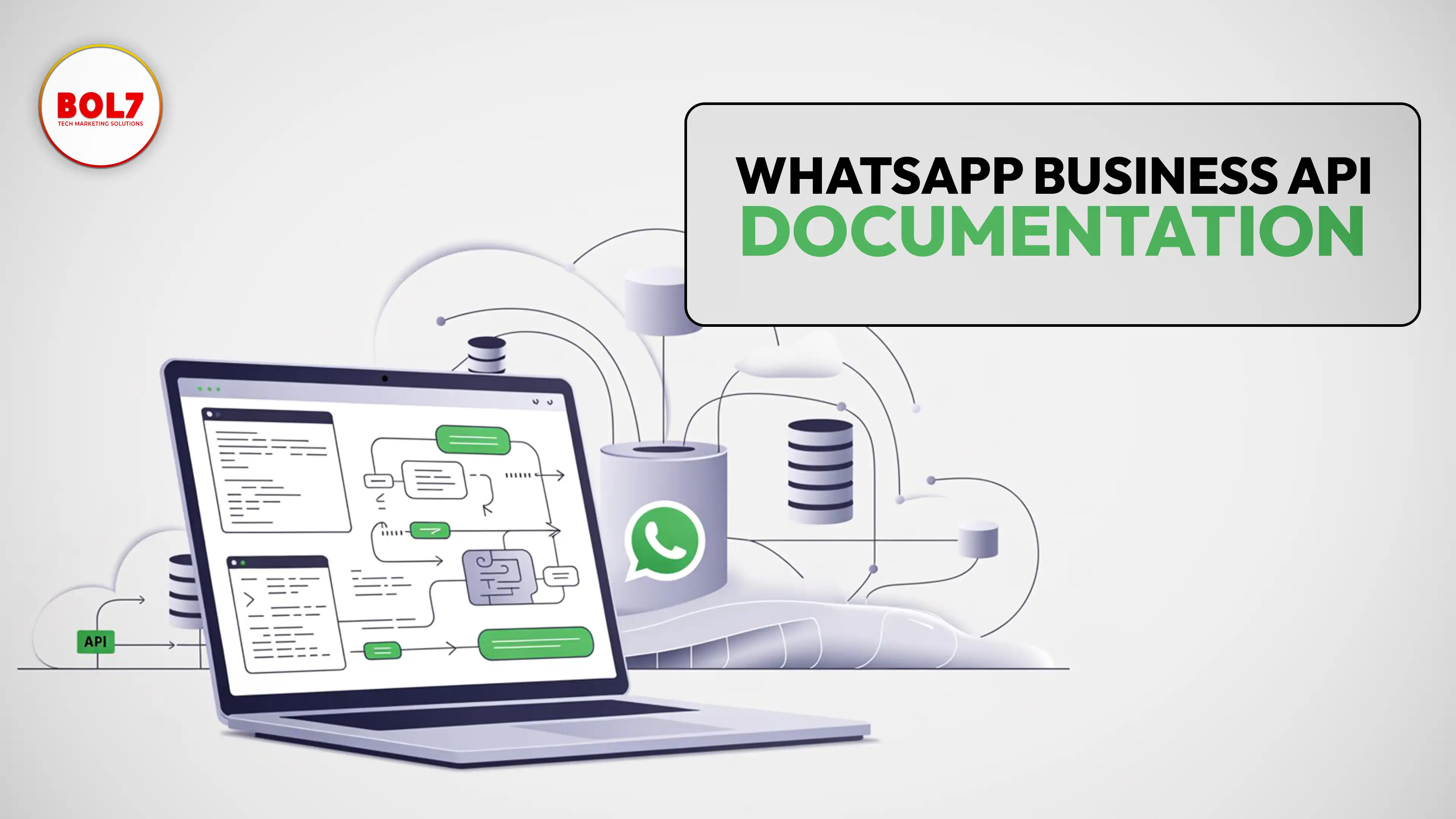
WhatsApp Business API Documentation – Complete Guide for Businesses
clear and complete guide to WhatsApp Business API documentation, covering Cloud API, message templates, pricing, webhooks, onboarding, and best practices for businesses.

WhatsApp Business API for Insurance Companies: Automation, Security & Growth
WhatsApp Business API helps insurance companies automate policy onboarding, premium reminders, claims updates, document collection, and customer support—delivering faster, secure, and more reliable communication across the insurance lifecycle.

How Stock Broker Companies Can Use WhatsApp Business API in 2026
The WhatsApp Business API helps stock brokers automate client communication, deliver instant trade alerts, simplify onboarding, and enhance customer experience. This guide explains features, use cases, benefits, automation, and best practices for brokers.
The Complete Guide to WhatsApp Business API for Education in 2026
The WhatsApp Business API helps schools, colleges, and EdTech companies automate admissions, student communication, attendance alerts, fee reminders, and learning workflows. A complete 2026 guide for modern education.


Ready To Take Your SEO To The Next Level
Effective SEO strategies not only elevate a website's visibility but also drive targeted traffic, enhance user experience.



Get In Touch
 [email protected]
 +91 70650 40985
- live:hemant_136
 A-27J, Noida Sec 16, Gautam Buddha Nagar, Uttar Pradesh 201301
ⓒ 2024 BOL7 All Rights Reserved
