


 27 March 2026
Instagram SEO in 2026: How to Rank on Instagram Search and Grow Organically
27 March 2026
Instagram SEO in 2026: How to Rank on Instagram Search and Grow Organically

WhatsApp Business API Registration and Setup Requirements
1. Core Eligibility & Compliance
To use the WhatsApp Business API, your business must be legitimate and adhere strictly to Meta's policies.
- Permitted Businesses: Most legitimate business sectors are eligible.
- Prohibited Categories: You cannot operate in sectors such as adult content, alcohol and tobacco, gambling, weapons, or certain pharmaceuticals.
- Mandatory Policies: Compliance with the following is non-negotiable:
- WhatsApp Business Messaging Policy https://business.whatsapp.com/policy
- Meta Commerce Policy https://www.facebook.com/policies_center/commerce
- Consequences: Non-compliance can lead to account suspension or a permanent ban.
2. Essential Prerequisites
Before starting the verification process, ensure you have the following assets ready.
- Meta Business Manager: An active and configured account is the foundation for managing your WhatsApp Business Account (WABA).
- Dedicated Phone Number:
- Must be a new number not currently registered on any version of WhatsApp (Personal or Business App).
- It must be able to receive an OTP (One-Time Password) via SMS or a voice call for verification.
- Business Website:
- A live, professional website is required.
- It should clearly state your legal business name (often in the footer), contact information, and describe your services.
- Payment Method: A valid credit or debit card is needed to pay for conversation-based messaging fees charged by Meta. Visa and MasterCard are accepted.
3. Business Verification & Required Documents
Meta must verify that your business is a legitimate legal entity. This is the most critical step.
- Core Principle: The legal business name, address, and phone number on your documents must exactly match the information you provide in your Meta Business Manager.
- General Documents: You must provide one valid business document based on your country of registration. The document must clearly show the legal business name, registered address, phone number, and email ID. You will typically need to provide at least two types of official documents to meet these requirements. Common examples include:
- Proof of Legal Name: Certificate of Incorporation (COI), Business License, Tax/VAT/GST Registration Certificate.
- Proof of Address/Phone: Utility bills, bank statements, or government-issued licenses that show both the business's legal name and its physical address or phone number.
- Country-Specific Examples:
- India: Certificate of Incorporation, GST Certificate, PAN Card, Udyog Aadhar.
- United States: Articles of Incorporation, Employer Identification Number (EIN) confirmation letter (IRS forms SS-4 or 147c).
- United Kingdom: Certificate of Incorporation, HMRC VAT Certificate, Companies House documents.
- United Arab Emirates (UAE): Commercial License, VAT Registration Certificate.
- Note: All submitted documents must be clear, valid, and unaltered. Self-filled forms or invoices are not accepted.
- Verification Process, Timeline & Status:
- You must complete Meta's Business Verification process within the Business Manager.
- Timeline: The review can take from 24 hours to 15 working days, depending entirely on Meta's internal process.
- Possible Outcomes:
- Approved: Your business is verified and you can proceed.
- Request for more information: Additional documents or clarifications are needed.
- Rejected: Documents were invalid, incomplete, or did not match your business details.
- Tips for Faster Approval:
- Use official, government-issued documents.
- Ensure your domain and website match your brand identity.
- Keep your Facebook Page and Business Manager details consistent.
- Account Status Issues:
- If your account gets disabled, the resolution is at Meta’s sole discretion.
- If the main business portfolio is restricted, a separate account will be required to continue operations.
4. OTPs and Verifications
Several steps in the setup process require OTP verification to confirm access and ownership.
- Meta Account Setup:
- Purpose: To verify access to your Meta account.
- OTP Sent To: The email or mobile number used during sign-up.
- Business Document Validation:
- Purpose: May be required to validate official documents.
- OTP Sent To: The mobile number or email linked with your GST/MSME/Tax ID/License.
- Email Verification:
- Purpose: To verify ownership of your business domain.
- OTP Sent To: Your business domain email address.
- WhatsApp Number Registration:
- Purpose: To verify ownership of the phone number for the API.
- OTP Sent To: The dedicated phone number via SMS or a voice call.
5. Account & Profile Setup
Once verified, you will configure how your business appears to customers.
- Display Name:
- This is the name users see in WhatsApp.
- It must clearly relate to your brand and be consistent with your website and documents.
- Generic names (e.g., "Customer Support") are not allowed.
- All display names are reviewed and must be approved by Meta.
- "Green Tick" / Official Business Account (OBA):
- This is an optional status that adds a green checkmark next to your display name, indicating authenticity.
- It is reserved for notable, well-known brands.
- To apply, you typically need to provide evidence of public recognition, such as links to at least 5 recent articles about your business in credible news publications.
6. Technical Setup & Messaging
This section covers the basic technical requirements and pricing structure.
- API Variant (Cloud API): The most common choice is the Cloud API, which is hosted by Meta. It has no setup fee and is suitable for high-volume messaging.
- Meta Developer Account: You will need to create a developer app within the Meta portal to configure the WhatsApp product.
- Webhooks: A webhook server is required to receive incoming messages and status notifications in real-time.
- Messaging Limits, Categories, and Charges:
- Initial Limit: Your account starts with an initial messaging limit of 250-1,000 messages per 24 hours. This is scalable with a good account reputation.
- Conversation Categories & Pricing: Meta charges per 24-hour conversation window, and prices vary by country and message category. A user opt-in is required to initiate messages in certain categories.
- Marketing: Promotional messages (offers, discounts).
- Utility: Informational messages (order confirmations, reminders).
- Authentication: Verification messages (OTPs, login verification).
- Meta Charges – Official Rates : https://business.whatsapp.com/products/platform-pricing
"This blog equips businesses with a step-by-step roadmap to register and set up the WhatsApp Business API efficiently. Covering compliance, verification, OTPs, profile setup, and technical integration, it serves as a complete checklist for companies aiming to use WhatsApp for scalable, policy-compliant customer communication."
Blog Comments (0)
Leave a Reply
Categories
- Performance
- Pay Per Click
- Search Engine Optimization
- Digital Marketing
- Advertising
- Election Management
- Technology
- Social Media Marketing
- Business Data Solutions
- Artificial Intelligence & Automation
- Security
- Colocation Services
- Company Registration UAE
- WhatsApp Business API
- Digital Tools
- Business Messaging
- Business Communication
Recent Post

Popular Categories
Related Blogs & Article
WhatsApp API to Send Message: How Businesses Automate Messaging at Scale in 2026
Learn how to use WhatsApp API to send messages, automate communication, and improve customer engagement. Discover features, benefits, and real business use cases in 2026.
WhatsApp Business API News Today: Latest Updates, Features, and What Businesses Need to Know in 2026
Stay updated with the latest WhatsApp Business API news today. Discover new features, pricing updates, AI chatbot integrations, and how businesses are using WhatsApp API to improve customer communication and automation in 2026.
How to Choose the Best WhatsApp Business API Provider in India: A Detailed Buyer’s Guide for 2026
Learn what a WhatsApp Business API provider in India does, how pricing works, key features to check, common mistakes to avoid, and how to choose a reliable partner for 2026.
WhatsApp Business API Provider in India: A Complete, Practical Guide for Businesses in 2026
This guide explains what a WhatsApp Business API provider in India does, pricing models, use cases, compliance, and how businesses can choose the right provider for scalable growth in 2026.
Top 10 WhatsApp Business API Providers in 2026
Compare the top 10 WhatsApp Business API providers in 2026. Explore features, pricing, automation tools, support quality, and integrations to choose the right BSP.
WhatsApp Business API Pricing: Complete Cost Breakdown & Guide (2026)
WhatsApp Business API pricing is based on conversation types, not messages. This guide explains message costs, setup fees, free conversations, and how businesses can calculate and optimize WhatsApp API pricing effectively.
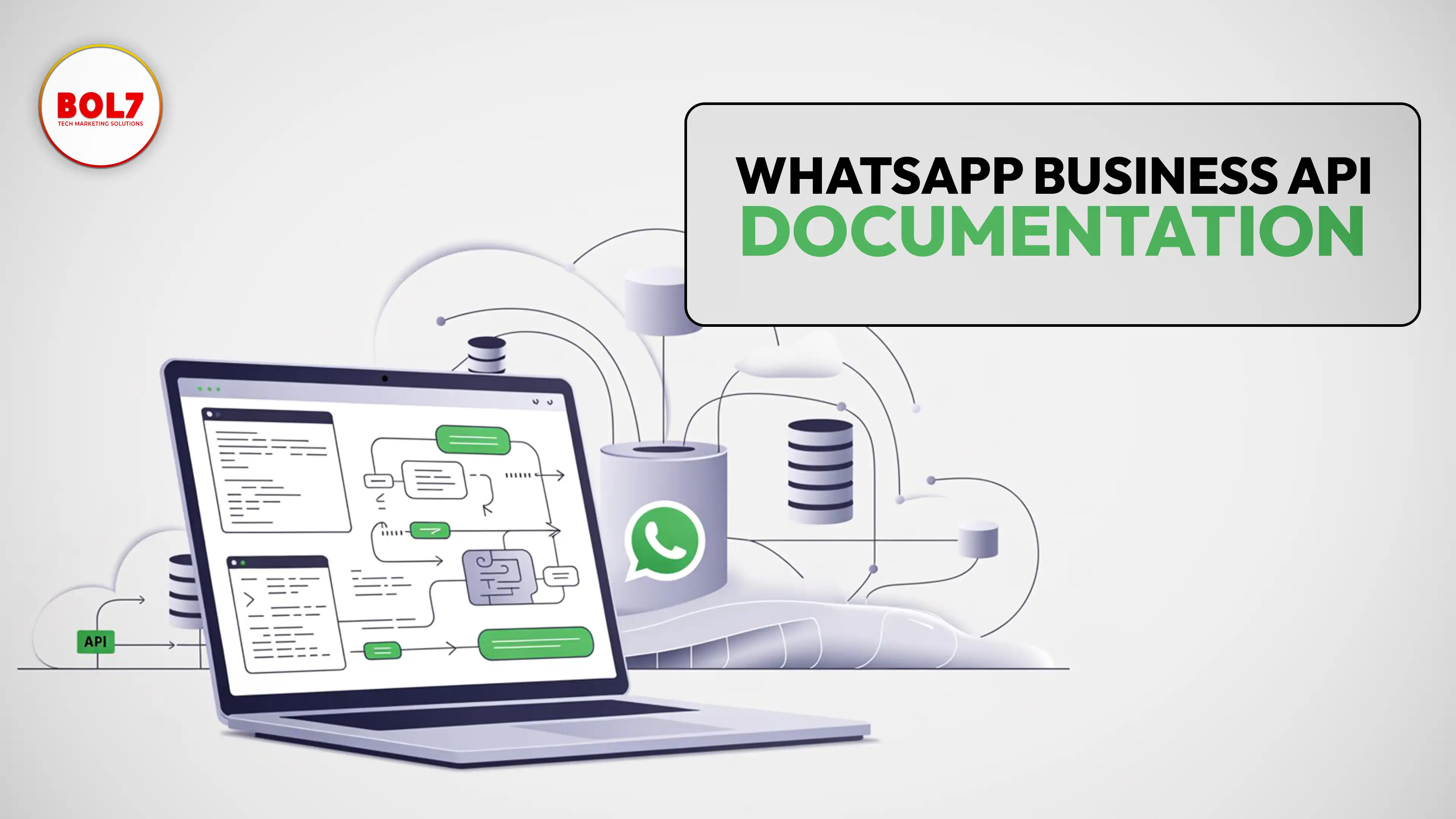
WhatsApp Business API Documentation – Complete Guide for Businesses
clear and complete guide to WhatsApp Business API documentation, covering Cloud API, message templates, pricing, webhooks, onboarding, and best practices for businesses.
WhatsApp Business API for Insurance Companies: Automation, Security & Growth
WhatsApp Business API helps insurance companies automate policy onboarding, premium reminders, claims updates, document collection, and customer support—delivering faster, secure, and more reliable communication across the insurance lifecycle.
How Stock Broker Companies Can Use WhatsApp Business API in 2026
The WhatsApp Business API helps stock brokers automate client communication, deliver instant trade alerts, simplify onboarding, and enhance customer experience. This guide explains features, use cases, benefits, automation, and best practices for brokers.


Ready To Take Your SEO To The Next Level
Effective SEO strategies not only elevate a website's visibility but also drive targeted traffic, enhance user experience.



Get In Touch
 [email protected]
 +91 70650 40985
- live:hemant_136
 A-27J, Noida Sec 16, Gautam Buddha Nagar, Uttar Pradesh 201301
ⓒ 2024 BOL7 All Rights Reserved
