


 27 March 2026
Instagram SEO in 2026: How to Rank on Instagram Search and Grow Organically
27 March 2026
Instagram SEO in 2026: How to Rank on Instagram Search and Grow Organically

How to Create a LinkedIn Custom Audience Using Emails and Phone Numbers
LinkedIn Custom Audiences are a game-changing tool for marketers, allowing you to directly reach those who are already connected to your brand. In this blog, we’ll explore how custom audiences can be beneficial for your business, the process of creating LinkedIn Custom Audiences using emails and phone numbers, and how BOL7 can assist you by providing ready-made data to start targeting your audience more effectively.
How LinkedIn Custom Audiences Benefit Your Business
LinkedIn is a unique platform that brings together professionals, making it ideal for B2B marketing. Custom Audiences allow you to directly engage with users based on existing customer data like emails and phone numbers. Here are some of the specific ways that LinkedIn Custom Audiences can benefit your business:
1. Precision Targeting to Boost Campaign Efficiency
LinkedIn Custom Audiences let you specifically target users who already know your business, ensuring that your ads reach the most relevant audience. This means that your campaigns are not only more efficient but also more cost-effective since the ads are directed toward users who are already primed for engagement.
-
Target Warm Leads: Custom audiences allow you to focus on warm leads—people who have shown interest in your products or services. This can lead to higher conversion rates compared to targeting cold prospects.
-
Ad Budget Efficiency: Instead of spending your budget on a broad, generic audience, custom audiences help you save money by targeting only users likely to convert.
2. Re-Engage with Past Customers for Retention and Upselling
LinkedIn Custom Audiences make it easy to re-engage past customers, whether you’re trying to encourage repeat purchases, subscription renewals, or upsell related products.
-
Renew Relationships: You can create highly targeted campaigns aimed at renewing the relationship with past clients, helping them return to your services.
-
Promote New Offerings: Inform previous customers about your new products or services that might be relevant to them.
3. Build Brand Authority in a Professional Setting
LinkedIn is known for being a professional platform, making it the ideal environment to build trust and authority for your business. By using LinkedIn Custom Audiences:
-
Position Your Brand as an Industry Leader: You can tailor your messaging to show your audience content that positions your business as a thought leader in your industry.
-
Showcase Specialized Content: You can run campaigns highlighting your company’s latest whitepapers, case studies, or industry insights to a custom audience already interested in what you do.
4. Efficient Multi-Touch Campaigns
The journey to a sale can involve multiple touchpoints. LinkedIn Custom Audiences help you reach these users consistently and across different campaign types, increasing their familiarity and trust in your brand.
-
Nurture Your Leads: Create nurturing campaigns that move leads through your sales funnel using content specific to their interests or needs.
-
Target Decision-Makers: LinkedIn’s professional focus means your custom audience will include individuals in decision-making roles, maximizing the impact of your campaigns.
What is a LinkedIn Custom Audience (Emails and Phone Numbers)?
A LinkedIn Custom Audience lets you upload a list of emails and phone numbers to match them with LinkedIn members, allowing you to directly target these individuals with your ads. This powerful targeting ensures that your campaigns are seen by those most likely to engage—people who already know and trust your brand.
Advantages of Using Emails and Phone Numbers for Custom Audiences
-
Better Accuracy: By using verified emails and phone numbers, LinkedIn can effectively match your audience data, providing more accurate ad delivery.
-
Increased ROI: By targeting people already familiar with your brand, your campaigns are more likely to be successful, giving you a higher return on investment.
-
Build Long-term Engagement: Emails and phone numbers ensure that you can maintain long-term engagement with your audience, even as they move between different companies or change job titles.
Step-by-Step Guide to Creating a LinkedIn Custom Audience with Emails and Phone Numbers
To create a custom audience on LinkedIn using email addresses and phone numbers, follow the steps below:
Step 1: Log In to LinkedIn Campaign Manager
-
Go to LinkedIn Campaign Manager. Make sure you have access to your company’s advertising account.
Step 2: Navigate to Account Assets
-
On the left-hand panel, select “Account Assets” and click on “Matched Audiences”.
Step 3: Create an Audience List
-
Click on the “Create audience” button.
-
Select “Upload a list” to create a new audience using your customer data.

Step 4: Prepare Your Data File
-
Your data should be organized in a CSV format, with one column for email addresses and/or phone numbers.
-
Clean up your data to remove any duplicates or incorrect entries to ensure accuracy.
Step 5: Upload Your CSV File
-
Click “Upload CSV” and select your prepared file.
-
Name your audience for easy reference, such as “Customer List – [Campaign Name]”.
-
LinkedIn will then begin processing the list to match with users on the platform.

Step 6: Audience Processing and Approval
-
After uploading, LinkedIn will process the list. This process could take up to 48 hours, depending on the size of your list.
-
Once approved, you will see the audience under Matched Audiences, and it will be ready for use.
Step 7: Use Your Custom Audience in Campaigns
-
Go back to Campaign Manager to create a new ad campaign.
-
In the Audience section during campaign setup, select the custom audience from Matched Audiences.
-
Your ads will now be targeted to the users in your custom audience, ensuring they reach the right people.
Benefits of Using LinkedIn Custom Audiences for Your Campaigns
Creating LinkedIn Custom Audiences using emails and phone numbers can significantly impact the success of your campaigns. Here are the key benefits:
-
Target the Right Professionals: LinkedIn allows you to reach a professional audience, making it ideal for B2B campaigns.
-
Maximize Campaign Performance: Since custom audiences include users who are already familiar with your business, you can expect better ad performance and engagement.
-
Longer-Term Customer Relationships: Custom audiences provide the opportunity to nurture longer-term relationships with your audience through consistent engagement.
Use Cases for LinkedIn Custom Audiences
-
Retargeting Event Attendees: If you’ve collected emails from webinar or event attendees, retarget them with related content or follow-up events.
-
Promote Exclusive Offers: Target your existing customers with special promotions or loyalty rewards.
-
Lead Nurturing: Send specific, professional content that nurtures your leads based on where they are in your sales funnel.
BOL7: Helping You Get Started with LinkedIn Custom Audiences
If you don’t have a comprehensive list of emails and phone numbers to create a LinkedIn Custom Audience, BOL7 has you covered. We provide ready-to-use customer databases segmented by industry and tailored to your needs. You can use our Audience Hub to create LinkedIn Custom Audiences effortlessly, without the hassle of building your own data from scratch.
Visit the Audience Hub to learn more about how BOL7 can help grow your business by providing high-quality custom audience data.
Final Thoughts
LinkedIn Custom Audiences are an incredible tool for targeting the right people, retargeting leads, and boosting the overall performance of your campaigns. By leveraging email addresses and phone numbers, you can ensure that your ads are seen by the people most likely to convert, resulting in better engagement and an efficient advertising budget. With this guide, you now have the tools to create your own custom audiences and use LinkedIn’s platform to effectively connect with your audience.
"LinkedIn Custom Audiences offer businesses a streamlined way to improve ad targeting, engagement, and efficiency. By creating custom audiences with emails and phone numbers, brands can build trust, strengthen customer relationships, and drive higher conversions for B2B campaigns."
Blog Comments (0)
Leave a Reply
Categories
- Performance
- Pay Per Click
- Search Engine Optimization
- Digital Marketing
- Advertising
- Election Management
- Technology
- Social Media Marketing
- Business Data Solutions
- Artificial Intelligence & Automation
- Security
- Colocation Services
- Company Registration UAE
- WhatsApp Business API
- Digital Tools
- Business Messaging
- Business Communication
Recent Post

Popular Categories
Related Blogs & Article
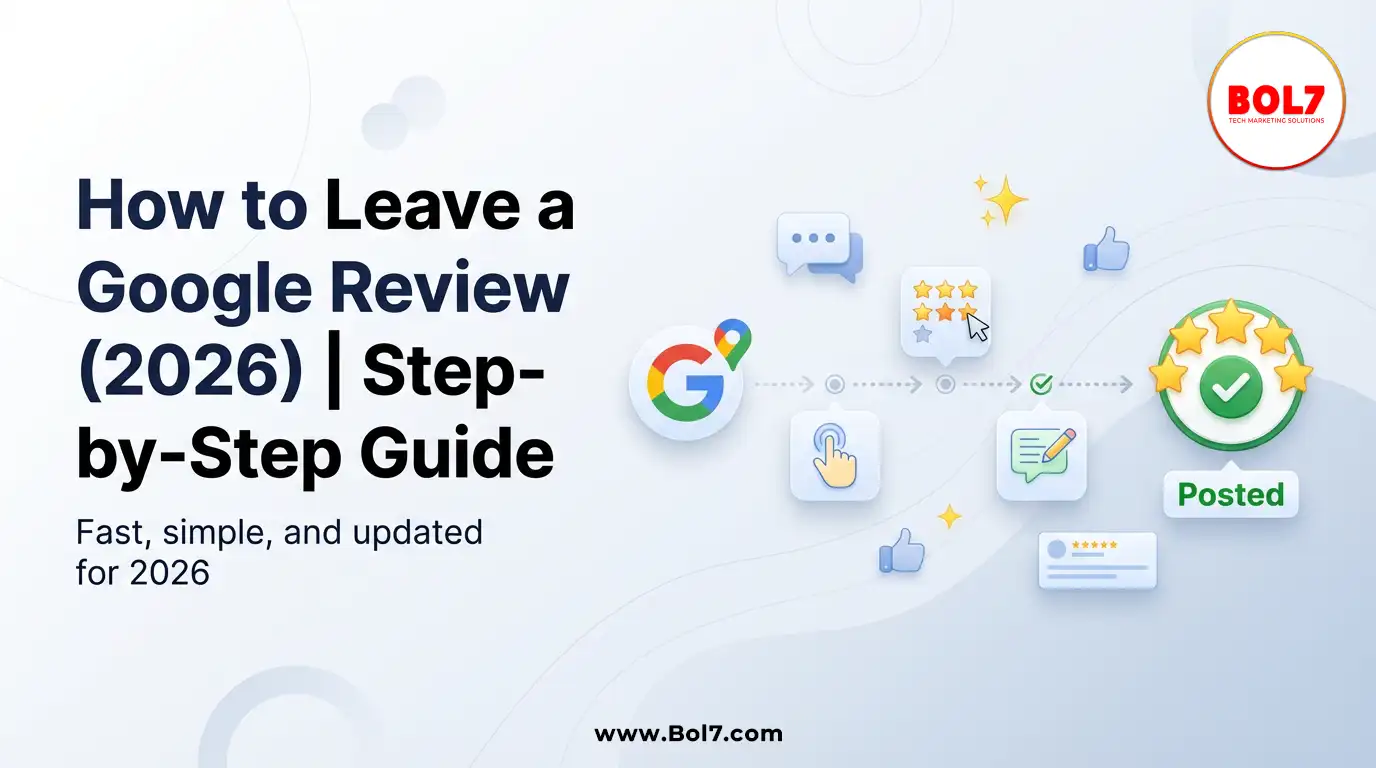
How to Leave a Google Review (Complete 2026 Guide – Step-by-Step)
Learn how to leave a Google review on mobile and desktop, write helpful feedback, edit or delete reviews, and understand why reviews sometimes don’t show—updated for 2026.
How to Get Traffic on Pinterest: Proven Strategies to Grow Views, Clicks & Website Visits
Pinterest works like a search engine, not a social feed. This blog explains how to use Pinterest SEO, keywords, fresh pins, and analytics to grow long-term traffic and website clicks.
Call Center Dialer: The Backbone of High-Performance Calling Operations
A call center dialer helps businesses automate outbound calls, improve agent productivity, increase connection rates, and manage sales and support campaigns efficiently.
Top 10 Digital Marketing Agencies & Companies in India 2025
Explore the top 10 digital marketing agencies and companies in India for 2025. Find the best SEO, PPC, and social media marketing experts to boost your business growth.
10 Best B2B Database Vendors and Providers 2025
Discover the 10 best B2B database vendors and providers of 2025. Access verified business contact data, email lists, and lead generation platforms for smarter sales and marketing success.
Top 11 RCS Service Providers in India 2025
Discover the top 11 RCS service providers in India for 2025. Compare features and find the best Rich Communication Services platform for interactive business messaging and customer engagement.
Top 10 Bulk Voice Broadcast Services Provider in India (2026 Updated Guide)
Discover the top 10 bulk voice broadcast services provider in India for 2026. Compare features, pricing, use cases, and benefits to choose the best platform.
Best WhatsApp Business API Provider in India 2025 Pricing & Setup, features, benefits, case studies
Discover the cheapest and most reliable WhatsApp Business API provider in India. Compare pricing, features, and benefits to choose the right solution for your business growth.
Introducing BOL7’s Facebook & Instagram Audience Rental Service for Targeted CPM Ads
Learn how to boost your ad performance with BOL7’s Facebook & Instagram Audience Rental Service. Gain instant access to over 100+ custom audience segments and run high-ROI CPM-based campaigns.


Ready To Take Your SEO To The Next Level
Effective SEO strategies not only elevate a website's visibility but also drive targeted traffic, enhance user experience.
Reach Your Ideal Audience on LinkedIn!
Boost your B2B campaigns with LinkedIn Custom Audiences. Click here to target and engage the right professionals today!
Buy Now


Get In Touch
 [email protected]
 +91 70650 40985
- live:hemant_136
 A-27J, Noida Sec 16, Gautam Buddha Nagar, Uttar Pradesh 201301
ⓒ 2024 BOL7 All Rights Reserved
