


 09 April 2026
What Is SEO in 2026 and How Does It Work? A Complete Guide
09 April 2026
What Is SEO in 2026 and How Does It Work? A Complete Guide

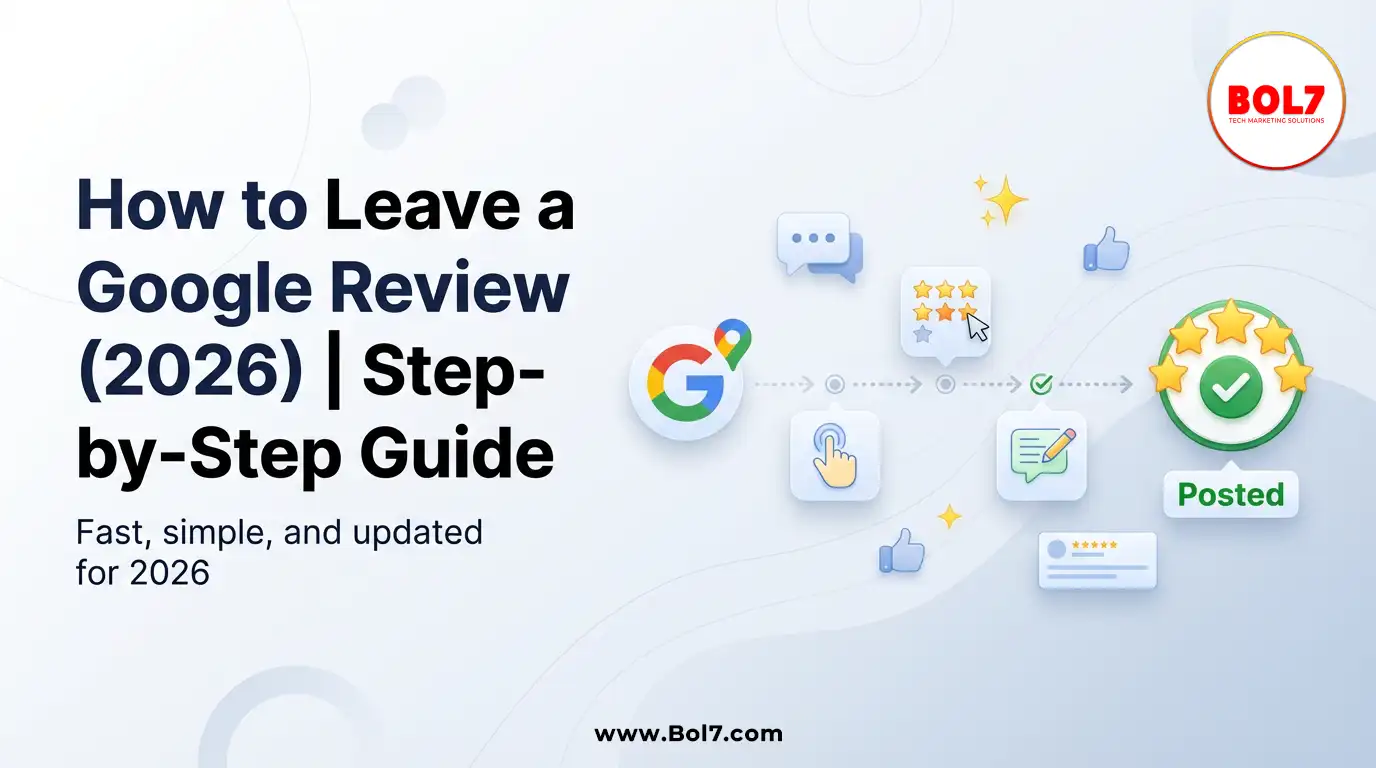
How to Leave a Google Review (Complete 2026 Guide – Step-by-Step)
Google Reviews have become one of the most influential elements in today’s digital decision-making process.
Before choosing a restaurant, digital marketing agency, hospital, school, or local service provider, most people
check Google ratings and read customer feedback. A well-written review not only helps other customers make
informed decisions but also supports businesses in improving their services.
If you are unsure how to leave a Google review or want to make sure your review is helpful and follows Google’s
guidelines, this detailed guide will walk you through everything step-by-step.
What Is a Google Review?
A Google Review is a public rating and written feedback that users can leave on a business profile via Google Search
or Google Maps. Customers can rate a business from 1 to 5 stars and write about their experience. These reviews are
visible to everyone and play a major role in shaping a business’s online reputation.
Each Google review typically includes:
- A star rating (1–5 stars)
- Written feedback describing the experience
- Optional photos or videos
- The reviewer’s Google profile name
- The date the review was posted
Why Google Reviews Matter
Google Reviews are important for both customers and businesses. For customers, reviews provide insight into service
quality, reliability, and overall experience. For businesses, reviews influence local search visibility and customer trust.
Key reasons Google Reviews matter:
- They help customers compare businesses before making decisions.
- They influence local SEO rankings on Google Search and Google Maps.
- They increase credibility and trust.
- They provide direct feedback for improvement.
- They impact click-through rates from search results.
Businesses with consistent, genuine reviews tend to perform better in local search results and gain higher customer confidence.
Requirements Before Leaving a Google Review
Before posting a review, make sure you have:
- An active Google account (Gmail).
- Access to Google Search or Google Maps.
- The correct business listing.
- A genuine experience with the business.
Google requires users to be logged in to post a review, and reviews must reflect real experiences.
How to Leave a Google Review on Mobile (Android & iPhone)
Method 1: Using the Google Maps App
- Open the Google Maps app on your phone.
- Use the search bar to type the business name.
- Tap on the correct business listing.
- Scroll down to the “Reviews” section.
- Tap on “Write a Review.”
- Select a star rating from 1 to 5.
- Write your feedback clearly and honestly.
- Add photos if relevant (optional).
- Tap “Post.”
Method 2: Using Google Search on Mobile Browser
- Open your browser and go to Google.
- Search for the business name.
- Locate the business profile card.
- Tap “Write a Review.”
- Add your rating and written feedback.
- Tap “Post.”
How to Leave a Google Review on Desktop (Computer or Laptop)
- Visit www.google.com.
- Search for the business name.
- On the right-hand side of the screen, find the Google Business Profile.
- Click on “Write a Review.”
- Sign in to your Google account if prompted.
- Select your star rating.
- Write your review.
- Click “Post.”
How to Write a Helpful and Effective Google Review
A strong review is specific, balanced, and useful. Instead of writing only “Good service” or “Bad experience,”
try to explain what happened and why you felt that way.
Follow this structure:
- Mention the service or product you used.
- Describe your overall experience.
- Highlight what stood out (positive or negative).
- Mention staff behavior, service quality, or outcomes.
- Conclude with whether you would recommend the business.
Example:
“I used their WhatsApp Business API service for automating customer communication. The onboarding process
was smooth, and their support team responded quickly to our queries. The system helped streamline our
customer notifications efficiently. I would recommend them to businesses looking for scalable messaging solutions.”
What Not to Include in a Google Review
To ensure your review remains visible and complies with Google policies, avoid:
- Fake or paid reviews.
- Reviews written on behalf of others.
- Offensive language or hate speech.
- Personal attacks.
- Irrelevant content.
- Promotional links or spam.
Google may remove reviews that violate its content guidelines.
Can You Edit or Delete a Google Review?
Yes. Google allows users to edit or delete their reviews at any time.
Steps to edit or delete your review:
- Open Google Maps.
- Tap your profile picture in the top right corner.
- Select “Your Contributions.”
- Go to the “Reviews” section.
- Find your review.
- Choose “Edit Review” or “Delete Review.”
Changes are usually updated immediately.
Why Your Google Review May Not Appear
Sometimes, users post a review but do not see it publicly. This can happen for several reasons:
- The review violates Google’s content policies.
- The system detects spam-like behavior.
- The account has suspicious activity.
- The content appears duplicated.
- Automated moderation filters flagged the review.
Google uses automated systems to detect suspicious patterns and protect review authenticity.
How Long Does It Take for a Google Review to Appear?
In most cases, reviews appear instantly after posting. However, if Google’s moderation system flags
the review for review checks, it may take some time or may not appear at all.
Do You Need a Gmail Account to Leave a Google Review?
Yes. You must be signed into a Google account to post a review. Anonymous reviews are not allowed.
Your Google profile name will be displayed publicly alongside your review.
Tips for Leaving a Fair and Balanced Review
- Be honest and objective.
- Share specific details rather than general statements.
- If you had a negative experience, explain what happened calmly.
- Avoid emotional or abusive language.
- Update your review if the issue gets resolved.
Balanced and thoughtful reviews are more helpful to both customers and businesses.
Why Reviews Are Important for Local Businesses
For local businesses, reviews significantly impact visibility in the “Local Pack” results on Google.
Businesses with higher ratings and consistent reviews often rank better in local search results.
Reviews also influence:
- Customer trust
- Brand reputation
- Conversion rates
- Word-of-mouth marketing
Encouraging genuine customer feedback helps businesses grow sustainably.
Final Thoughts
Leaving a Google review takes only a few minutes, but its impact can be significant. Your feedback helps
businesses improve their services and helps other customers make informed decisions. Whether your experience
was positive or negative, sharing it honestly contributes to a more transparent and trustworthy digital ecosystem.
The next time you experience great service — or even constructive service — consider leaving a thoughtful
Google review. It makes a real difference.
Frequently Asked Questions (FAQs)
1. How do I leave a Google review for a business?
To leave a Google review, search for the business on Google or Google Maps, click on “Write a Review,” select your star rating, write your feedback, and post it while logged into your Google account.
2. Do I need a Gmail account to leave a Google review?
Yes. You must be signed into a Google account (such as Gmail) to post a review. Anonymous reviews are not allowed.
3. Can I edit or delete my Google review later?
Yes. You can edit or delete your review anytime by going to Google Maps → Your Profile → Your Contributions → Reviews.
4. How long does it take for a Google review to appear?
Most reviews appear instantly. However, if Google’s moderation system flags the review for review checks, it may take time or may not appear at all.
5. Can businesses delete negative Google reviews?
No, businesses cannot directly delete reviews. However, they can report reviews that violate Google’s policies. Google will remove them only if they breach guidelines.
6. Is it legal to post negative Google reviews?
Yes, as long as your review is honest, factual, and does not include abusive language, false claims, or personal attacks.
7. Can I leave a Google review without using Google Maps?
Yes. You can leave a review directly through Google Search by searching for the business and clicking “Write a Review” on the business profile.
8. Do Google reviews affect business rankings?
Yes. Google reviews influence local SEO rankings, customer trust, click-through rates, and overall online visibility.
"A clear, honest Google review helps customers decide faster and helps businesses improve—your 2 minutes can make a real difference."
Blog Comments (0)
Leave a Reply
Categories
- Performance
- Pay Per Click
- Search Engine Optimization
- Digital Marketing
- Advertising
- Election Management
- Technology
- Social Media Marketing
- Business Data Solutions
- Artificial Intelligence & Automation
- Security
- Colocation Services
- Company Registration UAE
- WhatsApp Business API
- Digital Tools
- Business Messaging
- Business Communication
Recent Post









Popular Categories
Related Blogs & Article

How to Get Traffic on Pinterest: Proven Strategies to Grow Views, Clicks & Website Visits
Pinterest works like a search engine, not a social feed. This blog explains how to use Pinterest SEO, keywords, fresh pins, and analytics to grow long-term traffic and website clicks.

Call Center Dialer: The Backbone of High-Performance Calling Operations
A call center dialer helps businesses automate outbound calls, improve agent productivity, increase connection rates, and manage sales and support campaigns efficiently.

Top 10 Digital Marketing Agencies & Companies in India 2025
Explore the top 10 digital marketing agencies and companies in India for 2025. Find the best SEO, PPC, and social media marketing experts to boost your business growth.

10 Best B2B Database Vendors and Providers 2025
Discover the 10 best B2B database vendors and providers of 2025. Access verified business contact data, email lists, and lead generation platforms for smarter sales and marketing success.
Top 11 RCS Service Providers in India 2025
Discover the top 11 RCS service providers in India for 2025. Compare features and find the best Rich Communication Services platform for interactive business messaging and customer engagement.

Top 10 Bulk Voice Broadcast Services Provider in India (2026 Updated Guide)
Discover the top 10 bulk voice broadcast services provider in India for 2026. Compare features, pricing, use cases, and benefits to choose the best platform.
Best WhatsApp Business API Provider in India 2025 Pricing & Setup, features, benefits, case studies
Discover the cheapest and most reliable WhatsApp Business API provider in India. Compare pricing, features, and benefits to choose the right solution for your business growth.

Introducing BOL7’s Facebook & Instagram Audience Rental Service for Targeted CPM Ads
Learn how to boost your ad performance with BOL7’s Facebook & Instagram Audience Rental Service. Gain instant access to over 100+ custom audience segments and run high-ROI CPM-based campaigns.

Best WhatsApp Business API Provider in India: A Complete Guide (2025)
Explore the complete guide to the Best WhatsApp Business API Provider in India for 2025. Learn how the API helps automate communication, boost customer engagement, and streamline support for businesses of all sizes—powered by platforms like BOL7.


Ready To Take Your SEO To The Next Level
Effective SEO strategies not only elevate a website's visibility but also drive targeted traffic, enhance user experience.



Get In Touch
 [email protected]
 +91 70650 40985
- live:hemant_136
 A-27J, Noida Sec 16, Gautam Buddha Nagar, Uttar Pradesh 201301
ⓒ 2024 BOL7 All Rights Reserved
