


 10 March 2026
Best SMM Panel in India: How to Choose the Right SMM Service Provider in 2026
10 March 2026
Best SMM Panel in India: How to Choose the Right SMM Service Provider in 2026

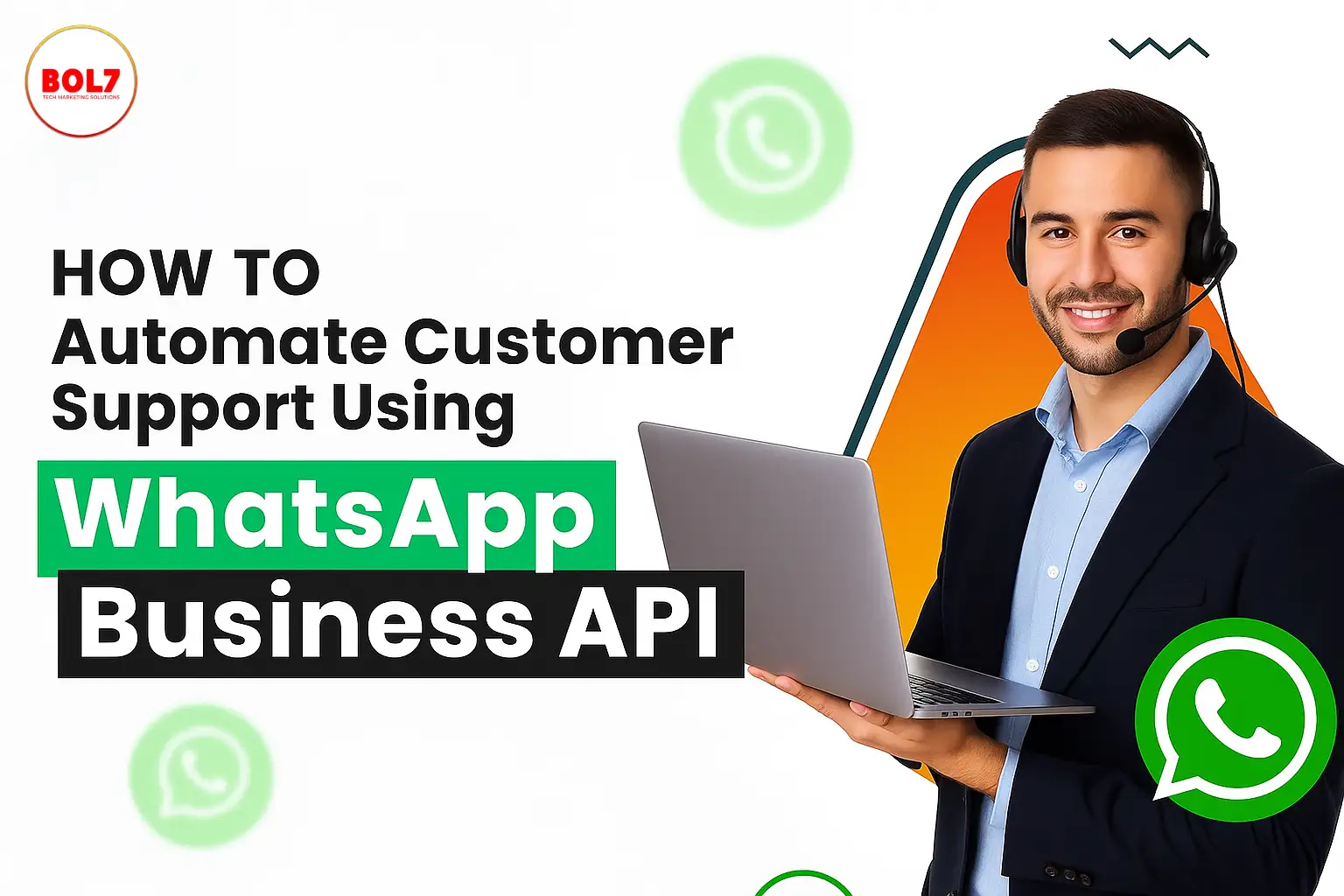
How to Automate Customer Support Using WhatsApp Business API
In today’s hyper-connected world, customers expect immediate support any time of the day or night. They want their queries resolved fast, efficiently, and through channels they are comfortable with. And for over 2 billion people, that channel is WhatsApp.
The WhatsApp Business API opens doors to smart, scalable, and seamless customer communication. Businesses can now automate customer support using WhatsApp—reducing workload, minimizing human errors, and delivering consistent experiences.
In this blog, we'll guide you through the steps, benefits, tools, and real-world use cases of automating customer service using WhatsApp Business API.
What is WhatsApp Business API?
The WhatsApp Business API is a powerful communication solution for medium and large businesses to connect with customers over WhatsApp at scale. Unlike the WhatsApp Business App (designed for small businesses), the API allows automation, integration, and multi-agent customer support.
It supports:
- Chatbots and autoresponders
- CRM integration
- Notification messages
- Rich media support (images, PDFs, videos, buttons)
With this, companies can automate large parts of customer communication—from lead generation to complaint resolution.
Why Automate Customer Support Using WhatsApp?
1. Customers Already Use WhatsApp
WhatsApp is the most used messaging platform globally. With high engagement rates, open rates over 95%, and fast response times, it’s a natural fit for customer service.
2. Availability 24/7
Bots don’t sleep. With automation, your support is available 24/7, even on holidays and weekends.
3. Faster Response Times
Automated flows and replies ensure customers get answers instantly—whether it’s an FAQ, order status, or appointment booking.
4. Cost Efficiency
By automating repetitive tasks, businesses reduce the burden on human agents. This leads to cost savings without compromising service quality.
5. Boosts Customer Satisfaction
Quick replies, personalized responses, and round-the-clock support make customers happier—and loyal.
How to Automate Customer Support Using WhatsApp Business API
Step 1: Apply for WhatsApp Business API Access
To get started, apply via a WhatsApp Business Solution Provider (BSP) like:
- BOL7
- 360dialog
- Twilio
- MessageBird
You’ll need:
- A verified Facebook Business Manager account
- A display name
- A business phone number (not linked to WhatsApp)
Once approved, your number will be activated to send and receive messages using the API.
Step 2: Choose the Right Automation Platform
You need a chatbot builder or customer support platform that supports WhatsApp API integration. Some popular platforms include:
| Platform | Features | Best For |
|---|---|---|
| BOL7 AI Sales Agent | Native WhatsApp flows, CRM integration, human handover | SMEs & Enterprises |
| Freshchat | Unified inbox, bot-to-human handover | Customer service teams |
| Twilio | Developer-friendly, programmable API | Custom apps |
| 360dialog | Fast onboarding, ready-made tools | Marketers & agencies |
Ensure the platform offers:
- Drag-and-drop conversation design
- NLP (Natural Language Processing) support
- Ticket escalation to agents
- Analytics & reporting
Step 3: Build Automated Chat Flows
Use chatbot builders to create flowcharts that handle:
- Frequently Asked Questions (e.g., pricing, return policy)
- Order tracking
- Product recommendations
- Appointment bookings
- Account issues
Tip: Keep responses short, clear, and user-friendly. Always include an option to “Talk to a human”.
Step 4: Use Pre-Approved Message Templates (HSMs)
When sending messages outside the 24-hour window, you’ll need pre-approved templates known as Highly Structured Messages (HSMs).
Examples:
- “Hi {{1}}, your package with tracking ID {{2}} is out for delivery.”
- “Your return request has been approved. Refund will be processed in 2-3 days.”
These templates help automate:
- Payment reminders
- Booking confirmations
- Feedback requests
- Status updates
WhatsApp must approve templates in advance, so make sure your language is clear, non-promotional, and informative.
Step 5: Integrate with CRM & Helpdesk Tools
You can integrate your WhatsApp support with tools like:
- HubSpot
- Zoho CRM
- Salesforce
- Freshdesk
- Zendesk
This allows you to:
- Access customer history in real-time
- Assign chats to agents
- Track ticket progress
- Trigger WhatsApp messages based on CRM events
Step 6: Enable Human Agent Handoff
Even the best bots can't handle everything. Your system must allow users to chat with a live agent when needed. This can be done by:
- Adding buttons like “Talk to Support”
- Creating escalation triggers when the bot detects frustration or complex queries
The handoff should be smooth—without losing context or chat history.
Step 7: Analyze and Improve
Your automation system should include analytics such as:
- First Response Time (FRT)
- Chat Completion Rate
- CSAT (Customer Satisfaction Score)
- Bot Drop-off Points
Use this data to:
- Optimize flows
- Add new responses
- Improve decision trees
Real-World Use Cases
E-commerce
- Respond to “Where is my order?”
- Handle return requests
- Recommend new products
Travel Agencies
- Confirm bookings
- Send flight itineraries
- Manage cancellations
Healthcare Clinics
- Book appointments
- Share lab reports
- Send medication reminders
EdTech & Institutions
- Share course content
- Notify fee due dates
- Answer student questions
Retail Stores
- Notify about new arrivals
- Answer stock availability
- Share personalized offers
Best Practices for WhatsApp Automation
- Use natural, conversational language
- Avoid long or robotic messages
- Keep UI elements (buttons, quick replies) clear
- Always provide “Talk to agent” option
- Respect privacy and secure user data
- Don’t spam—limit proactive messages
Common Challenges
| Challenge | Solution |
|---|---|
| Template Rejection | Use clear, non-promotional language |
| User Frustration | Provide agent handoff within 2-3 interactions |
| Low Engagement | Personalize messages using CRM data |
| Compliance Risks | Use encryption, get opt-ins, and follow WhatsApp policies |
Final Thoughts
Customer support automation using WhatsApp Business API is revolutionizing the way businesses engage with their customers. It ensures speed, availability, personalization, and efficiency—the four pillars of modern support.
Whether you're a startup or an enterprise, automation helps you serve better while saving time and cost. With platforms like BOL7, it’s easier than ever to get started.
"As customers expect faster and smarter support, businesses need better tools to keep up. This article explains how automating customer service through the WhatsApp Business API can help you respond instantly, reduce workload, and create a seamless support experience. From setting up chatbots to handling real queries with ease, you’ll learn how to turn WhatsApp into your best customer support channel."
Blog Comments (0)
Leave a Reply
Categories
- Performance
- Pay Per Click
- Search Engine Optimization
- Digital Marketing
- Advertising
- Election Management
- Technology
- Social Media Marketing
- Business Data Solutions
- Artificial Intelligence & Automation
- Security
- Colocation Services
- Company Registration UAE
- WhatsApp Business API
- Digital Tools
- Business Messaging
- Business Communication
Recent Post



Popular Categories
Related Blogs & Article
Best SMM Panel in India: How to Choose the Right SMM Service Provider in 2026
Looking for the best SMM panel in India? Discover how SMM panels work, top features to consider, and how to choose a reliable SMM service provider for social media growth.
Instagram Reel Downloader: How to Download Instagram Reels & Videos Safely (2026 Guide)
Learn how to download Instagram Reels safely in 2026 using screen recording, online tools, and secure methods without risking your account or device.
Buy Instagram Indian Followers: Complete Guide to Real Followers, Pricing & Safe Growth (2026)
Buy Instagram Indian followers is trending in India, but is it safe in 2026? This blog explains real vs fake followers, pricing, risks, and smart alternatives for long-term Instagram growth.
Best Hashtags for Instagram Reels: Complete 2026 Guide to Viral Reels Hashtags & Trending Instagram Strategy
Discover the best hashtags for Instagram Reels in 2026, including viral Reels hashtags, trending Instagram tags, and smart strategies to boost reach and engagement organically.

Buy Facebook Followers: Complete Guide to Real Facebook Followers, Boosters, Risks & Smart Growth (2026)
Learn what buying Facebook followers really means, its risks, real vs fake followers, and safe alternatives to grow Facebook pages authentically in 2026.

Buy LinkedIn Followers: Complete Guide to Increasing LinkedIn Followers Safely & Smartly (2026)
Learn whether buying LinkedIn followers is safe in 2026. Explore real risks, SMM panels, pricing, and smarter ways to grow LinkedIn followers organically.
Buy TikTok Followers: Complete Guide to Real TikTok Followers, Services, Risks & Smart Growth (2026)
Buying TikTok followers looks like a quick growth shortcut, but it comes with risks. This guide explains how follower services work, what “real followers” mean, key dangers, and safer ways to grow your TikTok account in 2026.

Buy YouTube Shorts Views: A Complete, Honest Guide to Views, Risks, Safe Methods & Growth Strategies (2026)
A detailed 2026 guide explaining what it means to buy YouTube Shorts views, why it’s risky, and what safe alternatives actually grow your channel long-term.

Sell YouTube Channel: Complete, In-Depth Guide on How Channel Selling Works, Risks, Buyers & Legal Alternatives (2026)
Learn how YouTube channel selling works, what buyers look for, pricing factors, major risks and scams, India-specific concerns, and safer legal alternatives in 2026.


Ready To Take Your SEO To The Next Level
Effective SEO strategies not only elevate a website's visibility but also drive targeted traffic, enhance user experience.



Get In Touch
 [email protected]
 +91 70650 40985
- live:hemant_136
 A-27J, Noida Sec 16, Gautam Buddha Nagar, Uttar Pradesh 201301
ⓒ 2024 BOL7 All Rights Reserved
