


 27 March 2026
Instagram SEO in 2026: How to Rank on Instagram Search and Grow Organically
27 March 2026
Instagram SEO in 2026: How to Rank on Instagram Search and Grow Organically

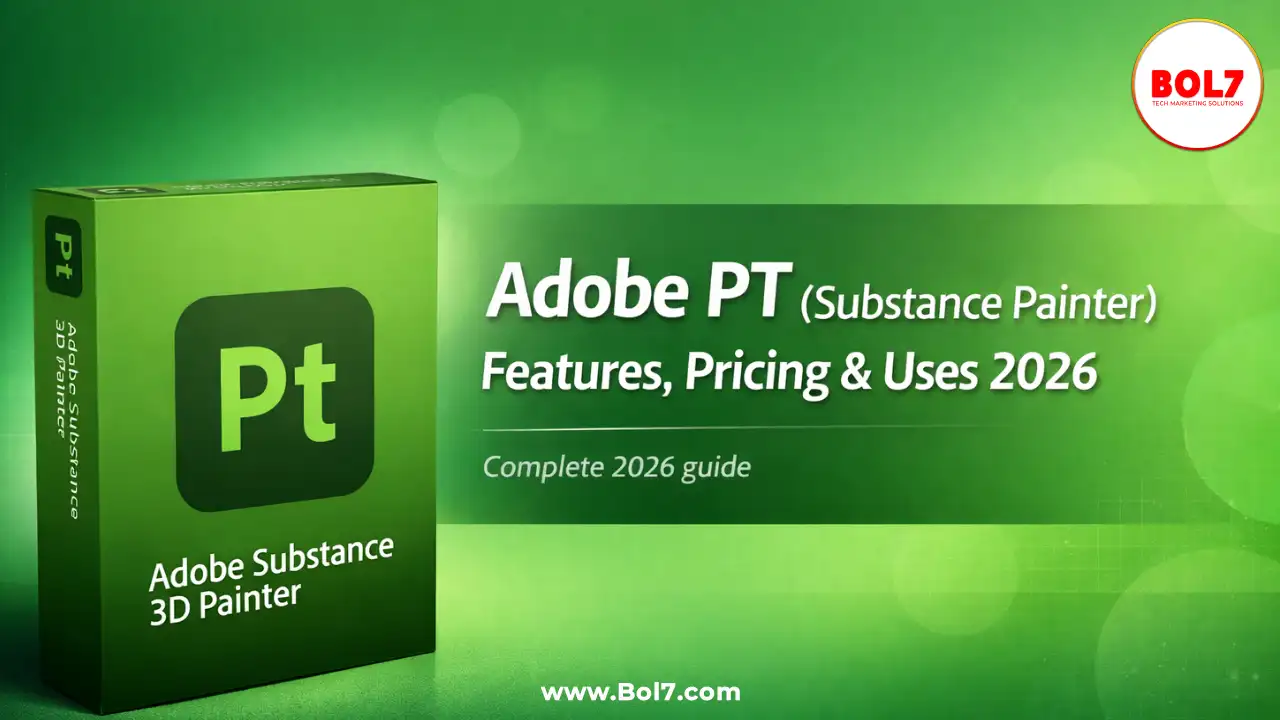
Adobe PT (Substance Painter): Features, Pricing & Best Use Cases in 2026
Adobe PT is a commonly searched term used by designers, students, and 3D artists who are actually looking for Adobe Substance 3D Painter. In 2026, Adobe Substance Painter has become one of the most important tools in the 3D design ecosystem, especially for professionals working in gaming, animation, product visualization, AR/VR, and cinematic rendering.
This detailed guide explains what Adobe PT really means, what Substance Painter is used for, how it works, its key features, pricing, system requirements, advantages, limitations, and whether it is worth learning in 2026.
What Is Adobe PT?
Adobe PT is not an official product name. It is a shorthand or informal term people often use while searching for Adobe Substance Painter, sometimes referring to “Painter Tool” or “PT Adobe software.” The correct and official name of the software is Adobe Substance 3D Painter.
Adobe Substance 3D Painter is a professional 3D texturing software that allows artists to paint materials and textures directly onto 3D models. Unlike traditional 2D texturing methods, it works directly on the model surface and uses a Physically Based Rendering (PBR) workflow.
What Is Adobe Substance 3D Painter Used For?
Substance Painter is widely used across multiple industries because of its realistic results and efficient workflow.
- In game development, Substance Painter is used to texture characters, weapons, vehicles, and environments. Game engines like Unreal Engine and Unity support Substance Painter exports directly, making it a preferred choice for studios.
- In film and animation, artists use it to create cinematic-quality assets with highly detailed surfaces, realistic wear and tear, and natural material behavior.
- In product visualization and industrial design, Substance Painter helps designers create realistic product renders for marketing, prototyping, and presentations.
- In AR, VR, and metaverse projects, the software is popular because it produces optimized textures that look realistic while maintaining performance.
- In architecture and interior visualization, Substance Painter is used to create realistic materials such as walls, floors, furniture, and surfaces.
Why Adobe Substance Painter Is Popular in 2026
- The popularity of Substance Painter in 2026 is driven by several strong reasons.
- First, it supports an industry-standard PBR workflow, which ensures that textures behave realistically under different lighting conditions.
- Second, the software offers smart materials and smart masks that automatically adapt to the shape and geometry of a 3D model, saving a significant amount of manual work.
- Third, Substance Painter follows a non-destructive, layer-based workflow similar to Photoshop, making it easier to edit and experiment without damaging original work.
- Fourth, it integrates seamlessly with major 3D tools and game engines, reducing friction in professional pipelines.
- Finally, Adobe continues to improve performance, stability, and AI-assisted features, keeping the software relevant for modern workflows.
Key Features of Adobe Substance 3D Painter
- One of the biggest strengths of Substance Painter is its feature set designed for professionals.
- Physically Based Rendering allows materials to react naturally to light, giving realistic results in real-time previews and final renders.
- Smart materials are pre-built materials that intelligently adjust based on the model’s curvature, edges, and surface details.
- Smart masks help generate realistic effects such as dirt, scratches, rust, and edge wear automatically.
- The layer-based workflow allows artists to stack materials, masks, and effects, making changes easy at any stage.
- Real-time viewport rendering shows accurate previews using advanced shaders and lighting.
- UDIM workflow support allows artists to work on high-resolution models used in films and detailed character designs.
- Texture baking tools generate essential maps such as normal maps, ambient occlusion, curvature, thickness, and world space normals.
- Export presets allow quick exporting of textures to Unreal Engine, Unity, Blender, Maya, and other tools.
Substance Painter Pricing in 2026
One of the most common questions is about pricing.
In 2026, Adobe Substance Painter is available through Adobe’s Substance 3D subscription plans. Users can choose between individual plans, student and teacher discounts, and business or enterprise licenses.
Adobe also offers the Substance 3D Collection, which includes Painter, Designer, Sampler, and Stager in one bundle.
Pricing may change depending on region and plan type, so it is always recommended to check Adobe’s official website for the latest information.
System Requirements for Substance Painter
- Because Substance Painter relies heavily on real-time rendering, a capable system is required.
- Minimum requirements generally include a modern operating system, at least 16 GB of RAM, and a dedicated GPU.
- For professional work, a system with 32 GB RAM, a powerful NVIDIA or AMD GPU, and fast SSD storage is recommended.
Pros and Cons of Adobe Substance Painter
- Substance Painter offers many advantages. It is an industry-standard tool, produces realistic textures, saves time through automation, and integrates well with other software.
- However, it also has some limitations. It requires a powerful computer, has a learning curve for beginners, and follows a subscription-based pricing model that may not suit everyone.
Substance Painter vs Other Texturing Tools
- Compared to Photoshop, Substance Painter offers a true 3D painting workflow, while Photoshop is limited to 2D texture editing.
- Compared to Quixel Mixer, Substance Painter provides more control and professional features, though Mixer is a good entry-level option.
- Compared to Blender’s texture painting, Substance Painter offers more advanced tools, better performance, and industry-standard pipelines.
Who Should Learn Adobe Substance 3D Painter?
Substance Painter is ideal for game artists, 3D character designers, product visualization professionals, AR/VR developers, film and animation studios, and freelancers creating assets for marketplaces.
Anyone serious about a career in 3D texturing will benefit from learning this tool.
How to Learn Substance Painter Faster
Beginners should start by understanding UV mapping and basic PBR concepts. Practicing with simple models helps build confidence.
Learning smart materials, smart masks, and baking workflows is essential. Exporting assets to game engines or renderers completes the learning cycle.
Final Thoughts
Adobe Substance 3D Painter, often searched as Adobe PT or PT Adobe, remains one of the best 3D texturing tools in 2026. Its realistic results, efficient workflow, and strong industry adoption make it a valuable skill for any 3D professional.
Whether you are a student, freelancer, or studio artist, learning Substance Painter can significantly improve your workflow and career opportunities.
⭐ FAQs – Adobe PT (Substance Painter)
1. What is Adobe PT?
Adobe PT is an informal search term commonly used for Adobe Substance 3D Painter, a professional 3D texturing tool used in games, films, and product visualization.
2. What is Adobe Substance 3D Painter used for?
Substance Painter is used to paint realistic materials and textures directly on 3D models using a PBR workflow for games, animation, AR/VR, and product design.
3. Is Adobe PT the same as Substance Painter?
Yes. Adobe PT usually refers to Adobe Substance 3D Painter. “PT” is not an official name but a shorthand used by many users while searching.
4. Is Adobe Substance Painter worth learning in 2026?
Yes. Substance Painter is an industry-standard tool in 2026 and is widely used in gaming, film, AR/VR, and 3D product visualization pipelines.
5. Does Adobe Substance Painter require a powerful system?
Yes. For smooth performance, a dedicated GPU, SSD storage, and at least 16–32 GB RAM are recommended, especially for high-resolution projects.
6. Is Substance Painter free for students?
Adobe offers discounted student and teacher plans for Substance 3D tools, including Painter. Eligibility depends on academic verification.
7. What makes Substance Painter better than Photoshop for texturing?
Substance Painter allows direct 3D painting with PBR materials, smart masks, and real-time previews, while Photoshop is limited to 2D texture editing.
8. Can Substance Painter export to Unreal Engine and Unity?
Yes. Substance Painter includes built-in export presets for Unreal Engine, Unity, Blender, Maya, and other major 3D platforms.
"Adobe Substance 3D Painter is one of the most powerful 3D texturing tools in 2026. It helps designers create realistic textures faster using smart materials, masks, and PBR workflow, making it essential for professionals and learners."
Blog Comments (0)
Leave a Reply
Categories
- Performance
- Pay Per Click
- Search Engine Optimization
- Digital Marketing
- Advertising
- Election Management
- Technology
- Social Media Marketing
- Business Data Solutions
- Artificial Intelligence & Automation
- Security
- Colocation Services
- Company Registration UAE
- WhatsApp Business API
- Digital Tools
- Business Messaging
- Business Communication
Recent Post









Popular Categories
Related Blogs & Article

WhatsApp Login: Quick Guide to WhatsApp Web & Online
A simple and complete guide on WhatsApp Login, WhatsApp Web, and WhatsApp Online. Learn how to log in, scan QR codes, use WhatsApp Web, and fix login issues.

TransferNow: Send Large Files Online Securely
TransferNow is an easy way to send large files online using email delivery or secure download links. Learn how TransferNow works in 2026, key features, safety tips, and best use cases.

International OTP SMS – The Ultimate Guide to Secure Global Authentication
International OTP SMS ensures fast and secure global authentication for businesses. BOL7 Technologies provides instant OTP delivery, API & SMPP integration, and encrypted messaging for seamless verification across 190+ countries. Get reliable OTP services with real-time tracking and global reach tod
The Ultimate Guide: How to Recover a Lost Phone
Lost your phone? Learn how to track and recover it using IMEI, Google Account, or Find My Device. Get step-by-step tips to locate your mobile quickly.

How to Track a Phone Number: A Comprehensive Guide
Discover easy ways to track a phone number using built-in tools, third-party apps, and reverse lookup services. Learn how to do it safely and effectively.


Ready To Take Your SEO To The Next Level
Effective SEO strategies not only elevate a website's visibility but also drive targeted traffic, enhance user experience.
Need Adobe Substance Painter Setup & Support?
Get expert help with Adobe Substance 3D Painter setup, workflow guidance, and 3D texturing support for gaming, animation, and product design. Click below to connect with our team instantly.
Buy Now


Get In Touch
 [email protected]
 +91 70650 40985
- live:hemant_136
 A-27J, Noida Sec 16, Gautam Buddha Nagar, Uttar Pradesh 201301
ⓒ 2024 BOL7 All Rights Reserved
