AI Studio
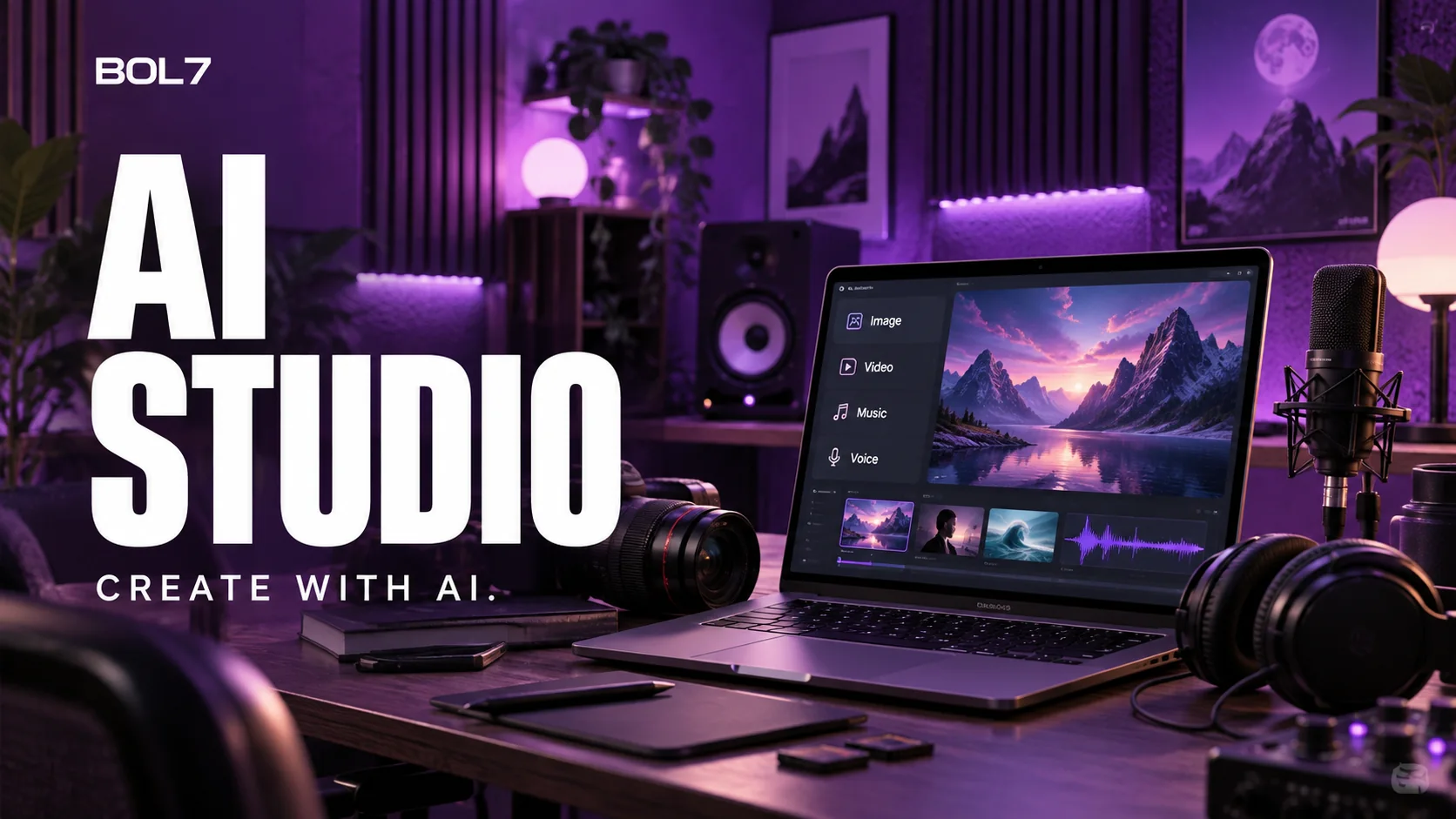
Generative-content asset hub — create and manage Voice / Image / Video / Music assets, with per-type generators and a searchable asset table. (Multi-AI Chat is a separate tab.)
What it does
- Asset hub: New Creative, Import Assets, Saved Views + filters by owner/status/type/model
- Asset tabs: Voice, Image, Video, Music — each with Create {Type} + asset table
- Image generator: FLUX 2 Pro, GPT-Image, Grok, Recraft, Qwen; quality 1k–4k, refs up to 14
- Video generator: Kling 3.0, Veo 3.1, Sora 2/2 Pro, LTX 2.3; text/image-to-video
- Voice generator: MiniMax, ElevenLabs, xAI; TTS / clone / dubbing, multilingual
- Music generator: Suno V4.5 Plus, Lyria 3 Pro; lyrics/style, instrumental, MP3 output
- New Creative modal: choose Voice / Image / Video to create
More in AI

Bot & Flows
AIVisual node-based automation builders (React Flow) for conversational bots, WhatsApp forms and voice IVR — plus a RAG knowledge base, chat/voice simulator and per-channel webhook triggers.
- Three builders: Bot Flow (AI agent), Keyword Flow (WhatsApp forms), Call Flow (IVR)
- Bot nodes: triggers, AI Agent, chat model, guardrails, vector DB, MCP, web search, logic, end
- AI Agent node: model selector, editable instructions, memory modes, tool & variable binding

Multi-AI Chat
AIA multi-model AI workspace — pick one or more LLMs and compare answers side by side, with an agentic mode that runs tools, web search/fetch and file deliverables, all metered in credits.
- Two modes: Ask (multi-model compare) and Agent (single-model tool-use loop)
- Model selection: ~61 models across providers; multi-select with category tabs
- Composer toolbar: attach (8 images + 5 docs), sparkle/rewrite, web toggle, connectors, skills
Smart Replies
AIAI se turant reply suggestions.
- Context-aware suggestions
- Multi-language
See AI Studio in action
Book a personalized walkthrough and we'll show you exactly how it fits your workflow.