- Email: [email protected]
- Call / WhatsApp Us: +91 70650 40985
Related Products
-
Wondershare Allmymusic for Mac
INR 2145.36 -
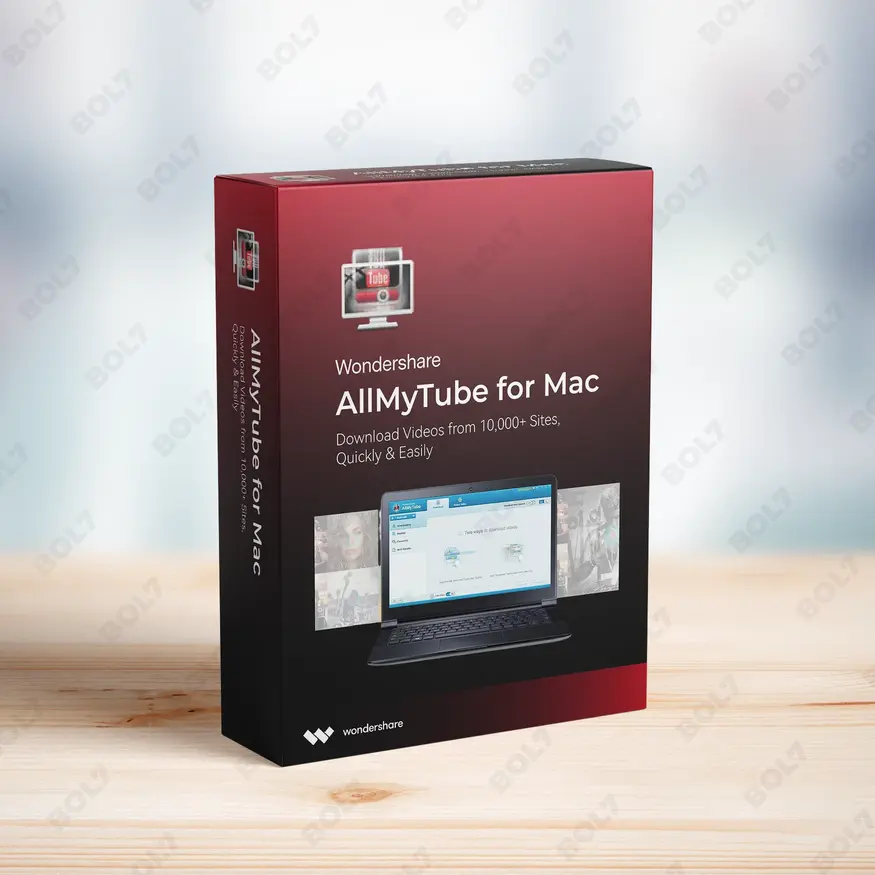
Wondershare AllMyTube for Mac
INR 2145.36 -
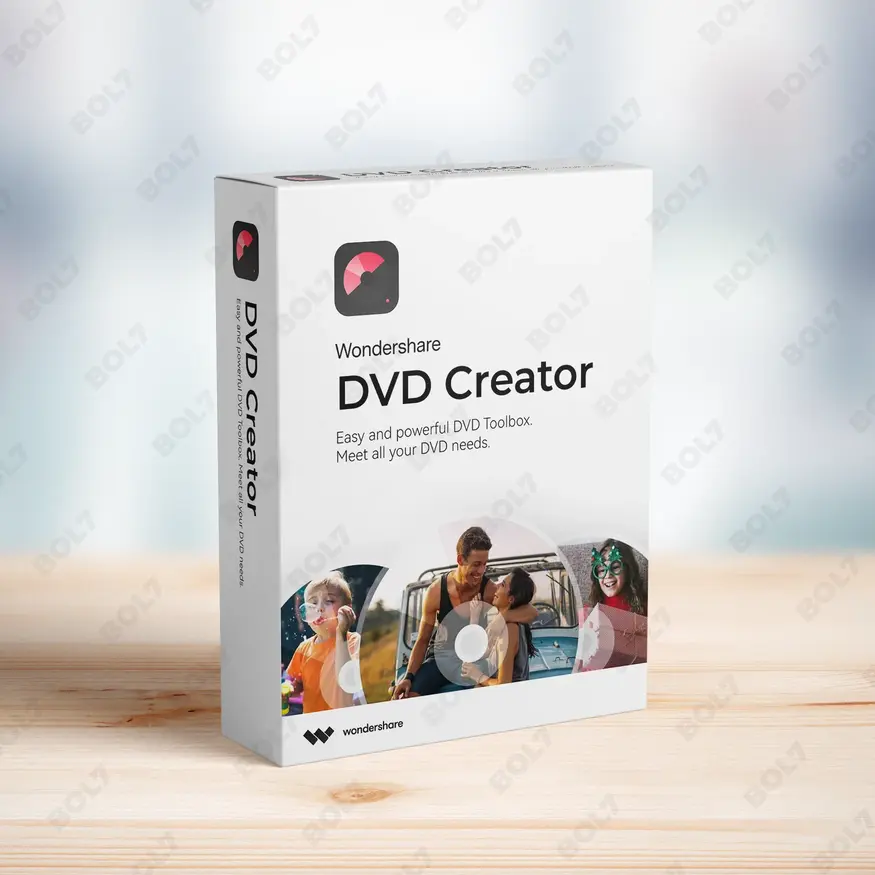
Wondershare DVD Creator
INR 2955.42 -
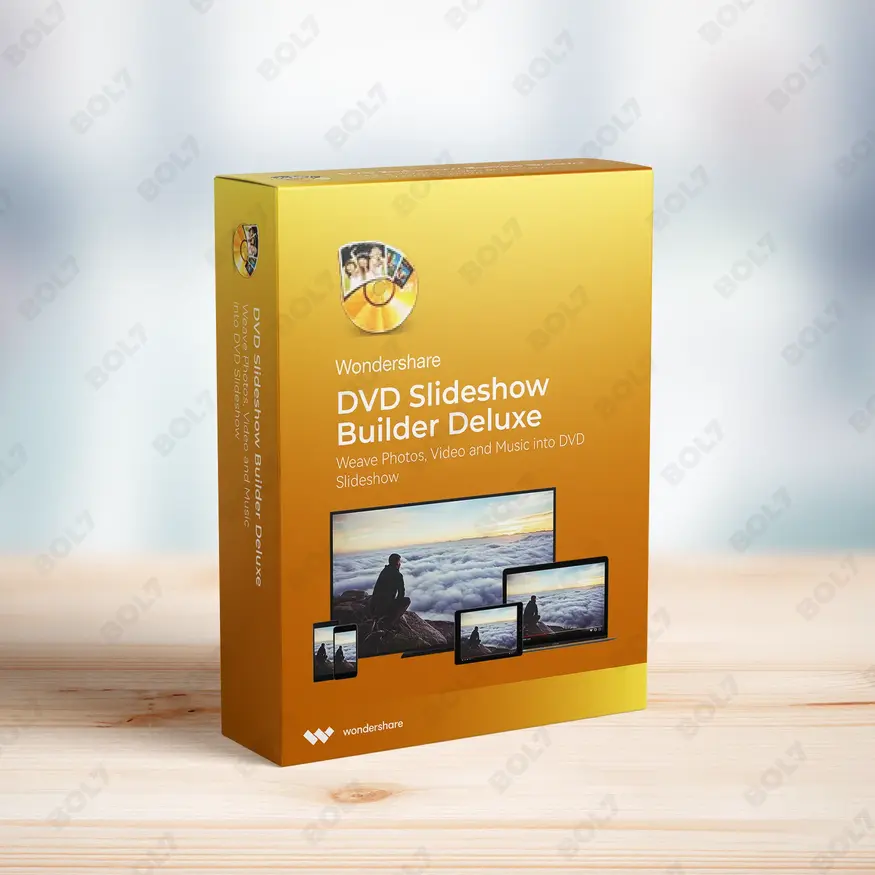
Wondershare DVD Slideshow Builder Deluxe
INR 5174.75 -
Wondershare TunesGo Win - iOS & Android Perpetual
INR 4419.47 -

Wondershare Dr.Fone iOS Erase For Mac
INR 3473.13 -
Wondershare TunesGo Win - Android Perpetual
INR 2945.08 -
Wondershare TunesGo Mac - iOS Devices Perpetual
INR 3682.27
Other Products
- Intego ContentBarrier X9 For 1 PC
- Wondershare Filmora 13 For Mac Annual Plan
- AOMEI OneKey Recovery Professional Family License
- EaseUS Fixo For Mac Pro Lifetime
- Cleverfiles Enterprise Disk Drill for macOS
- Intego Antivirus Windows 2 Years & 6 to 20 Users
- Wondershare Recoverit Premium Mac 1 Month Plan
- CISDEM Video Converter for 1 PC
- HiringInfluencer.com
- Cisdem Window Manager For Mac - Lifetime License
- Cisdem Duplicate Finder Mac Lifetime Plan 5 Macs
- RearGuardSecurity.com
- Tenorshare ReiBoot For 10 Device 1 Mac
- Business Owners Database France
- Business Owners Database Cuba
- Wondershare PDFelement V11 Cross 2 Year Plan Mac
- Intego VirusBarrier X9 Renewal 5 Macs & 1 Year
- Cisdem OCRWizard for Mac - Lifetime License
- Business Owners Database Morocco
- WS FamiSafe Mac-Windows-iOS-Android Monthly Plan
- Stellar Repair for Outlook Toolkit
- Mobile Number Database for New Zealand
- LightPDF Personal License Continuous Yearly
- Cisdem PCO Password Remover-Compressor Mac License
- Adobe Stock For teams (Small) 1 User Yearly
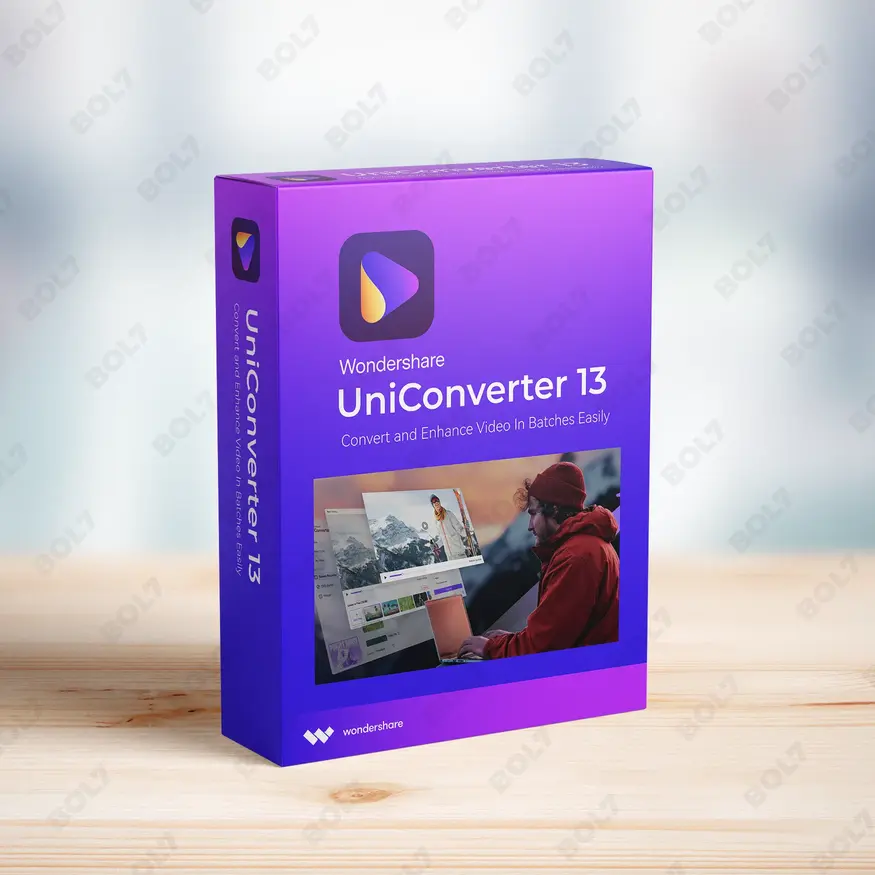
Edit, convert, compress, and enhance videos with Wondershare UniConverter 13 for Windows. Enjoy screen recording, DVD burning, and AI video enhancement with the annual plan.
Key Features: Wondershare UniConverter 13 for Win
- Video Conversion: Convert videos to and from various formats, including HD and 4K, with high-quality results. Wondershare UniConverter supports over 1,000 formats for seamless video conversion.
- Video Editing: Edit videos with powerful features such as trimming, cutting, rotating, and adding effects. Customize your videos to perfection with the easy-to-use editing tools.
- Video Compression: Compress large video files without compromising on quality. Wondershare UniConverter provides optimal compression settings to reduce file sizes while maintaining excellent quality.
- Screen Recording: Capture your screen with ease using Wondershare UniConverter’s built-in screen recording feature. Record tutorials, gameplay, or presentations in high quality.
- DVD Burning: Burn videos to DVDs with custom menus and chapters. Wondershare UniConverter supports various formats for smooth DVD burning, ensuring compatibility with most players.
- Image Conversion: Convert images between various formats like JPG, PNG, and TIFF. Easily process and convert images in bulk with UniConverter’s batch processing feature.
- GIF Maker: Create GIFs from videos or images with Wondershare UniConverter’s GIF maker. Customize your GIFs with effects, text, and more for creative social media sharing.
- Video Metadata Editor: Edit and manage video metadata, including title, description, and tags. Ensure that your videos are properly organized and displayed with accurate metadata.
- AI Video Enhancement: Enhance video quality with AI-powered features. Improve resolution, color, and brightness to make your videos look stunning, even from low-quality sources.
- Annual Plan: The annual plan gives you continuous access to all premium features and regular updates. Enjoy full functionality for an entire year with this plan.
Simple Steps To Get Started
- Purchase the Annual Plan: Visit the bol7 platform to purchase the annual plan. After your purchase, you’ll receive an email with the download link and activation details.
- Download the Installer: Click the download link provided in the email. Locate the installer file on your computer and double-click it to begin the installation process.
- Run the Installation: Follow the on-screen instructions in the installation wizard to complete the setup. It will only take a few minutes to install the software.
- Activate the Software: After installation, open Wondershare UniConverter and enter the activation key from your email. This will unlock all premium features available in your annual plan.
- Start Using Wondershare UniConverter: Once activated, you can start converting, editing, and enhancing your videos using Wondershare UniConverter 13. Enjoy all the premium features provided by the annual plan.
Technical Support:
Call / WhatsApp Us:
+91 70650 40985
Email: [email protected]
Sales Support:
Call / WhatsApp Us:
+91 70650 40985
Email: [email protected]
More Products
Enhance your campaigns with our Mobile Number Database for China, featuring 85–90% verified active contacts. Ideal …
Intego VirusBarrier X9 Renewal ensures uninterrupted antivirus protection for 1 Mac over 2 years. Developed by …
EaseUS DupFiles Cleaner Perpetual Subscription for 3 PCs provides lifetime access to powerful tools for managing …
EaseUS Data Recovery Wizard for Mac Technician is a professional-grade solution for businesses. Recover unlimited data …
MiniTool ShadowMaker Pro Ultimate is a reliable backup and disaster recovery tool tailored for professionals and …
Wondershare iOS Screen Recorder allows seamless recording of your iPhone or iPad screen and captures audio …
EaseUS Data Recovery Wizard Professional with lifetime upgrades ensures uninterrupted data recovery for personal and professional …
Cisdem Window Manager for Mac helps you efficiently manage your workspace by auto-resizing windows, organizing layouts, …
Useful Links
Get In Touch
[email protected]
+91 70650 40985
- live:hemant_136
A-27J, Noida Sec 16, Gautam Buddha Nagar, Uttar Pradesh 201301
Stay connected & Informed
Join our WhatsApp Channel
ⓒ 2024 BOL7 All Rights Reserved
Don't Miss Out...
Take up to 2% off your first order!
Use the discount code below and save 2% on this order now.
Coupon Code Copied!