- Email: [email protected]
- Call / WhatsApp Us: +91 70650 40985
Related Products
-
Wondershare Allmymusic for Mac
INR 2145.36 -

Wondershare AllMyTube for Mac
INR 2145.36 -

Wondershare DVD Creator
INR 2955.42 -

Wondershare DVD Slideshow Builder Deluxe
INR 5174.75 -
Wondershare TunesGo Win - iOS & Android Perpetual
INR 4419.47 -
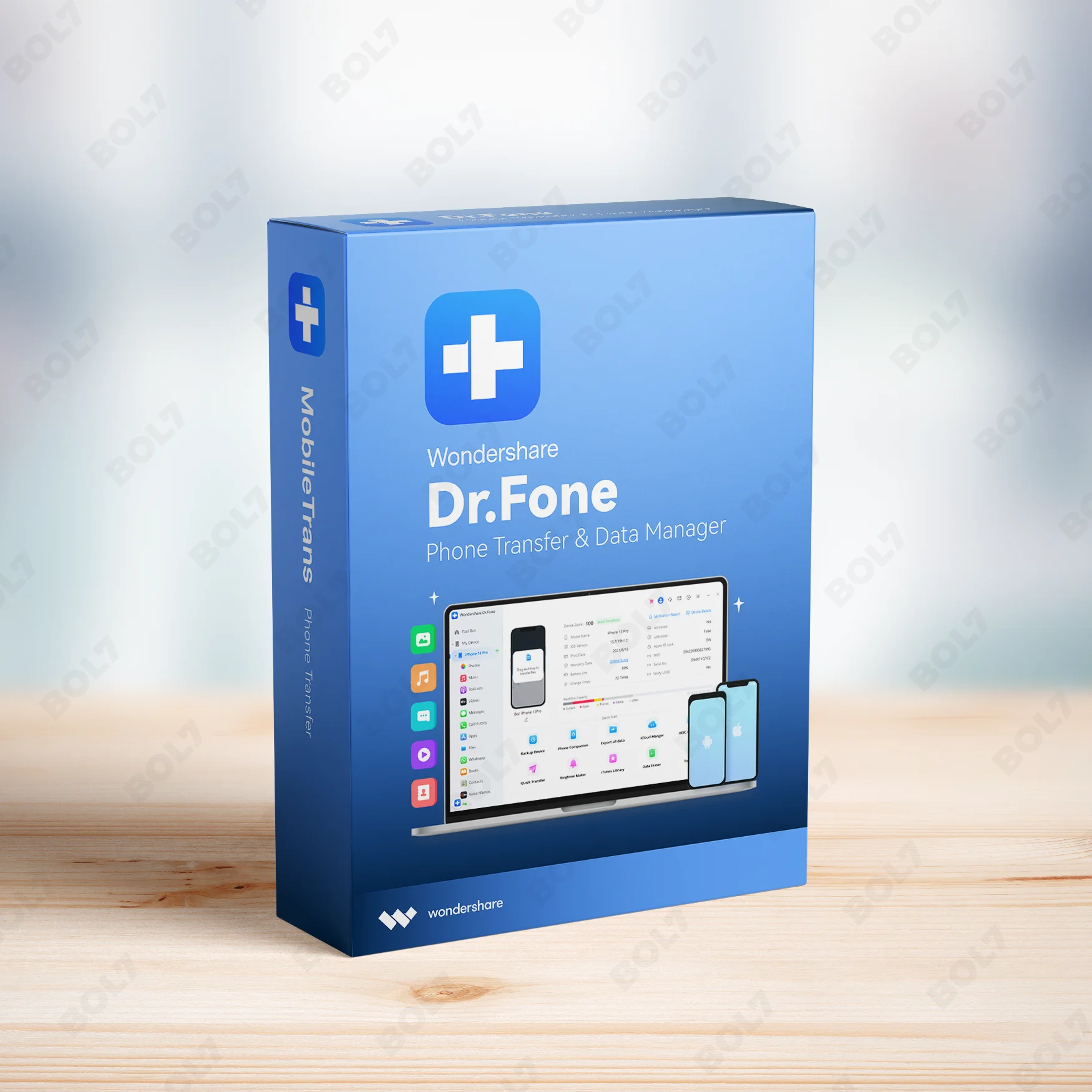
Wondershare Dr.Fone iOS Erase For Mac
INR 3473.13 -
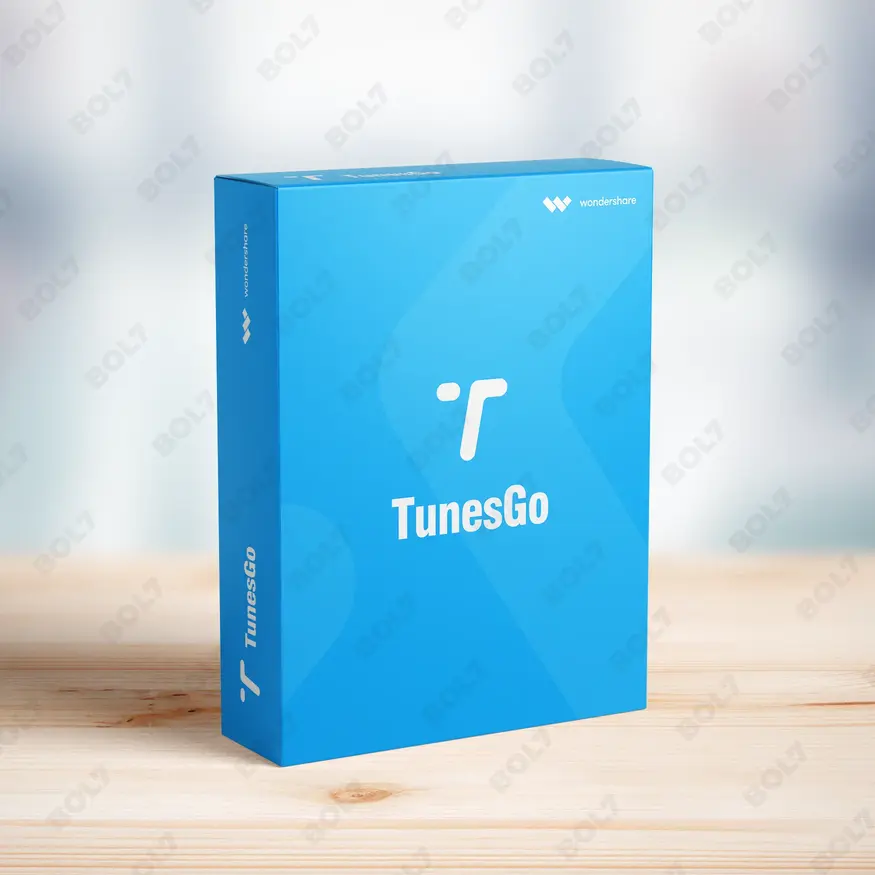
Wondershare TunesGo Win - Android Perpetual
INR 2945.08 -
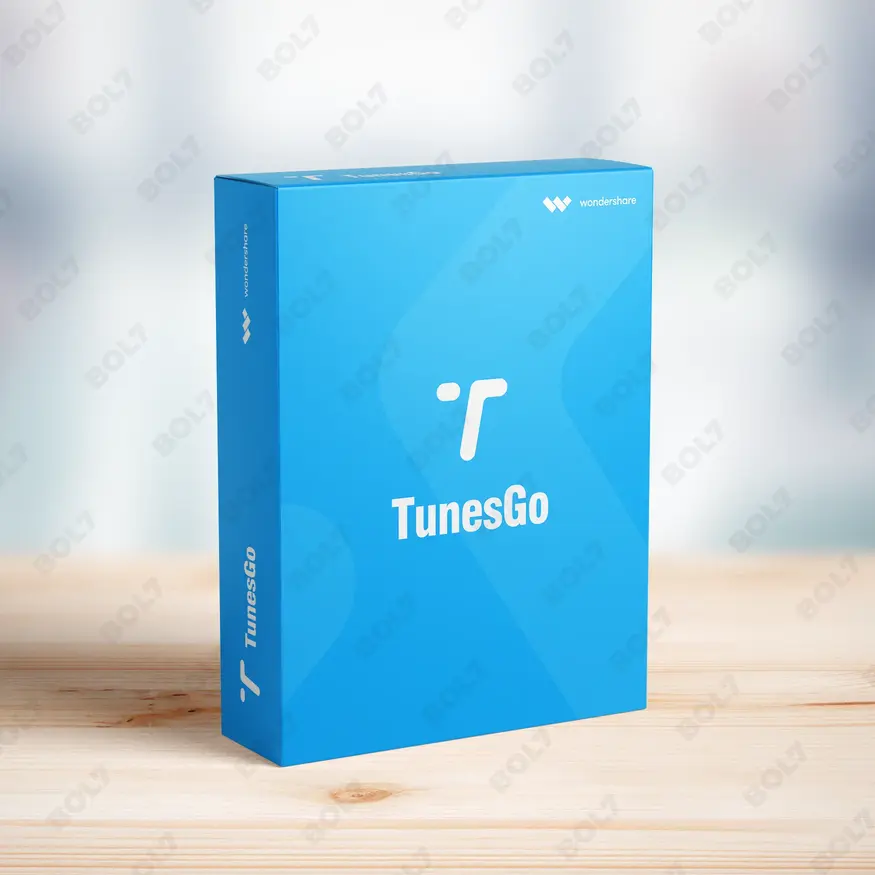
Wondershare TunesGo Mac - iOS Devices Perpetual
INR 3682.27
Other Products
- Wondershare Dr.Fone 1 Year License 2-5 Devices
- Foxit PDF Editor - 1 Year
- Email Scraper
- CISCO CATALYST 2960X-24TS-IN SWITCH
- AdBlocker Ultimate Personal For 3 Devices 1 Year
- SUSE LES X86-64- 1 Virtual Machine Priority 1 Year
- Business Owners Database Wallis And Futuna
- Business Owners Database Cayman Islands
- WS FamiSafe MAC-Windows-iOS-Android Quarterly Plan
- Wondershare UniConverter 13 Mac Perpetual Plan
- Cisdem Video Player Mac - Lifetime License 5 Macs
- Cisdem ContactsMate For Mac - Business License
- SUSE LES ARM 16+ Cores Virtual Priority 5 Years
- CISDEM Video Converter for 5 PCs
- Intego Mac Premium Bundle + VPN For 1 Mac
- Adobe Stock For Teams (Other) 1 User Yearly
- Wondershare Repairit For Win 1 Year License
- ZenLifeDesigns.com
- Microsoft Project Pro 2021 Win All Languages
- SwifDoo PDF Annual
- Business Owners Database Grenada
- Wondershare Recoverit Standard Mac 1 Month Plan
- Bulk Voice Broadcaster Dongle
- SUSE LES X86-64-1 Virtual Machine Priority 5 Years
- Wondershare TunesGo Mac Android Perpetual
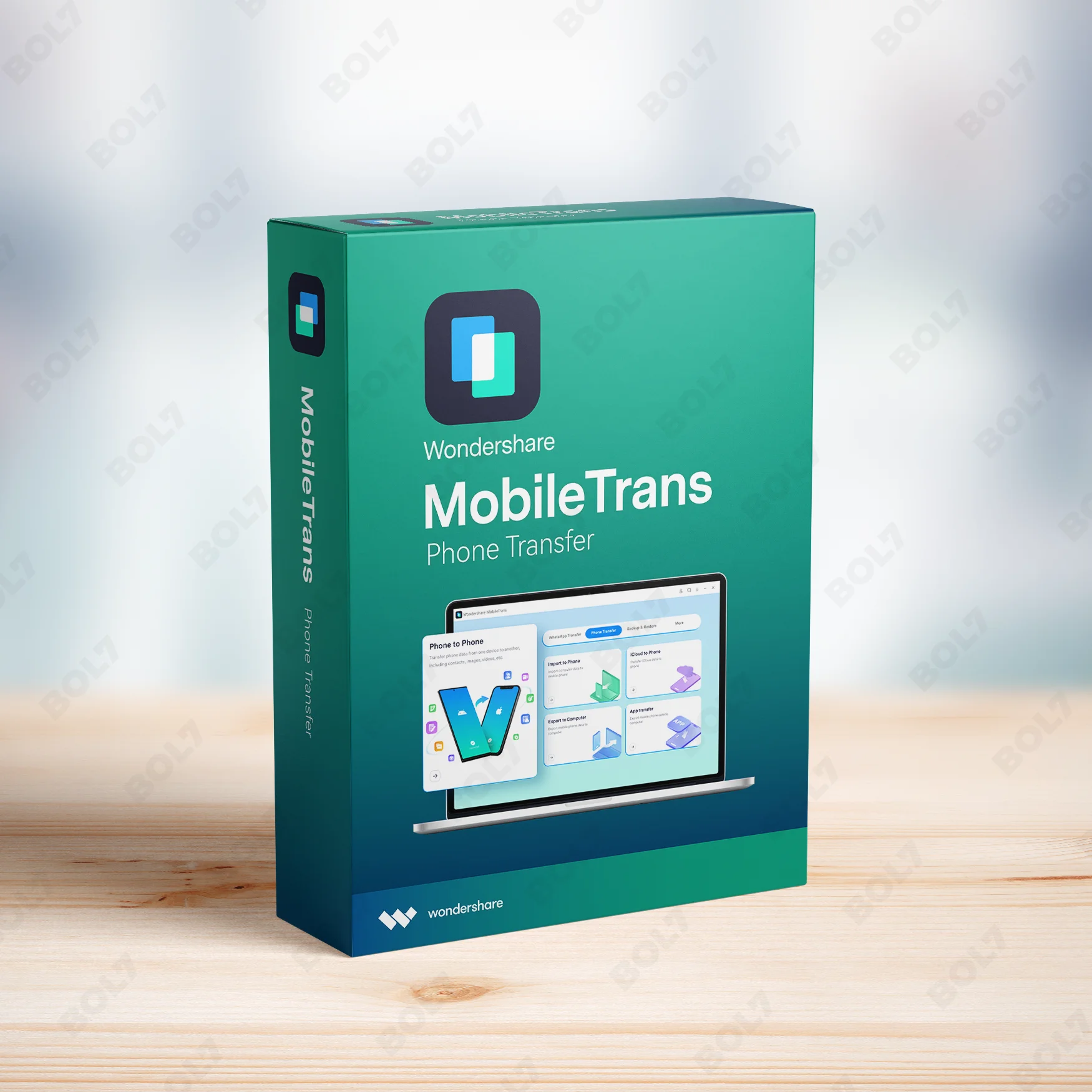
Transfer, back up, and restore phone data and WhatsApp with Wondershare MobileTrans for Mac. Enjoy full access with the one-year license and cross-platform support.
Key Features: Wondershare MobileTrans for Mac One Year License
- Data Transfer: Move your data across devices easily. Wondershare MobileTrans supports the transfer of contacts, messages, photos, and videos between phones and computers.
- Phone to Phone Transfer: Transfer data directly between two phones, whether Android to iOS or iOS to Android. It ensures a fast and seamless transfer process.
- Phone to Computer Transfer: Back up your phone data to your Mac. You can transfer your photos, videos, messages, and more from your phone to your computer effortlessly.
- Phone to Computer WhatsApp Transfer: Safely back up and restore your WhatsApp data between your phone and computer. Wondershare MobileTrans ensures your WhatsApp chats and media are securely transferred.
- WhatsApp Transfer: Move WhatsApp data between phones. Whether you're upgrading or switching devices, MobileTrans transfers all your chats and media smoothly.
- WhatsApp Business Transfer: Transfer your WhatsApp Business data easily. Wondershare MobileTrans supports migrating business chats, media, and settings to new devices without any hassle.
- Google Drive to WhatsApp Transfer: Migrate WhatsApp backup from Google Drive to your new phone. With MobileTrans, you can move all your data from Google Drive to your WhatsApp on iPhone or Android.
- LINE, GBWhatsApp, Kik, Viber, and WeChat Transfer: Transfer data from other social apps, such as LINE, GBWhatsApp, Kik, Viber, and WeChat, between phones. Wondershare MobileTrans supports a variety of social messaging platforms for seamless migration.
- One Year License: With the one-year license, you get full access to all Wondershare MobileTrans features for one year. Enjoy regular updates and premium support without worrying about recurring charges.
Simple Steps To Get Started
- Purchase the One-Year License: Visit the bol7 platform to purchase the one-year license for Wondershare MobileTrans for Mac. After your purchase, you’ll receive an email with the download link and activation key.
- Download the Installer: Click the download link from the email to begin downloading the installer. Once downloaded, locate the file on your Mac and double-click it to begin installation.
- Run the Installation: Follow the prompts in the installation wizard to set up Wondershare MobileTrans on your Mac. The installation process is quick and easy.
- Activate the Software: Open Wondershare MobileTrans and input the activation key you received via email. This will unlock all the premium features and full functionality of the software.
- Start Transferring Data: After activation, you can start transferring data, backing up, and restoring your WhatsApp and other app data with Wondershare MobileTrans. Enjoy the smooth and seamless transfer experience.
Technical Support:
Call / WhatsApp Us:
+91 70650 40985
Email: [email protected]
Sales Support:
Call / WhatsApp Us:
+91 70650 40985
Email: [email protected]
More Products
The Business Owners Database for Luxembourg is an essential resource for businesses seeking Verified B2B Email …
Adobe Substance 3D Modeler allows you to sculpt 3D models with digital clay, supporting both desktop …
Enhance your campaigns with our Mobile Number Database for Greece, featuring 85–90% verified active contacts. Ideal …
Emurasoft EmEditor Professional offers powerful features like large file handling, Unicode support, and CSV conversion. With …
Access Afghanistan's verified Business Owners Database, including names, emails, phone numbers, addresses, and websites. Ideal for …
SUSE Linux Enterprise Server, x86-64, 1 Virtual Machine, Priority Subscription, 3 Year, offers a secure and …
Stellar Repair for Video Premium for Windows is an advanced tool for repairing damaged videos and …
Wondershare PDF to Word Converter offers an efficient way to convert your PDF files into Word …
Useful Links
Get In Touch
[email protected]
+91 70650 40985
- live:hemant_136
A-27J, Noida Sec 16, Gautam Buddha Nagar, Uttar Pradesh 201301
Stay connected & Informed
Join our WhatsApp Channel
ⓒ 2024 BOL7 All Rights Reserved
Don't Miss Out...
Take up to 2% off your first order!
Use the discount code below and save 2% on this order now.
Coupon Code Copied!