- Email: [email protected]
- Call / WhatsApp Us: +91 70650 40985
Related Products
-
Wondershare Allmymusic for Mac
INR 2145.36 -

Wondershare AllMyTube for Mac
INR 2145.36 -

Wondershare DVD Creator
INR 2955.42 -

Wondershare DVD Slideshow Builder Deluxe
INR 5174.75 -
Wondershare TunesGo Win - iOS & Android Perpetual
INR 4419.47 -
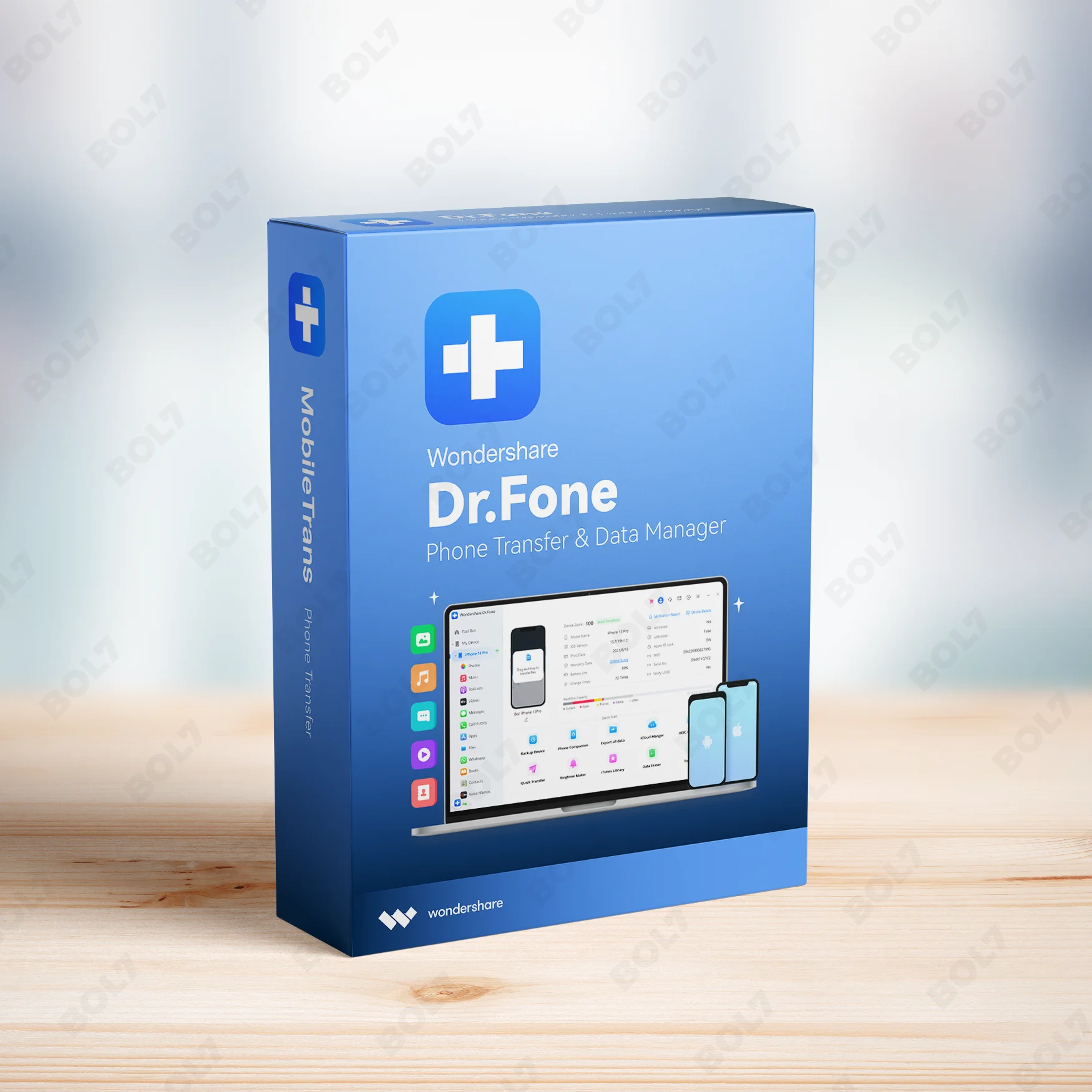
Wondershare Dr.Fone iOS Erase For Mac
INR 3473.13 -
Wondershare TunesGo Win - Android Perpetual
INR 2945.08 -
Wondershare TunesGo Mac - iOS Devices Perpetual
INR 3682.27
Other Products
- Hightail Teams - 1 - Month
- K7 AntiVirus Premium 5 Nos Channel Pack - 1U/1Y
- Marg ERP 9+ Basic Edition For 1 User
- Intego Antivirus Windows For 2 Years & 1 Users
- Intego Antivirus Windows Extended For 5 PC
- Wondershare PDFelement 8 Pro For Mac 1 Year Plan
- Mobile Number Database for Trinidad and Tobago
- CISCO CATALYST 2960X-24TS-L SWITCH
- Mobile Number Database for Ethiopia
- IDM for 1 PC & Lifetime License
- Wondershare TunesGo Win - iOS Devices Perpetual
- Tenorshare ReiBoot For 15 Device 1 Mac
- Tenorshare ReiBoot for Windows 1 Year License
- Wondershare MobileTrans Mac WhatsApp Trans Annual
- MiniTool Data Recovery Software
- Business Owners Database US Virgin Islands
- Cisdem ContactsMate Mac - Business License 5 Macs
- Mobile Number Database for New Zealand
- WPS Office Mac Premium File Recovery PDF Monthly
- Proton Mail Essentials Yearly Billing Plan
- Business Owners Database Micronesia
- Proton VPN 12 Months Subscription
- EaseUS BitWiper One Month Subscription
- MiniTool Partition Wizard Technician Edition
- Cisdem Duplicate Finder For Mac - Lifetime License
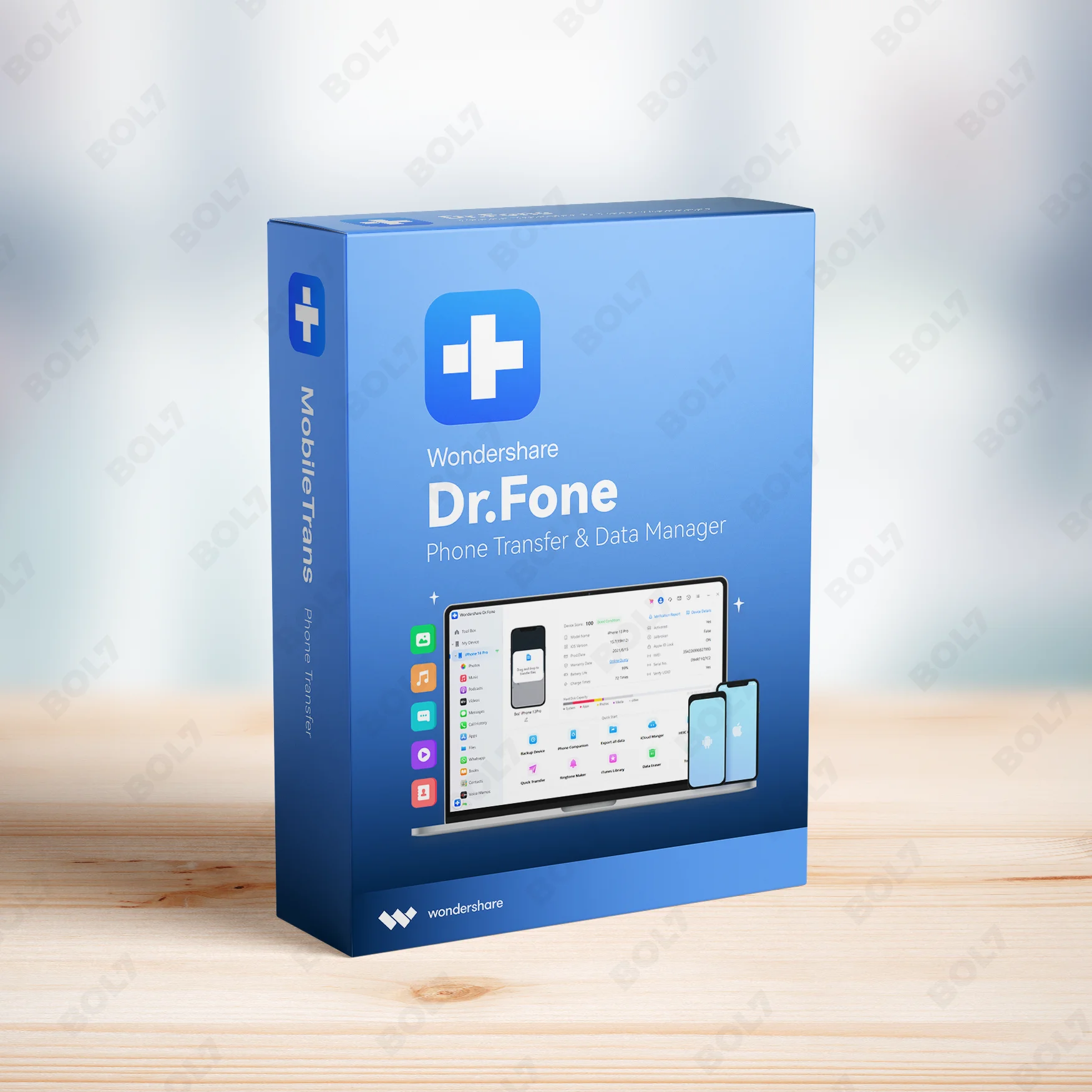
Easily transfer data, manage files, and recover lost data with Wondershare Dr.Fone for Windows. Includes system repair and data eraser with a subscription.
Key Features: Wondershare Dr.Fone - iOS Transfer for Win
- Data Transfer: Effortlessly transfer data between your iPhone and Windows PC. Dr.Fone makes it easy to move contacts, photos, videos, and more.
- Phone Transfer: Transfer your entire phone’s data, including apps, contacts, and media files, to your new iPhone or PC. This ensures a seamless device migration process.
- Media File Management: Organize, manage, and transfer your music, videos, photos, and other media files with ease. Keep your files in order and accessible.
- Social Data Management: Dr.Fone helps you manage your social data, including contacts, messages, and media from apps like WhatsApp, Line, and more.
- Data Recovery: Recover lost or deleted data from your iPhone with just a few clicks. Dr.Fone supports recovering photos, contacts, messages, and more from your device and backups.
- System Repair: Fix various iOS system issues, such as device stuck in recovery mode, black screen, and boot loops. Repair your device without any data loss.
- Screen Unlock: Unlock your iPhone screen if you forget your password, Face ID, or Touch ID. Dr.Fone ensures that your device remains secure and accessible.
- iTunes Repair: Resolve iTunes errors and restore iPhone data from backups with iTunes repair. Dr.Fone fixes common issues, such as iTunes sync errors and iTunes crashes.
- Data Eraser: Permanently erase sensitive data from your iPhone to ensure privacy before selling or giving it away. Dr.Fone’s data eraser tool guarantees complete deletion.
- Subscription: The subscription ensures full access to Wondershare Dr.Fone, with continuous updates and premium features, including all the latest iOS transfer tools and system repairs.
Simple Steps To Get Started
- Purchase the Subscription: Visit the bol7 platform to purchase your subscription for Wondershare Dr.Fone - iOS Transfer for Windows. You’ll receive an email with a download link and activation key after purchase.
- Download the Installer: Click on the download link in your email to get the installer. Once the download is complete, locate the file on your computer and double-click to open it.
- Run the Installation: Follow the installation prompts to install Wondershare Dr.Fone on your Windows PC. The process is quick and straightforward.
- Activate the Software: Open Wondershare Dr.Fone and enter the activation key you received via email. This will unlock all premium features and allow you to start using the software.
- Start Transferring and Managing Data: Once activated, begin transferring, managing, and recovering your data. Take full advantage of Dr.Fone’s powerful features, including system repair, data erasure, and media management.
Technical Support:
Call / WhatsApp Us:
+91 70650 40985
Email: [email protected]
Sales Support:
Call / WhatsApp Us:
+91 70650 40985
Email: [email protected]
More Products
Internet Cafe Software - Enterprise Edition offers robust features for unlimited client management, advanced billing, and …
Cisdem OCRWizard for Mac is an advanced software that uses OCR technology to convert scanned images, …
The Business Owners Database for Peru is a powerful resource for businesses seeking Verified B2B Email …
Intego Antivirus Windows Extended is a premium solution designed to protect up to 5 PCs from …
SUSE Linux Enterprise Server, ARM with 1-15 Cores, 1-4 Cores or 1-2 Virtual Machines, Priority Subscription, …
BeeCut Personal License allows you to edit videos with ease, offering features like speed control, audio …
Enhance your marketing with our Mobile Number Database for Lebanon, featuring 85–90% verified active contacts. Ideal …
Cisdem PDF Converter OCR for Mac allows businesses to convert PDFs into popular document formats, create …
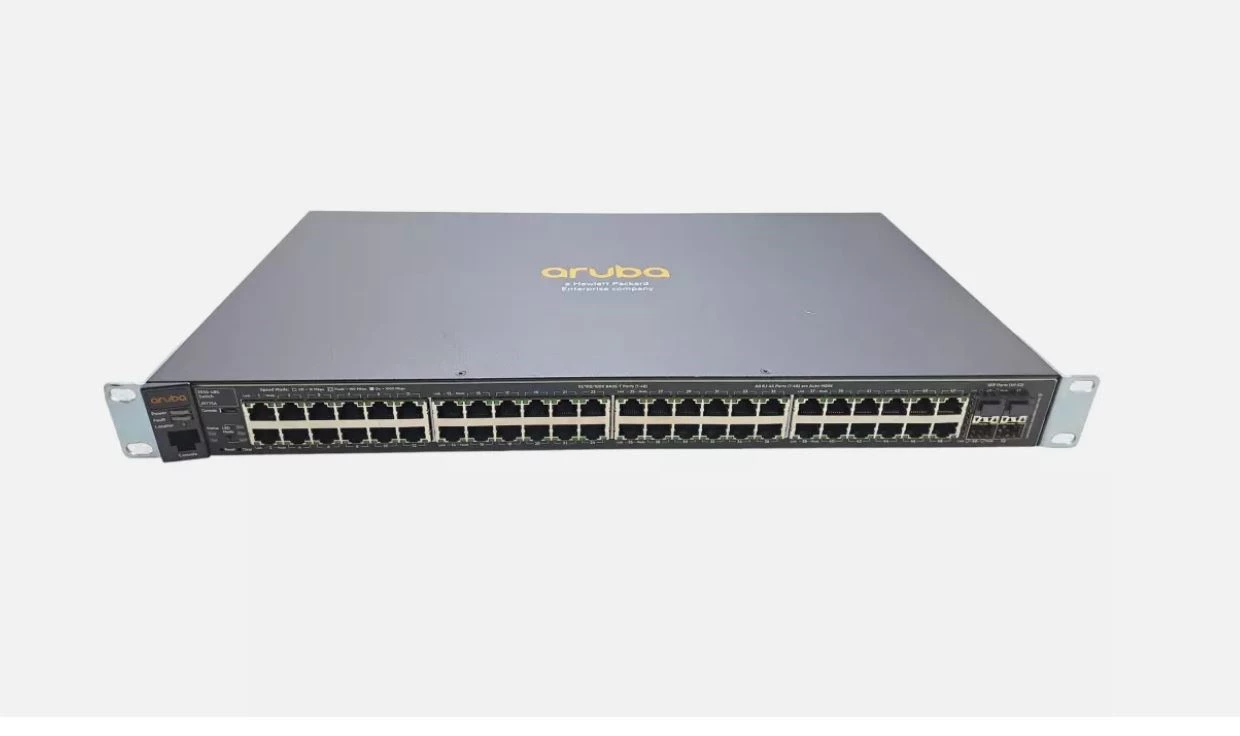
Useful Links
Get In Touch
[email protected]
+91 70650 40985
- live:hemant_136
A-27J, Noida Sec 16, Gautam Buddha Nagar, Uttar Pradesh 201301
Stay connected & Informed
Join our WhatsApp Channel
ⓒ 2024 BOL7 All Rights Reserved
Don't Miss Out...
Take up to 2% off your first order!
Use the discount code below and save 2% on this order now.
Coupon Code Copied!