- Email: [email protected]
- Call / WhatsApp Us: +91 70650 40985
Related Products
-
Wondershare Allmymusic for Mac
INR 2145.36 -

Wondershare AllMyTube for Mac
INR 2145.36 -
Wondershare DVD Creator
INR 2955.42 -

Wondershare DVD Slideshow Builder Deluxe
INR 5174.75 -
Wondershare TunesGo Win - iOS & Android Perpetual
INR 4419.47 -
Wondershare Dr.Fone iOS Erase For Mac
INR 3473.13 -
Wondershare TunesGo Win - Android Perpetual
INR 2945.08 -
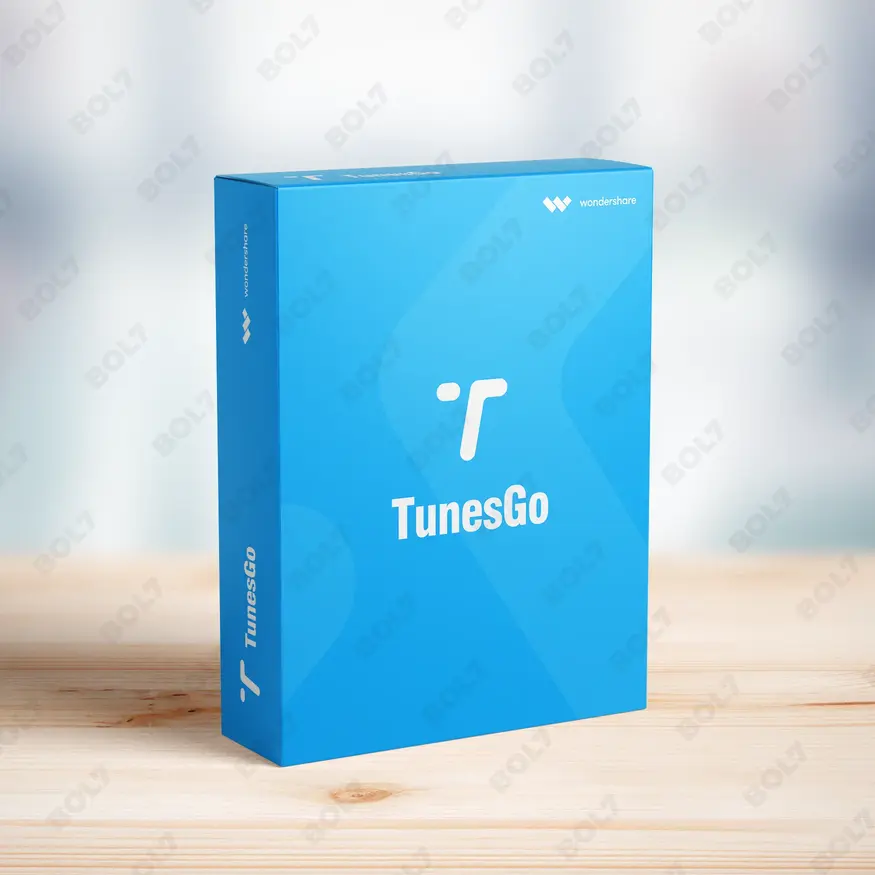
Wondershare TunesGo Mac - iOS Devices Perpetual
INR 3682.27
Other Products
- Intego Antivirus Windows 1 Year & 251 To 500 Users
- Mobile Number Database for Uganda
- Business Owners Database Lithuania
- EaseUS Disk Copy Pro Lifetime Upgrades
- WPS Office Mac 20G Cloud Storage & Backup Monthly
- Mobile Number Database for Croatia
- Mobile Number Database for Iraq
- Business Owners Database Croatia
- SUSE LES Power 1 Virtual Machine Priority 3 Years
- Business Owners Database Argentina
- WS FamiSafe Mac-Windows-iOS-Android Annual Plan
- Business Owners Database South Sudan
- SUSE (LES) ARM 1-15 Cores Virtual Priority 1 Year
- Cisdem Document Reader For Mac - Lifetime License
- Intego Antivirus Windows For 1 Year & 6 To 20 user
- Mobile Number Database for Qatar
- Business Owners Database Marshall Islands
- Microsoft Office Home & Business 2024 Mac-Win
- Wondershare Filmora 14 Perpetual
- Mobile Number Database for Turkmenistan
- Wondershare Photo Recovery For Windows
- Adobe Stock For Teams (Other) 1 User Monthly
- Cisdem DVD Burner For Mac - Lifetime License
- Wondershare PDFelement 6 For Mac
- Business Owners Database Malta
Permanently erase data from your Android device with Wondershare Dr.Fone - Android Erase for Win. Enjoy privacy protection and full access through the subscription.
Key Features: Wondershare Dr.Fone - Android Erase for Win
- Complete Data Erasure: Dr.Fone ensures complete data erasure from your Android device, including photos, videos, contacts, and more. The tool permanently deletes all data so it cannot be recovered.
- Military-Grade Erasure: Wondershare Dr.Fone uses military-grade erasure technology to ensure your data is securely wiped. This feature guarantees that your information is irrecoverable and safe from prying eyes.
- Erase All Data: With Dr.Fone, you can erase all the data on your Android device with a single click. This includes your personal files, apps, and settings, leaving no traces behind.
- Erase Private Data: Protect your privacy by erasing sensitive data like passwords, photos, and messages. Dr.Fone ensures that no private data remains on your device when it’s wiped.
- Erase Deleted Files: Dr.Fone can also erase deleted files that have not been fully removed. This ensures that no remnants of your deleted data can be recovered.
- Data Recovery: In case you erase something by mistake, Dr.Fone offers data recovery options to retrieve lost information. It helps you recover deleted data before permanent erasure.
- Phone Management: Dr.Fone allows you to manage your Android phone by organizing and transferring files, apps, and settings. It simplifies the process of backing up and restoring data.
- Privacy Protection: Protect your personal information from unauthorized access with Dr.Fone’s robust privacy protection features. Erase all traces of private data before selling or disposing of your device.
- Features like Screen Unlock, SIM Unlock, and Rooting: Dr.Fone provides additional features such as unlocking your Android screen, SIM card unlocking, and rooting your device, allowing full control and access.
- Subscription: The subscription grants you access to all premium features of Wondershare Dr.Fone, including the ability to permanently erase data, manage phone settings, and protect your privacy.
Simple Steps To Get Started
- Purchase the Subscription: Visit the bol7 platform to purchase your subscription for Wondershare Dr.Fone - Android Erase for Win. After purchasing, you’ll receive an email with the download link and activation key.
- Download the Installer: Click the download link in your email to get the installer file. Once the download is complete, locate the file on your computer and double-click to open it.
- Run the Installation: Follow the installation instructions to set up Wondershare Dr.Fone on your Windows PC. The installation process is simple and takes just a few minutes.
- Activate the Software: Open Wondershare Dr.Fone and enter the activation key you received in the email. This will unlock all premium features and provide full access to the software.
- Start Erasing Data: Once activated, you can start using Dr.Fone to erase all data from your Android device. Select the data you want to erase, and the software will securely remove it for you.
Technical Support:
Call / WhatsApp Us:
+91 70650 40985
Email: [email protected]
Sales Support:
Call / WhatsApp Us:
+91 70650 40985
Email: [email protected]
More Products
Stellar Repair for Video Professional for Windows is a versatile tool that repairs corrupt or damaged …
The Business Owners Database South Africa offers verified contact details of business owners across industries. Ideal …
SUSE Linux Enterprise Server with Live Patching for POWER, 1-2 Sockets with Unlimited Virtual Machines, Standard …
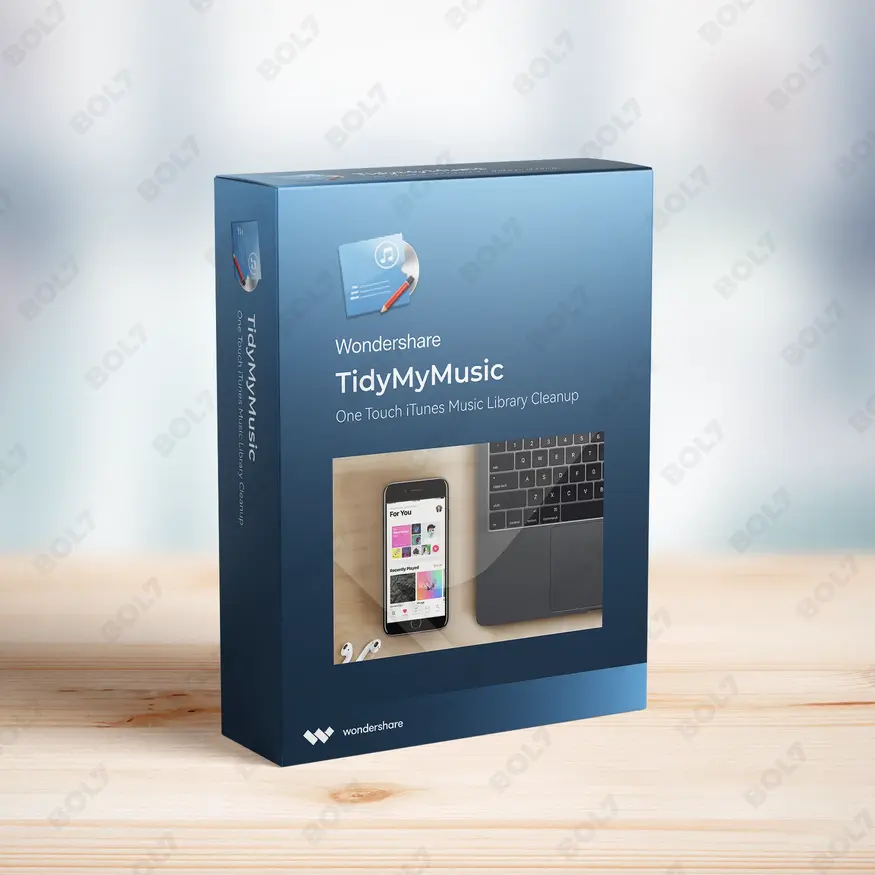
Intego Mac Premium Bundle X9 is the ultimate security and optimization solution for 3 Macs. Featuring …
Stellar Photo Recovery Professional for Mac is an advanced solution for recovering and repairing multimedia files. …
Intego Antivirus for Windows Family provides comprehensive protection for up to 3 PCs. With a world-class …
HotSpot Software - Premium Edition offers comprehensive control and management features for WiFi networks. Customize user …
ClearSightOptical.com is a premium domain designed for businesses in the eye care and eyewear industry. Whether …
Useful Links
Get In Touch
[email protected]
+91 70650 40985
- live:hemant_136
A-27J, Noida Sec 16, Gautam Buddha Nagar, Uttar Pradesh 201301
Stay connected & Informed
Join our WhatsApp Channel
ⓒ 2024 BOL7 All Rights Reserved
Don't Miss Out...
Take up to 2% off your first order!
Use the discount code below and save 2% on this order now.
Coupon Code Copied!