- Email: [email protected]
- Call / WhatsApp Us: +91 70650 40985
Related Products
-
Wondershare Allmymusic for Mac
INR 2145.36 -

Wondershare AllMyTube for Mac
INR 2145.36 -
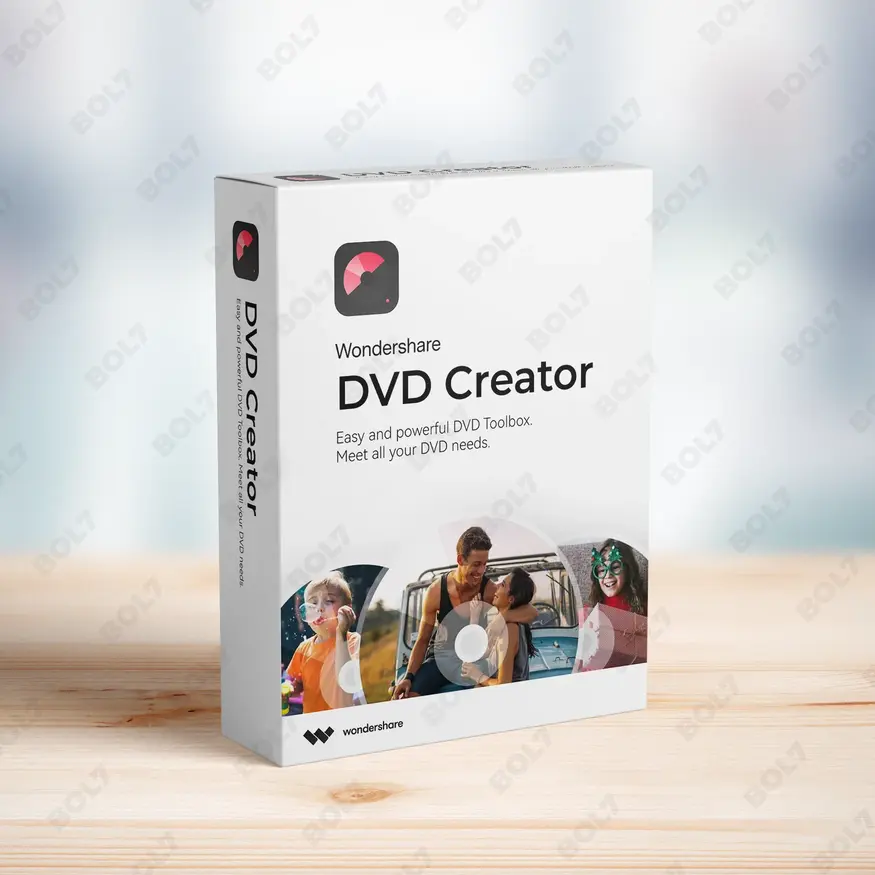
Wondershare DVD Creator
INR 2955.42 -

Wondershare DVD Slideshow Builder Deluxe
INR 5174.75 -
Wondershare TunesGo Win - iOS & Android Perpetual
INR 4419.47 -
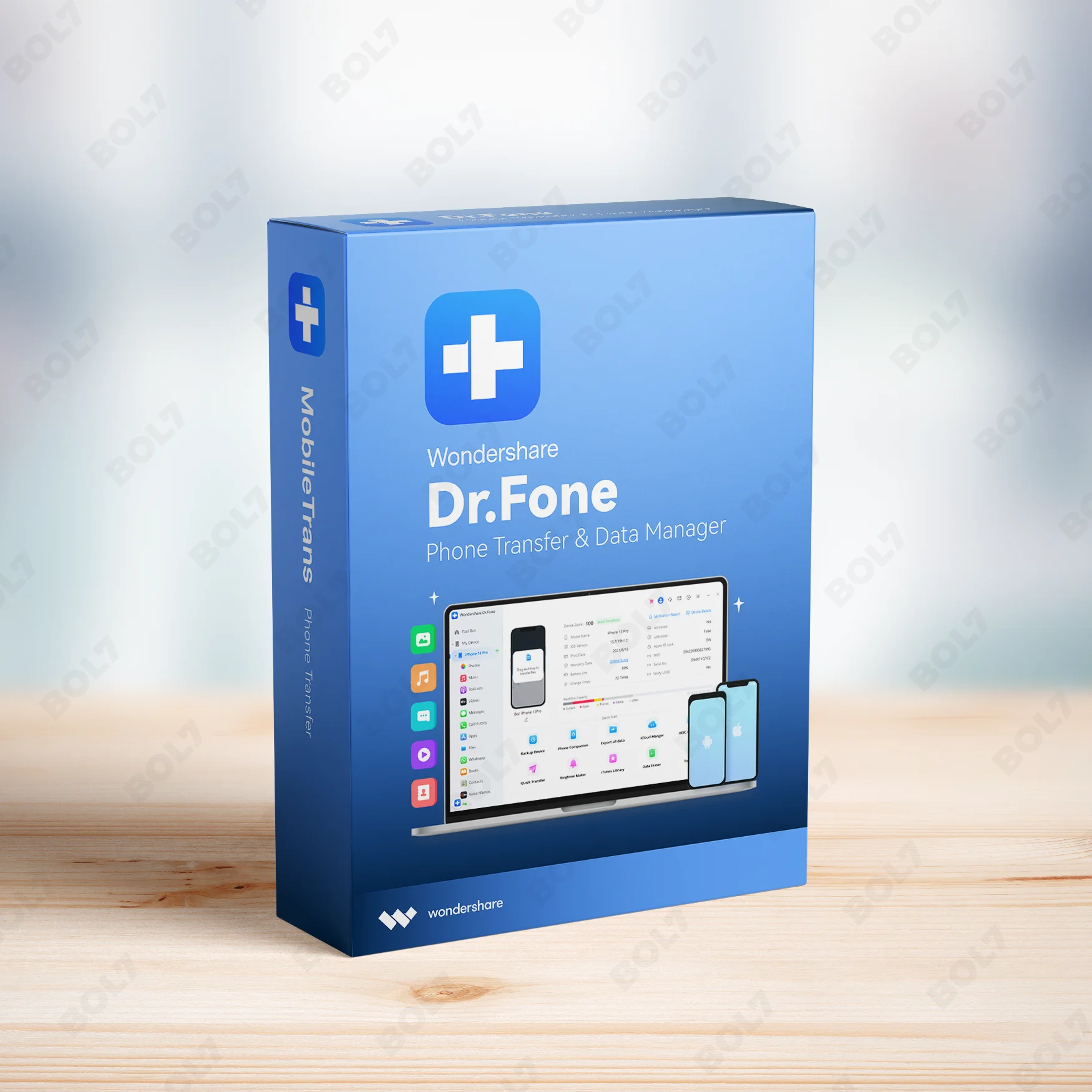
Wondershare Dr.Fone iOS Erase For Mac
INR 3473.13 -
Wondershare TunesGo Win - Android Perpetual
INR 2945.08 -
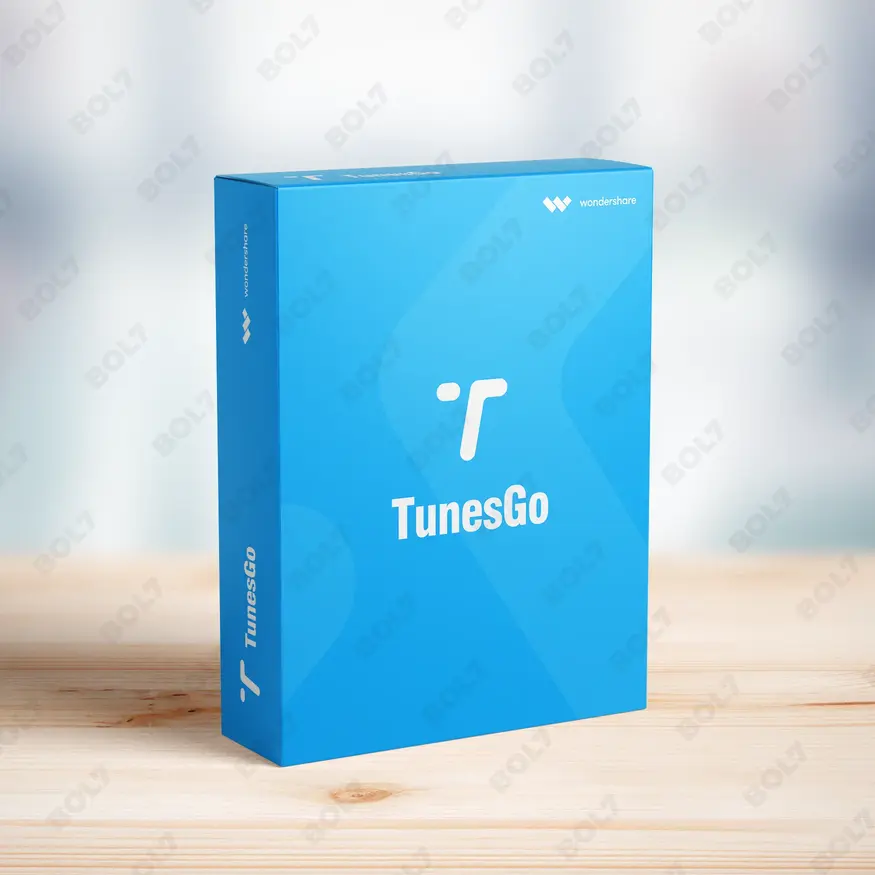
Wondershare TunesGo Mac - iOS Devices Perpetual
INR 3682.27
Other Products
- Business Owners Database Italy
- Business Owners Database Bangladesh
- Mobile Number Database for Argentina
- Business Owners Database Maldives
- Audition Edition 4 For Enterprise 1 User Yeraly
- IB Adv. 365 For PC/Server
- Stellar Repair For Outlook Professional
- Business Owners Database Burkina Faso
- Microsoft Project Standard 2021 Win All Languages
- Readiris Pro 17 For Mac OCR & PDF Software
- EaseUS MobiMover For Mac 1 Month Plan
- Business Owners Database Northern Mariana Islands
- Microsoft Visio Standard 2024 Win All Languages
- Business Owners Database North Macedonia
- Business Owners Database Honduras
- Adobe Animate CC Annual Subscription
- Wondershare Photo Recovery For Mac
- Intego VirusBarrier X9 Renewal 5 Macs & 1 Year
- Business Owners Database Bhutan
- Business Owners Database Samoa
- SUSE LES Power 1 Virtual Machine Priority 1 Year
- Cisdem Duplicate Finder & AppCrypt Mac Lifetime
- PrivadoVPN Subscription Plan
- WPS Office Cloud Storage Collab & Cloud Backup
- EaseUS Data Recovery Pro Mac Yearly Subscription
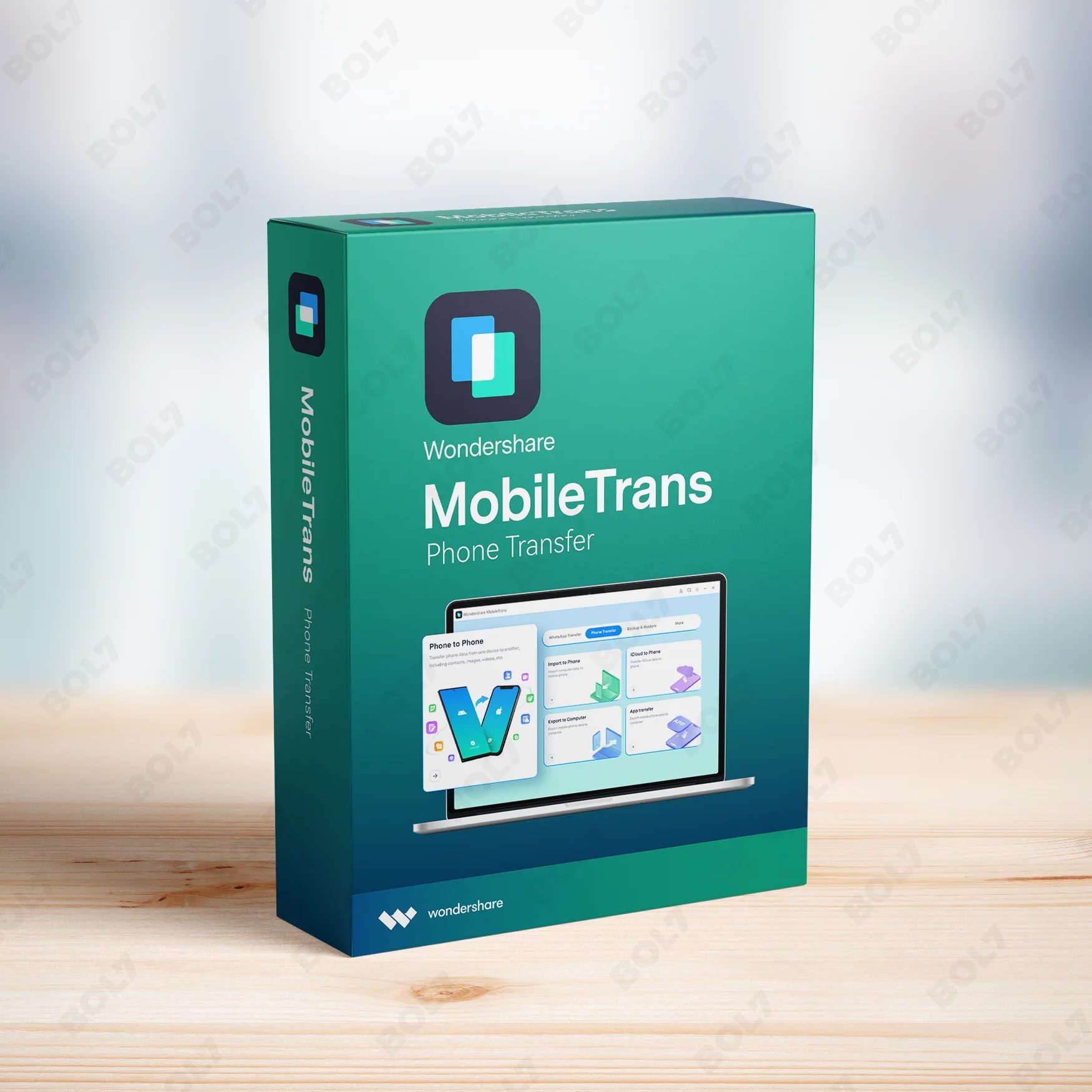
Transfer WhatsApp data across devices with Wondershare MobileTrans for Windows. Enjoy lifetime access with the perpetual license for full WhatsApp transfer features.
Key Features: Wondershare MobileTrans (Win) - WhatsApp Transfer - Perpetual License
- Phone to Phone: Effortlessly transfer WhatsApp data from one phone to another. Whether it’s from Android to iPhone or vice versa, Wondershare MobileTrans makes the process simple and secure.
- Phone to Computer: Back up your WhatsApp messages and media from your phone to your computer for safekeeping. MobileTrans allows you to transfer WhatsApp data with ease.
- Computer to Phone: Restore WhatsApp data from your computer back to your phone. Whether from a previous backup or data stored on your PC, MobileTrans simplifies the process.
- Cross-Platform Transfer: Move WhatsApp data between Android and iOS devices without hassle. Wondershare MobileTrans supports seamless cross-platform transfers, making data migration smooth and efficient.
- Playlist Transfer: Transfer WhatsApp media files such as photos and videos in playlists. Keep your WhatsApp multimedia files organized while transferring between devices.
- App Transfer: Easily transfer WhatsApp and other apps from phone to phone or phone to computer. This feature supports a wide variety of apps, including WhatsApp, for quick migration.
- Fast Transfer Speed: Experience fast and efficient transfer speeds, ensuring that your WhatsApp data is moved quickly without delays. Wondershare MobileTrans optimizes the process for a seamless experience.
- Supports 6000+ Mobile Devices: Wondershare MobileTrans supports over 6000 mobile devices, making it compatible with various Android and iOS phones. This ensures that all your devices are supported.
- MobileTrans App: Use the MobileTrans app for additional convenience. Sync your mobile device with the desktop app to manage transfers and backups seamlessly.
- Perpetual License: With the perpetual license, you get lifetime access to all features of Wondershare MobileTrans. Enjoy premium features, continuous updates, and no recurring charges.
Simple Steps To Get Started
- Purchase the Perpetual License: Visit the bol7 platform to purchase your perpetual license for Wondershare MobileTrans for Windows. After purchasing, you will receive an email with the download link and activation key.
- Download the Installer: Click on the download link provided in your email to start the download. Once the file is downloaded, locate it on your computer and double-click to start the installation.
- Run the Installation: Follow the on-screen instructions to complete the installation process. The installation is simple and will only take a few minutes.
- Activate the Software: Open Wondershare MobileTrans and enter the activation key you received in your email. This will unlock all the premium features for WhatsApp data transfer.
- Start Transferring Data: Once activated, you can start transferring WhatsApp data between devices. Use the full features of MobileTrans, including cross-platform transfers and fast data migration.
Technical Support:
Call / WhatsApp Us:
+91 70650 40985
Email: [email protected]
Sales Support:
Call / WhatsApp Us:
+91 70650 40985
Email: [email protected]
More Products
Enhance your campaigns with our Mobile Number Database for Hong Kong, featuring 85–90% verified active contacts. …
SUSE Linux Enterprise Server, ARM with 16 or more Cores, 1-2 Sockets with Unlimited Virtual Machines, …
The Business Owners Database for Tonga is an essential resource for businesses seeking Verified B2B Email …
SUSE Linux Enterprise Server, x86-64, 1 Virtual Machine, Priority Subscription, 1 Year, provides a secure and …
Enhance your marketing campaigns with our Mobile Number Database for Poland, featuring 85–90% verified active contacts. …
Elevate your marketing with our Mobile Number Database for Lithuania, featuring 85–90% verified active contacts. Perfect …
The Instagram Automation Tool automates tasks like posting, liking, commenting, following, and unfollowing, helping you efficiently …
Cisdem Video Converter for Mac offers seamless video conversion, editing, and downloading. With the Business License …
Useful Links
Get In Touch
[email protected]
+91 70650 40985
- live:hemant_136
A-27J, Noida Sec 16, Gautam Buddha Nagar, Uttar Pradesh 201301
Stay connected & Informed
Join our WhatsApp Channel
ⓒ 2024 BOL7 All Rights Reserved
Don't Miss Out...
Take up to 2% off your first order!
Use the discount code below and save 2% on this order now.
Coupon Code Copied!