- Email: [email protected]
- Call / WhatsApp Us: +91 70650 40985
Related Products
-
Wondershare Allmymusic for Mac
INR 2145.36 -
Wondershare AllMyTube for Mac
INR 2145.36 -

Wondershare DVD Creator
INR 2955.42 -

Wondershare DVD Slideshow Builder Deluxe
INR 5174.75 -
Wondershare TunesGo Win - iOS & Android Perpetual
INR 4419.47 -
Wondershare Dr.Fone iOS Erase For Mac
INR 3473.13 -
Wondershare TunesGo Win - Android Perpetual
INR 2945.08 -
Wondershare TunesGo Mac - iOS Devices Perpetual
INR 3682.27
Other Products
- Wondershare Anireel Bundle For 1 Year Windows
- Business Owners Database Macau
- Wondershare Filmora Pro Lifetime
- SUSE (LES) Extension Pack IBM Z 5 Standard 1 Year
- HotSpot Software - Standard Edition
- Microsoft Project Standard 2024 Win All Languages
- Mobile Number Database for Finland
- Proton VPN 1 Month Subscription
- Business Owners Database Turks and Caicos Islands
- Wondershare MobileTrans Full Features Win Annual
- Wondershare PDF Password Remover
- CheapTravelPlaces.com
- Wondershare PDFelement 8 Pro For Mac & iOS 1 Year
- Mobile Number Database for Turkey
- Wondershare PDFelement 10 Mac Two Years Plan Pro
- MiniTool ShadowMaker Annual Subscription
- EaseUS Key Finder 2 Year Subscription
- Business Owners Database Gabon
- Business Owners Database Latvia
- EaseUS Data Recovery Wizard Tech Premium Yearly
- EaseUS Partition Master Server 2 Year Subscription
- Cisdem ContactsMate For Mac - Lifetime License
- EaseUS Backup Center Advanced Server Yearly
- AOMEI Backupper Tech-Lifetime Upgrade Unlimited Pc
- EaseUS Data Recovery Wizard Professional Lifetime
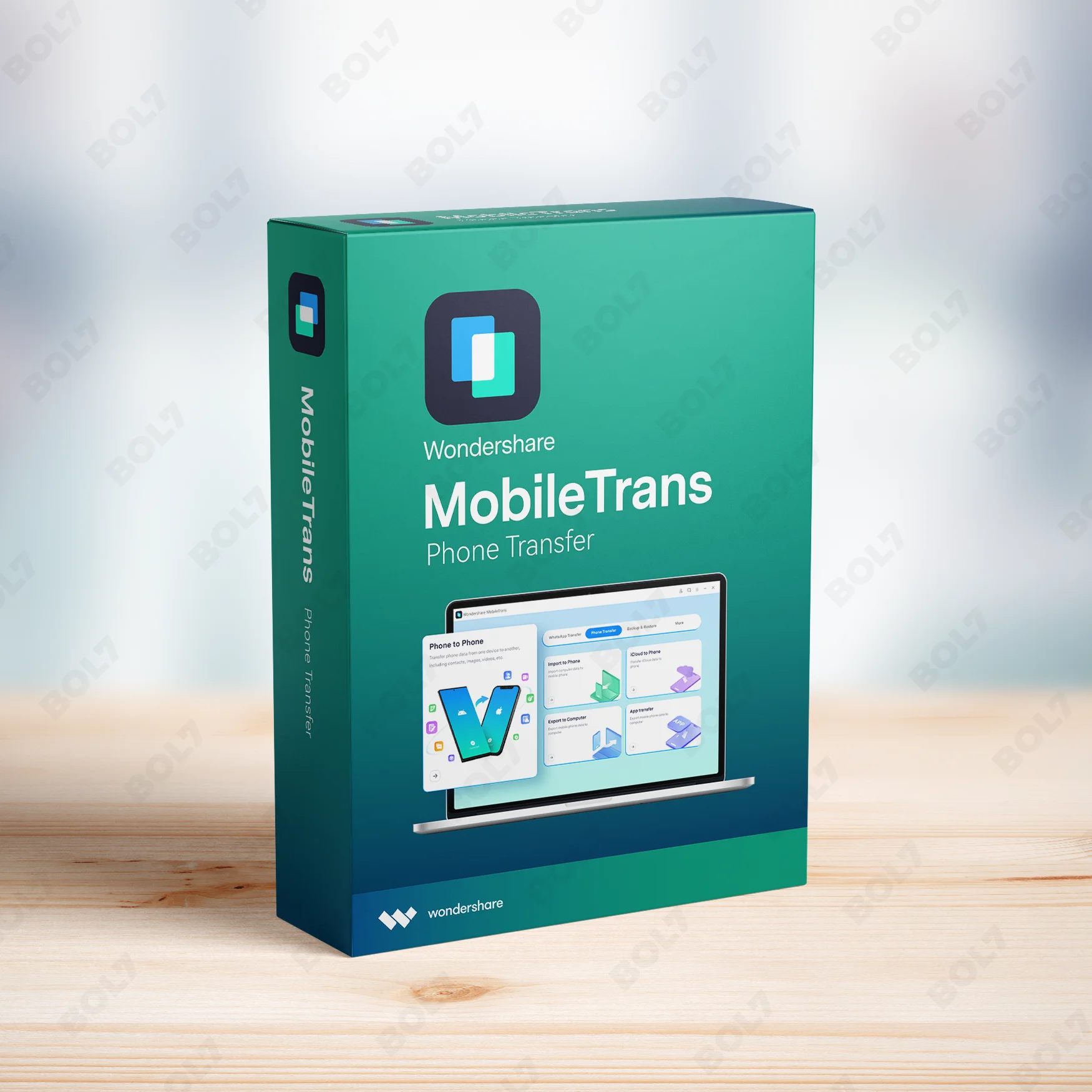
Transfer and back up WhatsApp data effortlessly with Wondershare MobileTrans for Windows. Enjoy full features with the annual plan, including cross-platform and WhatsApp Business support.
Key Features: Wondershare MobileTrans (Win) - WhatsApp Transfer - Annual Plan
- Backup & Restore: Safely back up your WhatsApp data to your PC and restore it to a new device. Wondershare MobileTrans ensures your WhatsApp data is always secure and recoverable.
- Transfer WhatsApp Data: Easily transfer your WhatsApp data between Android and iOS devices. Move your chats, media, and settings without any hassle.
- Restore and Transfer WhatsApp Data: Transfer and restore all your WhatsApp data, including chat history and media. You can move WhatsApp data between devices with ease.
- Back Up Your WhatsApp Data: Keep your WhatsApp data secure by backing it up to your computer. Never worry about losing important chats, media, and messages again.
- Restoring WhatsApp Business Data: Transfer and restore WhatsApp Business data across different devices. MobileTrans supports WhatsApp Business accounts, ensuring no data is lost.
- WhatsApp Data from One Phone to Another: Seamlessly transfer WhatsApp data from one phone to another, whether it's from Android to iOS or vice versa. MobileTrans ensures smooth and secure transfers.
- Restore Deleted WhatsApp Data to Android and iOS Devices: Recover deleted WhatsApp messages and media on both Android and iOS devices. MobileTrans makes it easy to restore lost WhatsApp data.
- Supports Latest Android and iOS Versions: Wondershare MobileTrans supports the latest versions of Android and iOS. Transfer WhatsApp data between any current devices with full compatibility.
- Transferring Other Social Apps: In addition to WhatsApp, MobileTrans supports transferring data from other social apps. Seamlessly move data between various platforms with ease.
- Annual Plan: The annual plan provides full access to Wondershare MobileTrans with continuous updates and support. Enjoy premium features like WhatsApp transfer, backup, and restore with regular improvements.
Simple Steps To Get Started
- Purchase the Annual Plan: Visit the bol7 platform to purchase the annual plan for Wondershare MobileTrans for Windows. After your purchase, you will receive an email with the download link and activation key.
- Download the Installer: Click the download link in your email to download the Wondershare MobileTrans installer. Once the download completes, find the file on your computer and double-click to open it.
- Run the Installation: Follow the installation prompts to install Wondershare MobileTrans on your Windows PC. The installation is simple and takes just a few minutes.
- Activate the Software: Open Wondershare MobileTrans and enter the activation key you received via email. This will unlock all premium features and provide full access to the software.
- Start Transferring WhatsApp Data: Once activated, start transferring your WhatsApp data between devices. MobileTrans makes it easy to back up, restore, and transfer all WhatsApp data seamlessly.
Technical Support:
Call / WhatsApp Us:
+91 70650 40985
Email: [email protected]
Sales Support:
Call / WhatsApp Us:
+91 70650 40985
Email: [email protected]
More Products
SUSE Linux Enterprise Server with Live Patching for IBM z, 1 IFL, Standard Subscription, 3 Year, …
The Business Owners Database Faroe Islands is a vital tool for businesses looking to connect with …
GoRelax.salon is a premium domain crafted for businesses in the beauty and wellness industry. With its …
Access a comprehensive Business Owners Database in Bolivia with verified names, phone numbers, emails, and websites. …
SUSE Linux Enterprise Server with Live Patching for x86-64, 1-2 Sockets with Unlimited Virtual Machines, Priority …
Empower your campaigns with our Mobile Number Database for South Africa, featuring 85–90% verified active contacts. …
Cisdem PDFMaster for Mac is a comprehensive PDF solution that enables you to edit texts, images, …
MiniTool Power Data Recovery Business Deluxe provides a comprehensive and perpetual data recovery solution for businesses. …
Useful Links
Get In Touch
[email protected]
+91 70650 40985
- live:hemant_136
A-27J, Noida Sec 16, Gautam Buddha Nagar, Uttar Pradesh 201301
Stay connected & Informed
Join our WhatsApp Channel
ⓒ 2024 BOL7 All Rights Reserved
Don't Miss Out...
Take up to 2% off your first order!
Use the discount code below and save 2% on this order now.
Coupon Code Copied!