- Email: [email protected]
- Call / WhatsApp Us: +91 70650 40985
Related Products
-
Wondershare Allmymusic for Mac
INR 2145.36 -

Wondershare AllMyTube for Mac
INR 2145.36 -

Wondershare DVD Creator
INR 2955.42 -

Wondershare DVD Slideshow Builder Deluxe
INR 5174.75 -

Wondershare TunesGo Win - iOS & Android Perpetual
INR 4419.47 -
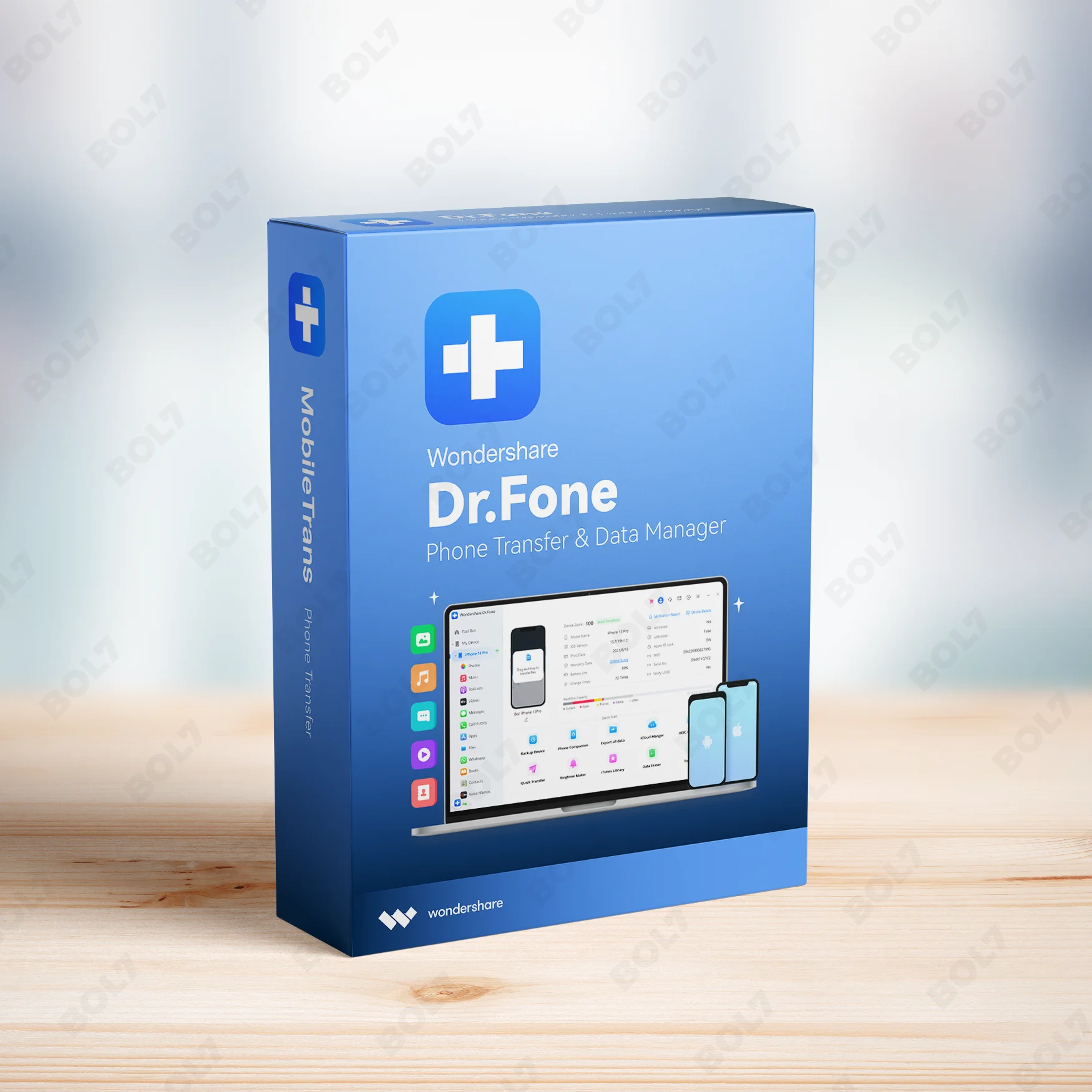
Wondershare Dr.Fone iOS Erase For Mac
INR 3473.13 -

Wondershare TunesGo Win - Android Perpetual
INR 2945.08 -

Wondershare TunesGo Mac - iOS Devices Perpetual
INR 3682.27
Other Products
- Mobile Number Database for Nigeria
- FrameMaker For Enterprise 1 User Yearly
- SUSE LES Power 1-2 Sockets Priority 1 Year
- Wondershare Repairit For Win Perpetual License
- CISCO CATALYST 3650-48TQ SWITCH
- Intego Mac Internet Security X9 Renew 1 Mac 1 Year
- Business Owners Database Namibia
- Business Owners Database Antigua and Barbuda
- Business Owners Database Poland
- IDM for 1 PC & Lifetime License
- Cisdem iPhone Cleaner Mac - Lifetime Plan 2 Macs
- K7 Total Security - 1U/1Y
- Intego Antivirus Windows For 2 Years & 5 Users
- EaseUS DupFiles Cleaner Lifetime Upgrades
- After Effects Pro For Teams 1 User 1 Month
- EaseUS Disk Copy Technician 2 Year Subscription
- Stellar Data Recovery Standard
- Business Owners Database Iceland
- Business Owners Database Thailand
- EaseUS Key Finder Business For 99 PCs
- Cisdem Video Player Mac - Lifetime License 2 Macs
- EaseUS Backup Center Server For 1 Year Plan
- Mobile Number Database for Afghanistan
- Wondershare Dr.Fone Full Toolkit Windows Annual
- Mobile Number Database for Syria
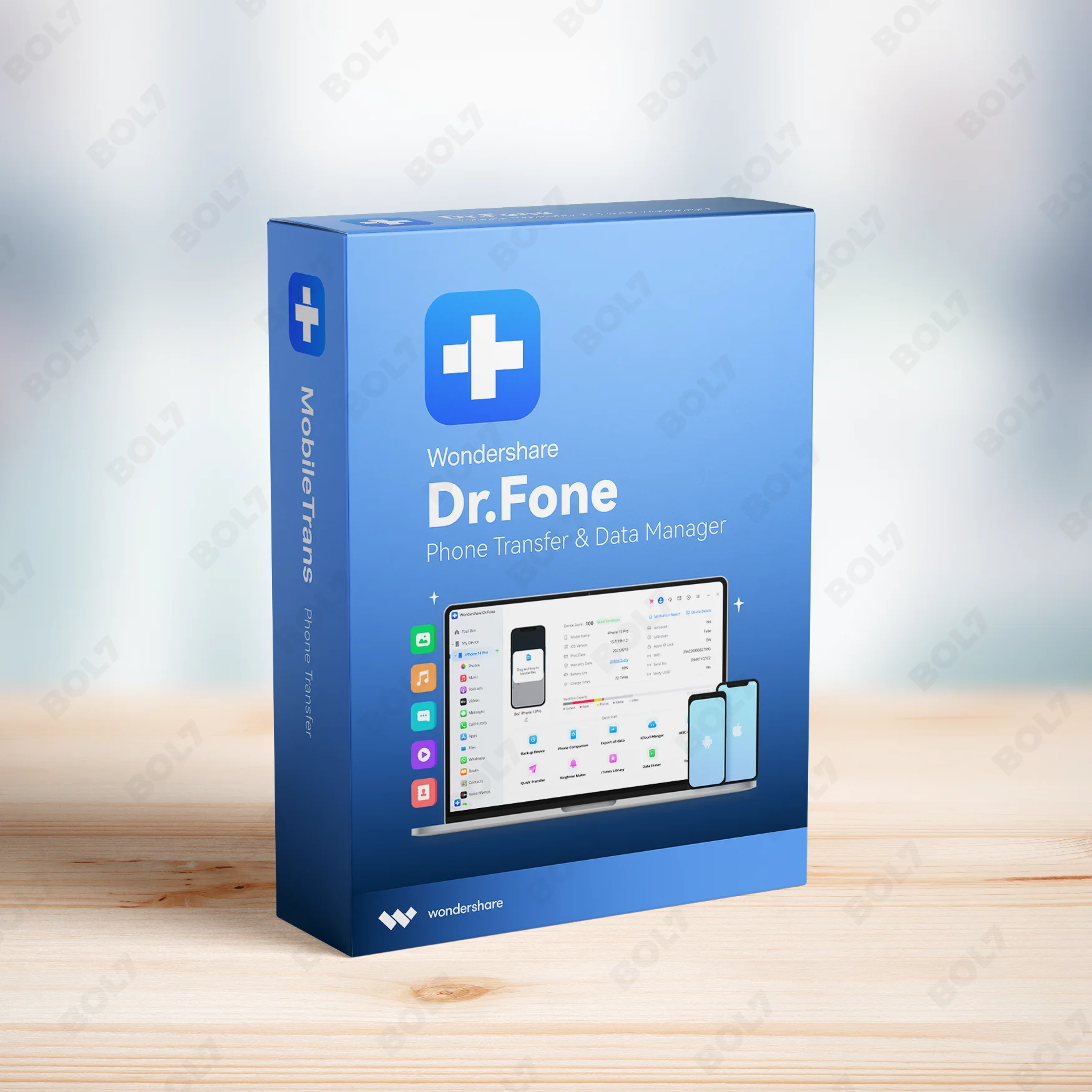
Easily back up and restore data on iPhone/iPad with Wondershare Dr.Fone for Mac. Enjoy a 1-year license for 5 devices with advanced data recovery and transfer options.
Key Features: Wondershare Dr.Fone (Mac) - Phone Backup (iOS) - 1 Year License (5 Devices)
- Backup from iTunes/iCloud: Back up your iPhone or iPad data from iTunes or iCloud. Dr.Fone helps you store important files like contacts, photos, and messages in secure backups.
- Restore to iPhone/iPad: Restore data directly to your iPhone or iPad. Whether recovering lost files or restoring a backup, Dr.Fone makes it simple and secure to restore your device.
- Recover Deleted Data: Recover deleted data from your iPhone or iPad. Dr.Fone provides a safe and efficient way to retrieve lost files, including contacts, photos, messages, and more.
- Recover from Device, iTunes, and iCloud: Dr.Fone supports recovery from your device, iTunes, and iCloud backups. This feature ensures you can restore data from multiple sources for maximum flexibility.
- Preview Recoverable Data: Preview recoverable data before restoring. Dr.Fone allows you to scan and preview the items that can be restored, ensuring you recover exactly what you need.
- Transfer Data Between Devices: Easily transfer data between iPhones, iPads, and other devices. Dr.Fone ensures quick and secure data transfer with no data loss, ideal for switching devices.
- Transfer WhatsApp: Transfer WhatsApp data, including messages and media, between iOS devices. Dr.Fone simplifies the process, ensuring your chats and media are preserved when changing phones.
- Data Eraser: Safely erase all data from your device to ensure privacy and security. Dr.Fone’s data eraser tool provides permanent deletion of sensitive data, ideal for selling or giving away devices.
- Screen Mirroring: Mirror your iPhone or iPad screen to your Mac for easier management and viewing. This feature is helpful for presentations, tutorials, and sharing content with others.
- 1 Year License: The 1-year license for 5 devices allows you to use Wondershare Dr.Fone on multiple devices. You’ll have full access to all features, along with regular updates and premium support.
Simple Steps To Get Started
- Purchase the 1-Year License: Visit the bol7 platform to purchase the 1-year license for Wondershare Dr.Fone (Mac) - Phone Backup (iOS). After purchase, you’ll receive an email with the download link and activation key.
- Download the Installer: Click the download link from your email to download the installer. Once downloaded, find the installer file on your Mac and double-click to open it.
- Run the Installation: Follow the installation prompts to set up Wondershare Dr.Fone on your Mac. The installation process is straightforward and quick.
- Activate the Software: Open Wondershare Dr.Fone and input the activation key provided in your email. This will unlock all the premium features of the software.
- Start Using Dr.Fone: Once activated, you can start using Wondershare Dr.Fone to back up, recover, and transfer data between your iOS devices. Take full advantage of the powerful features for device management.
Technical Support:
Call / WhatsApp Us:
+91 70650 40985
Email: [email protected]
Sales Support:
Call / WhatsApp Us:
+91 70650 40985
Email: [email protected]
More Products
Microsoft® Office Home and Business 2024 is fully compatible with all languages, offering customizable language settings …
Mac Premium Bundle + VPN offers a comprehensive solution for protecting your Mac from malware, viruses, …
Wondershare PDFelement 6 Pro for Mac is an all-in-one solution for managing your PDFs. With tools …
SwifDoo PDF Perpetual (2-PC) provides robust PDF management tools for businesses and individuals. With features like …
Intego Mac Internet Security X9 Renewal offers two additional years of award-winning antivirus and firewall protection …
Wondershare PDFelement V11 for Mac offers advanced tools to edit, convert, and manage PDFs seamlessly. Key …
Readiris PDF - Enterprise 365 is a robust PDF management solution for enterprises. It allows you …
The Business Owners Database for Nauru is a valuable resource for businesses seeking Verified B2B Email …

Useful Links
Get In Touch
[email protected]
+91 70650 40985
- live:hemant_136
A-27J, Noida Sec 16, Gautam Buddha Nagar, Uttar Pradesh 201301
Stay connected & Informed
Join our WhatsApp Channel
ⓒ 2024 BOL7 All Rights Reserved
Don't Miss Out...
Take up to 2% off your first order!
Use the discount code below and save 2% on this order now.
Coupon Code Copied!