- Email: [email protected]
- Call / WhatsApp Us: +91 70650 40985
Related Products
-
Wondershare Allmymusic for Mac
INR 2145.36 -

Wondershare AllMyTube for Mac
INR 2145.36 -

Wondershare DVD Creator
INR 2955.42 -

Wondershare DVD Slideshow Builder Deluxe
INR 5174.75 -

Wondershare TunesGo Win - iOS & Android Perpetual
INR 4419.47 -
Wondershare Dr.Fone iOS Erase For Mac
INR 3473.13 -

Wondershare TunesGo Win - Android Perpetual
INR 2945.08 -

Wondershare TunesGo Mac - iOS Devices Perpetual
INR 3682.27
Other Products
- AOMEI FoneTool Professional Yearly For 5 PCs
- Wondershare TunesGo Win Android Devices Annual
- Wondershare PDF Password Remover
- iFunia Video Editor Monthly Plan
- Business Owners Database Spain
- Cisdem OCRWizard For Mac - Lifetime License 5 Macs
- EaseUS MobiMover 1 Year Plan
- EaseUS Fixo Pro 2 Year Plan
- Influencer-Hiring.in
- Hightail Teams - 1 - Month
- Wondershare TunesGo Win - iOS Devices Perpetual
- IB Basic For PC/Server
- EaseUS DupFiles Cleaner 1 Year Subscription
- HPE PROLIANT DL380 GEN10
- Intego VirusBarrier X9 Renewal 1 Mac & 2 Year
- Business Owners Database Afghanistan
- SUSE LES ARM 1-15 Cores Unlimited Standard 3 Years
- Stellar Repair For Exchange Corporate
- Wondershare Recoverit Essential Mac 1 Month Plan
- WPS Office Mac 20G Cloud Storage & Backup Monthly
- WS Dr.Fone Android Backup-Restore iOS-Win-Android
- EaseUS Todo Backup Advanced Server 2 Year Plan
- Cisdem ContactsMate Mac - Business License 5 Macs
- EaseUS MobiSaver Lifetime Upgrades
- Intego Antivirus Windows Personal For 1 PC
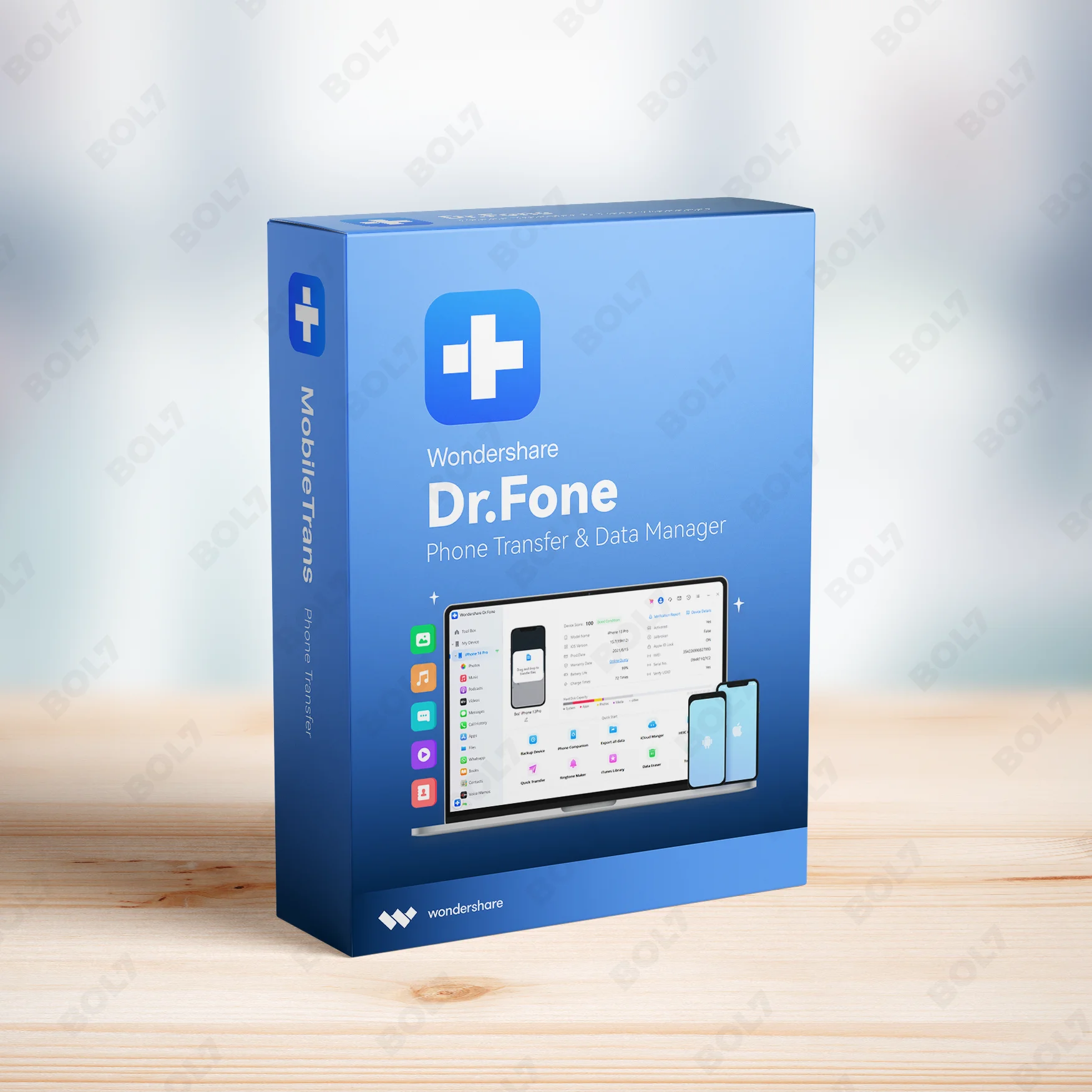
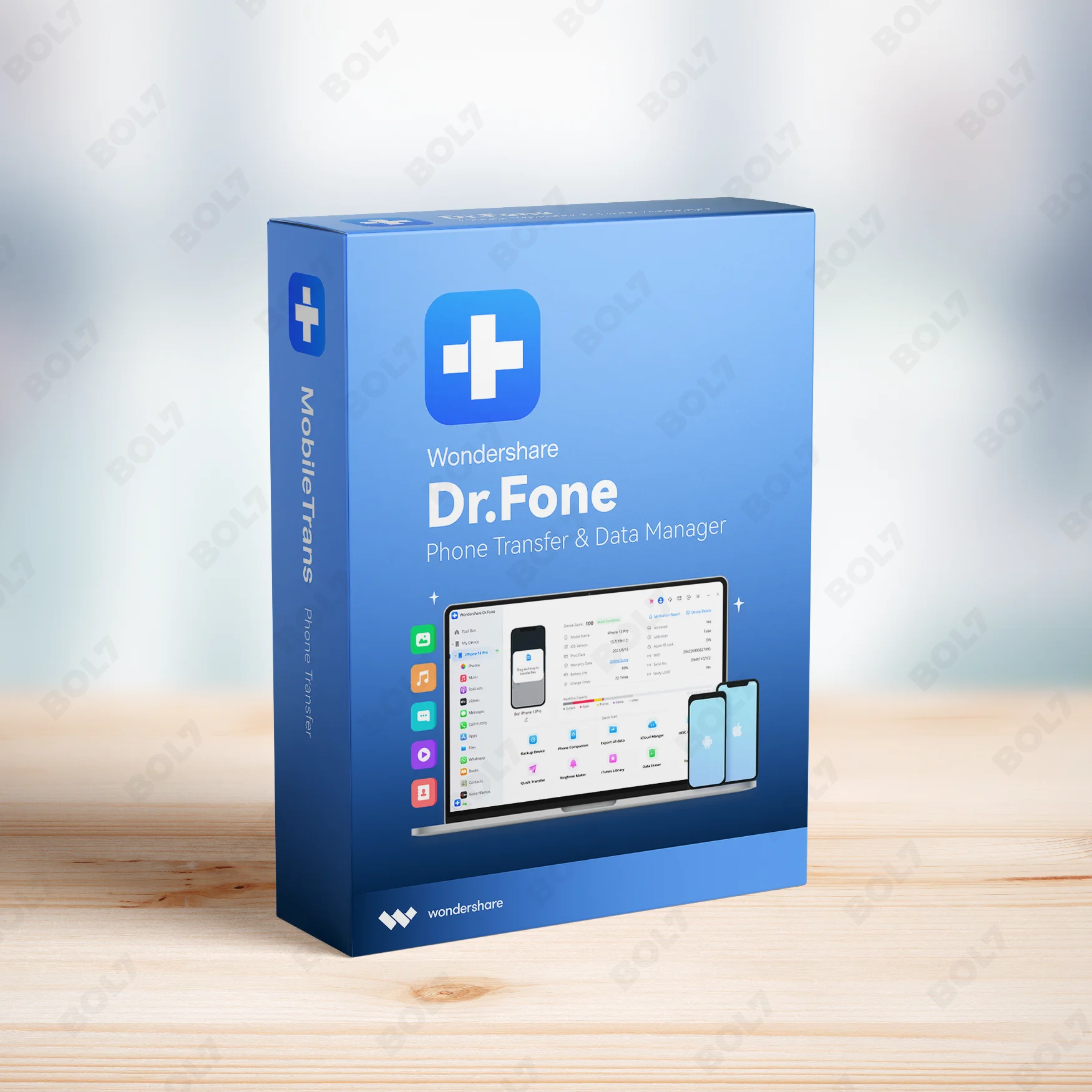
Backup and restore your iOS and Android data seamlessly with Wondershare Dr.Fone for Win. Enjoy encrypted backups, WhatsApp restore, and full access with the subscription.
Key Features: Wondershare Dr.Fone - iOS Backup & Restore for Win, Android, iOS
- Full Device Backup: Backup your entire device with Dr.Fone in one click. It ensures that all your important data such as contacts, messages, and media are securely backed up.
- Selective Backup: Choose specific data types to back up, such as photos, contacts, or apps. This feature lets you back up only what you need, saving time and storage space.
- Backup to Computer: Easily back up your data from iOS or Android devices directly to your computer. This ensures you always have a safe copy of your important data.
- Encrypted Backup: Protect your backup files with encryption. Wondershare Dr.Fone allows you to secure your data with high-level encryption to ensure privacy and safety.
- Backup and Restore WhatsApp Data: Backup and restore all your WhatsApp conversations and media easily. Dr.Fone supports restoring WhatsApp data from backups to any Android or iOS device.
- Easy Restoration: Restore your device data with ease. Dr.Fone ensures a smooth and simple restoration process with no technical skills required.
- Selective Restoration: Restore only the data you need, such as specific photos, contacts, or app data. Dr.Fone allows you to selectively restore files, making it more efficient.
- Restore iCloud/iTunes Backups: If you’ve backed up your data using iCloud or iTunes, Dr.Fone can restore your iOS data from these backups to your device, with no hassle.
- Export to Computer: Export your important data, including messages, photos, videos, and documents, directly to your computer. This feature provides a simple way to transfer and store data securely.
- Subscription: The subscription provides full access to all the premium features of Wondershare Dr.Fone - iOS Backup & Restore. Receive continuous updates and enjoy all the advanced tools without limitations.
Simple Steps To Get Started
- Purchase the Subscription: Visit the bol7 platform to purchase the subscription for Wondershare Dr.Fone - iOS Backup & Restore. Once purchased, you will receive an email with the download link and activation key.
- Download the Installer: Click the download link in your email to get the installer. After downloading, find the installer file on your computer and double-click it to begin the installation.
- Run the Installation: Follow the on-screen instructions to install Wondershare Dr.Fone on your PC. The installation process is quick and easy, taking just a few minutes.
- Activate the Software: Open Wondershare Dr.Fone and enter the activation key that was sent to your email. This will unlock all the premium features and give you access to full functionality.
- Start Backing Up and Restoring: Once activated, start using Wondershare Dr.Fone to back up and restore data. You can now securely back up your data, restore WhatsApp, and transfer data between devices effortlessly.
Technical Support:
Call / WhatsApp Us:
+91 70650 40985
Email: [email protected]
Sales Support:
Call / WhatsApp Us:
+91 70650 40985
Email: [email protected]
More Products
The HPE ProLiant DL380 Gen10 Server (Refurbished Grade A) is a 2U rack server with Intel …
Intego VirusBarrier X9 Renewal extends your antivirus protection for 3 Macs over 1 year. Engineered by …
Microsoft Windows Server 2022 Standard 64-Bit with 16 Core support offers top-tier security, flexibility, and scalability. …

WPS Office for Mac provides a complete office suite for PDF conversion, document creation, editing, and …
Enhance your campaigns with our Mobile Number Database for South Korea, featuring 85–90% verified active contacts. …
The Business Owners Database for Kenya is a reliable resource for businesses seeking Verified B2B Email …

McAfee Antivirus Basic offers essential protection for one device with award-winning antivirus, firewall, password management, and …
SUSE Linux Enterprise Server with SUSE Manager Lifecycle Management+ for POWER, 1-2 Sockets or 1-2 Virtual …
Useful Links
Get In Touch
[email protected]
+91 70650 40985
- live:hemant_136
A-27J, Noida Sec 16, Gautam Buddha Nagar, Uttar Pradesh 201301
Stay connected & Informed
Join our WhatsApp Channel
ⓒ 2024 BOL7 All Rights Reserved
Don't Miss Out...
Take up to 2% off your first order!
Use the discount code below and save 2% on this order now.
Coupon Code Copied!