- Email: [email protected]
- Call / WhatsApp Us: +91 70650 40985
Related Products
-
Stellar Converter EDB Corporate 50 Mailboxes
INR 21599.1 -
Stellar Repair Video Professional For Mac
INR 4499.1 -
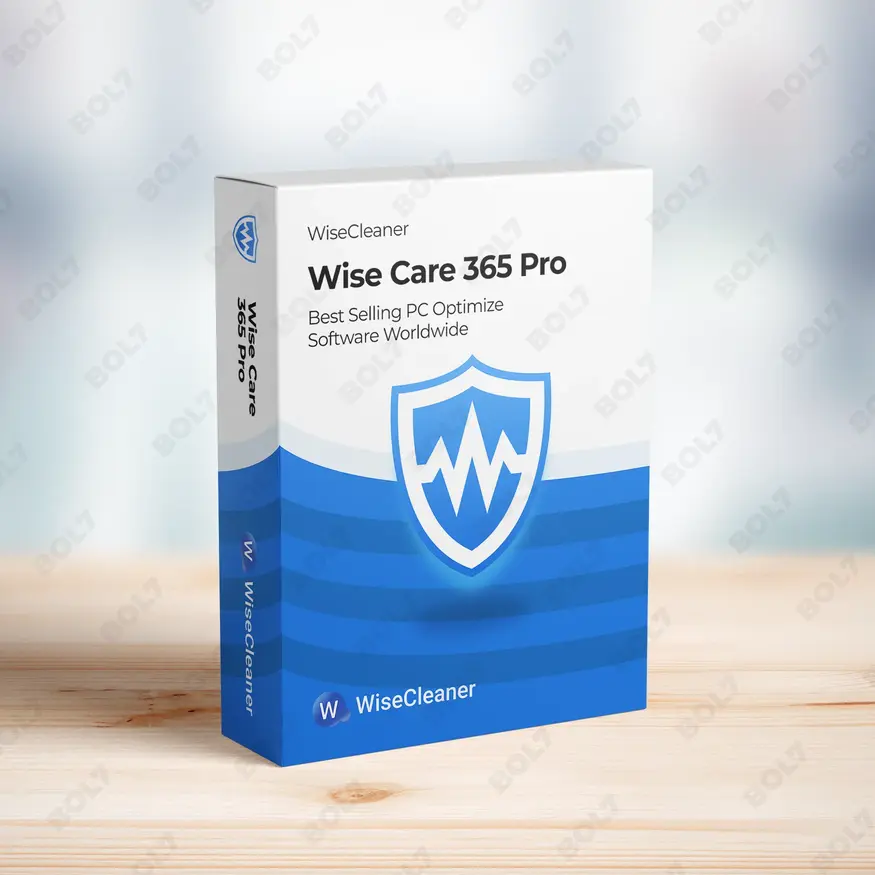
Wise Care 365 Pro 1 Year Plan For 3 PCs
INR 3424.99 -
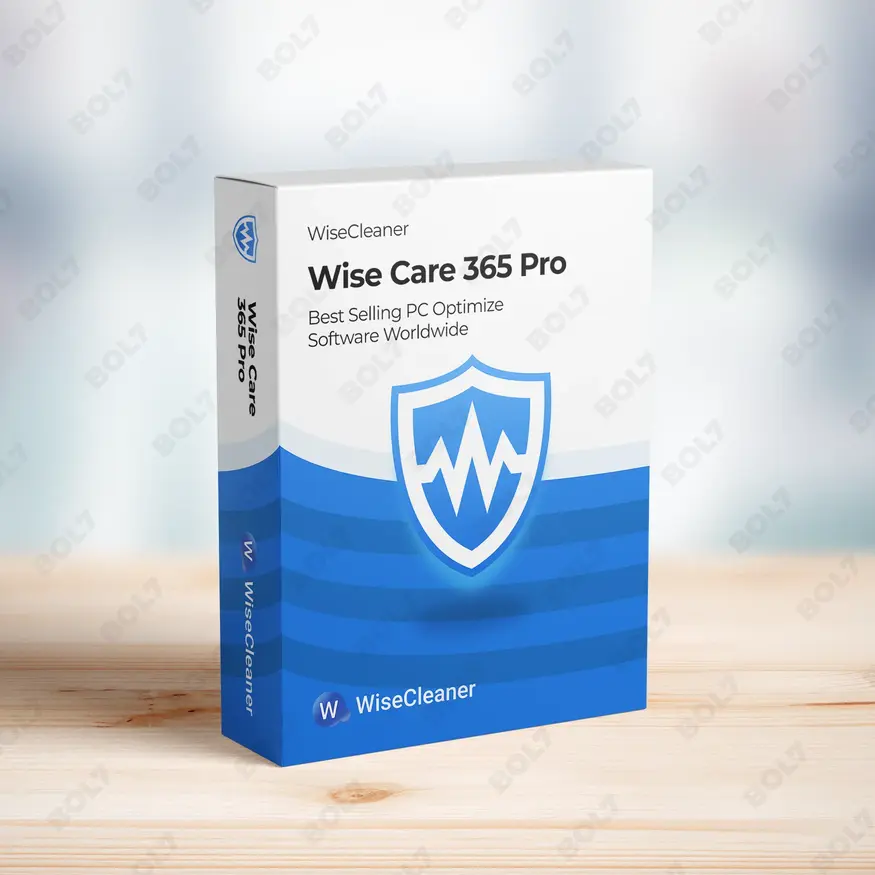
Wise Care 365 Pro 1 year Subscription For 1 PC
INR 2567.67 -
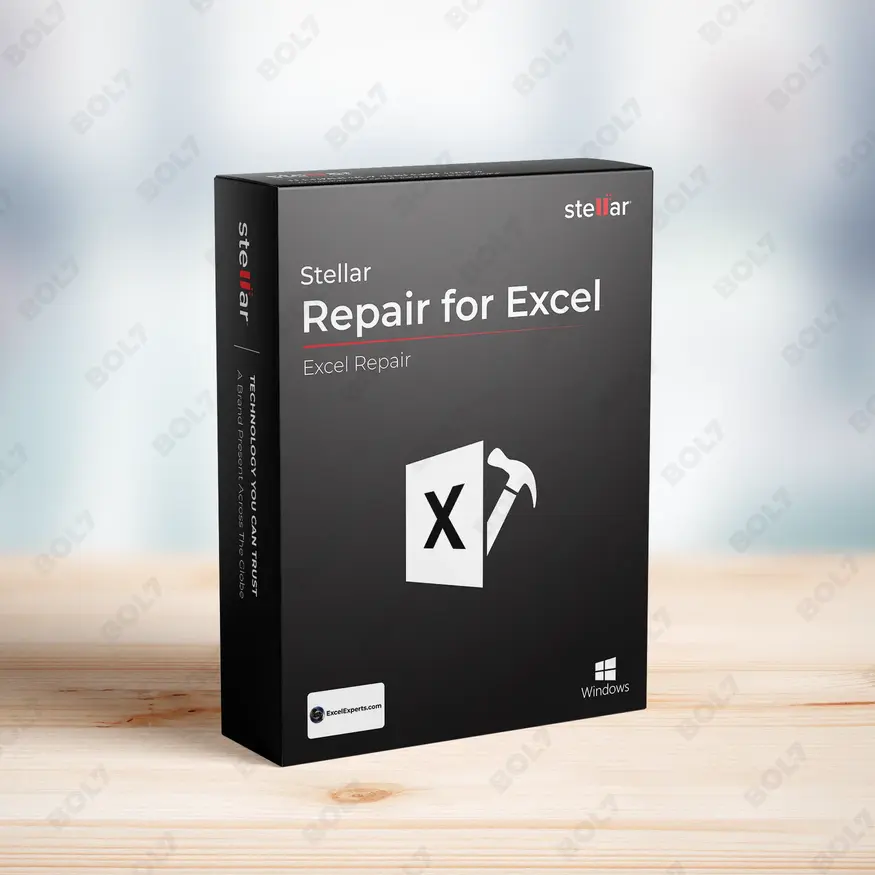
Stellar Repair For Excel 1 Year License
INR 2982.309 -

IDM for 1 PC & One Year License
INR 990.0 -
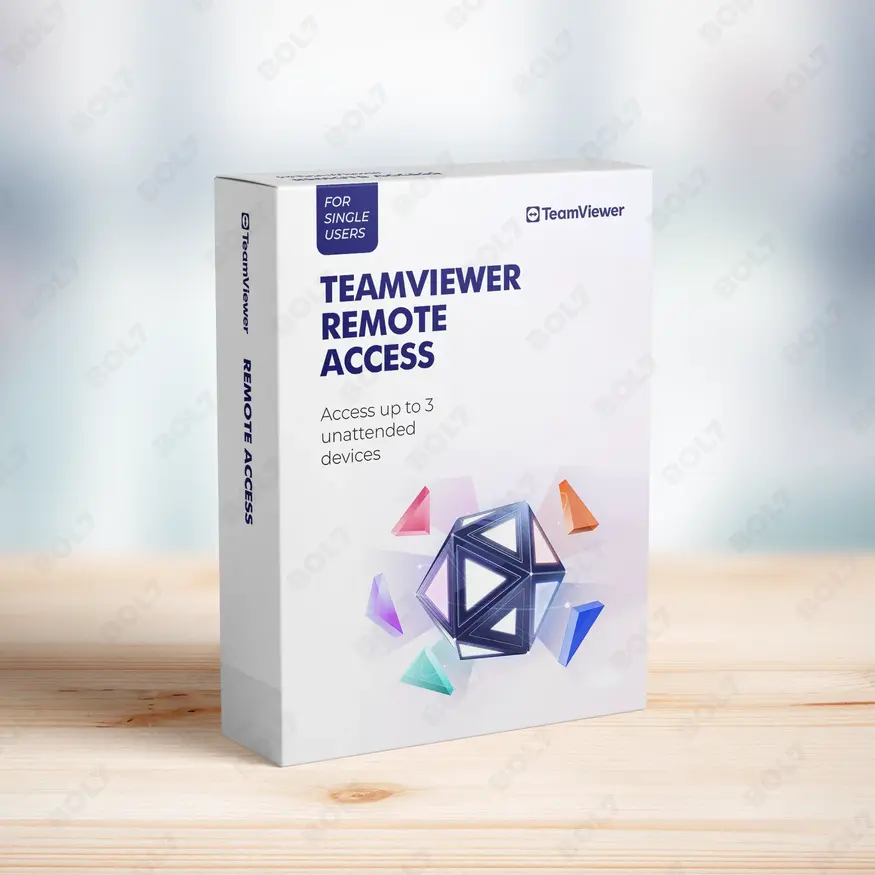
TeamViewer Remote Access
INR 8628.0 -
CISDEM Video Converter Lifetime License for 2 PCs
INR 8252.02
Other Products
- Intego Antivirus Windows Family For 3 PC
- Wondershare Dr.Fone Android Transfer For Mac
- Business Owners Database Chile
- UniConverter 14 For Windows Perpetual Plan
- Business Owners Database Germany
- Intego VirusBarrier X9 For 5 Macs & 1 Years
- Business Owners Database Cayman Islands
- SUSE (LES) Live Patching IBM Z Standard 1 Year
- Business Owners Database Ivory Coast
- Stellar Repair PDF For Mac OS
- Business Owners Database Falkland Islands
- MiniTool ShadowMaker Monthly Subscription
- CapitalFinHub.com
- Linkedin Marketing
- Wondershare Video Converter Pro For Mac
- Mobile Number Database for Belarus
- Bulk Voice Broadcaster Dongle
- Mobile Number Database for Turkey
- SUSE LES SAP Live Patching x86-64 Priority 3 Years
- Wondershare Dr.Fone Android Recover For Mac
- Stellar Photo Recovery Standard For Mac OS
- Mobile Number Database for Tunisia
- AdBlocker Ultimate Friends 10 Devices Lifetime
- WS Dr.Fone Android Recover Win Android Annual
- EaseUS Key Finder Lifetime Upgrades
Manage unlimited PCs with AOMEI Backupper Technician and Lifetime Upgrades. Enjoy secure, automatic backups, remote installation, and easy OS and data transfers.
Key Features: AOMEI Backupper Technician + Lifetime Upgrades (Unlimited PCs)
- Comprehensive Backup: Backup your files, disks, systems, and partitions with AOMEI Backupper Technician. This all-in-one solution ensures your data is safe and retrievable when needed.
- Remote Agent Installation: Install backup agents on multiple PCs and servers remotely. This allows you to manage your backups without needing direct physical access to each machine.
- Automatic Backup: Set up automatic backups to protect your systems and data without manual intervention. Schedule backups at convenient intervals to maintain ongoing data protection.
- Create Portable Version: Use AOMEI Backupper Technician on the go by creating a portable version that runs directly from a USB drive. No installation required for backup management on different devices.
- Unlimited PCs and Servers: Protect an unlimited number of PCs and servers with a single AOMEI Backupper Technician license. Ideal for IT professionals managing multiple systems.
- Customize UI and Name: Personalize the user interface and software name for branding or client-specific needs. Customize the experience to better suit your workflow or business.
- Secure Boot After Cloning: After cloning a system, AOMEI Backupper Technician ensures secure booting on new hardware. This helps maintain system integrity after a disk or system migration.
- Backup Storage Options: Choose from various storage options for your backups, including local, cloud, or network storage. This flexibility ensures that your backups are stored safely and securely.
- Easy OS and Data Transfer: Migrate your operating system and data seamlessly between different systems. AOMEI Backupper Technician makes it easy to transfer all your files and settings with minimal downtime.
- Lifetime Upgrades: Enjoy lifetime upgrades with your AOMEI Backupper Technician license. Stay up-to-date with the latest features, enhancements, and improvements without needing to purchase new versions.
Simple Steps To Get Started
- Purchase the Lifetime Upgrades License: Visit the bol7 platform to purchase your AOMEI Backupper Technician with Lifetime Upgrades. You’ll receive an email with the download link and activation key after purchase.
- Download the Installer: Click the download link in the email you received to begin downloading the installer. Once downloaded, locate the file on your system and double-click to open it.
- Run the Installation: Follow the easy installation prompts to set up AOMEI Backupper Technician on your PC or server. The process is quick and user-friendly.
- Activate the Software: Open AOMEI Backupper Technician and enter the activation key from your email. This will unlock all premium features and ensure you have access to lifetime upgrades.
- Start Protecting Your Systems: After activation, you can begin managing backups, transferring data, and protecting your systems. Leverage features like remote agent installation, automatic backups, and secure OS migrations for improved efficiency.
Technical Support:
Call / WhatsApp Us:
+91 70650 40985
Email: [email protected]
Sales Support:
Call / WhatsApp Us:
+91 70650 40985
Email: [email protected]
More Products
AnyViewer Professional offers powerful remote access capabilities, including unattended access, fast file transfer, and high-quality image …
The Cisco Catalyst 3750V2-48PS Switch (Refurbished Grade A) is a managed Layer 3 switch with 48 …
Wondershare Dr.Fone - Restore Social App for Win helps you back up and restore social app …
The Business Owners Database for Madagascar is a comprehensive resource designed to support businesses in their …
Intego Mac Internet Security X9 Renewal offers two additional years of award-winning antivirus and firewall protection …
Expand your business in Ukraine with our Mobile Number Database. This verified B2C leads database empowers …
SwifDoo PDF Annual provides powerful PDF editing capabilities, AI-powered tools, batch processing, and cloud integration. With …
SUSE Linux Enterprise Server, ARM with 1-15 Cores, 1-4 Cores or 1-2 Virtual Machines, Standard Subscription, …
Useful Links
Get In Touch
[email protected]
+91 70650 40985
- live:hemant_136
A-27J, Noida Sec 16, Gautam Buddha Nagar, Uttar Pradesh 201301
Stay connected & Informed
Join our WhatsApp Channel
ⓒ 2024 BOL7 All Rights Reserved
Don't Miss Out...
Take up to 2% off your first order!
Use the discount code below and save 2% on this order now.
Coupon Code Copied!