- Email: [email protected]
- Call / WhatsApp Us: +91 70650 40985
Related Products
-
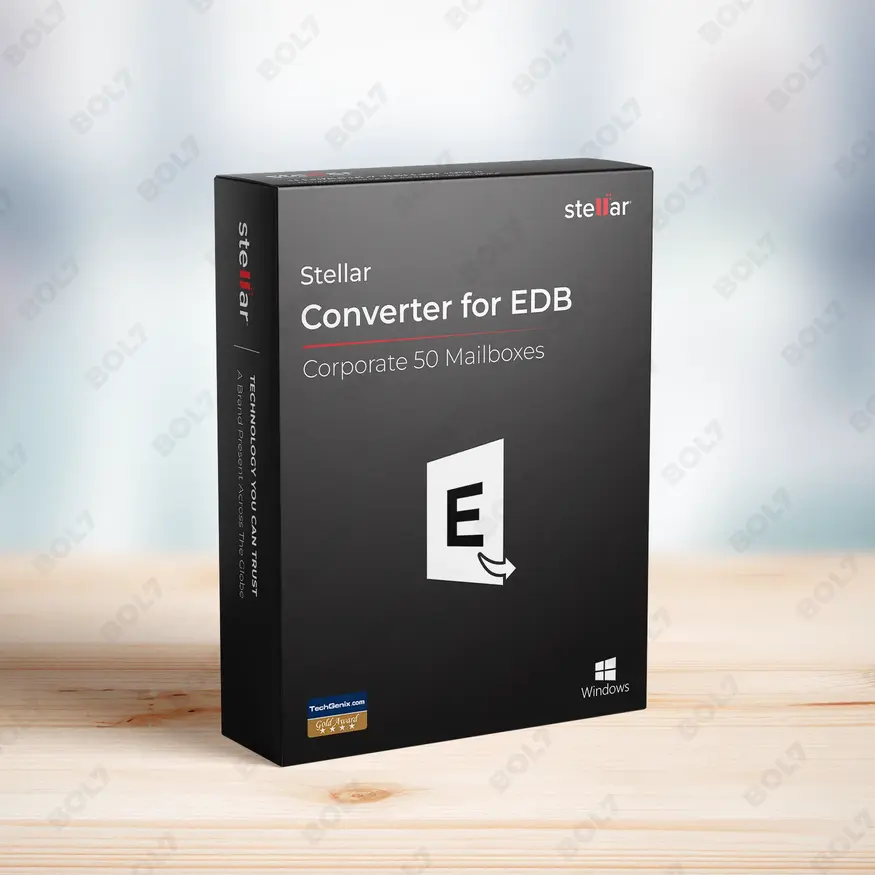
Stellar Converter EDB Corporate 50 Mailboxes
INR 21599.1 -
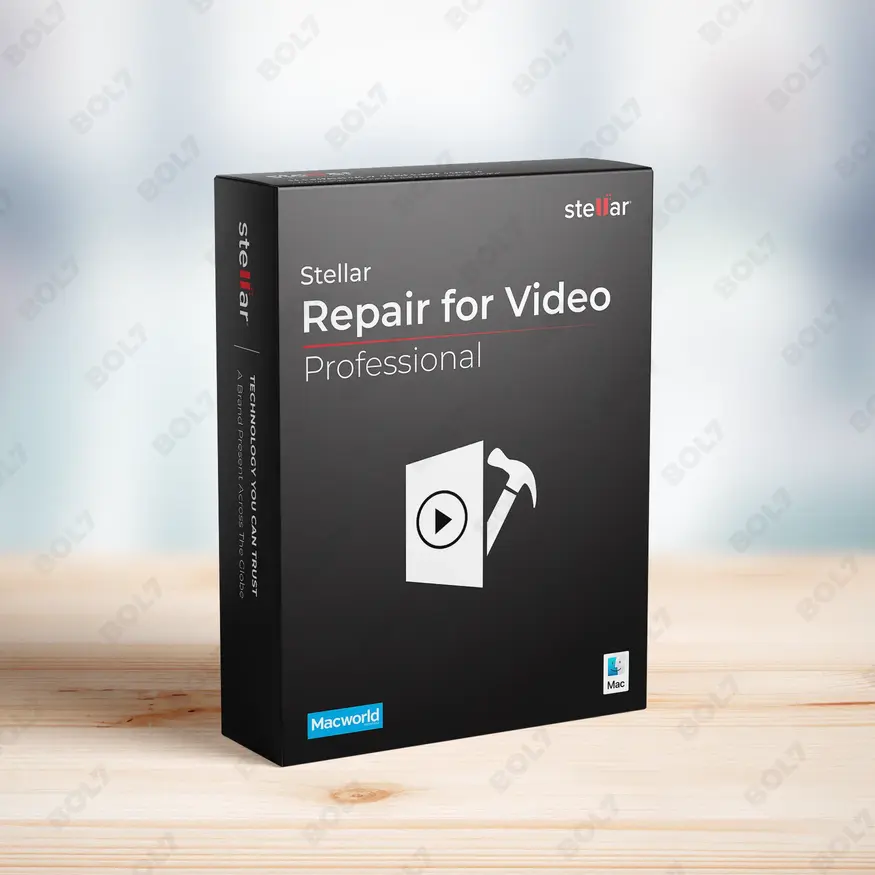
Stellar Repair Video Professional For Mac
INR 4499.1 -
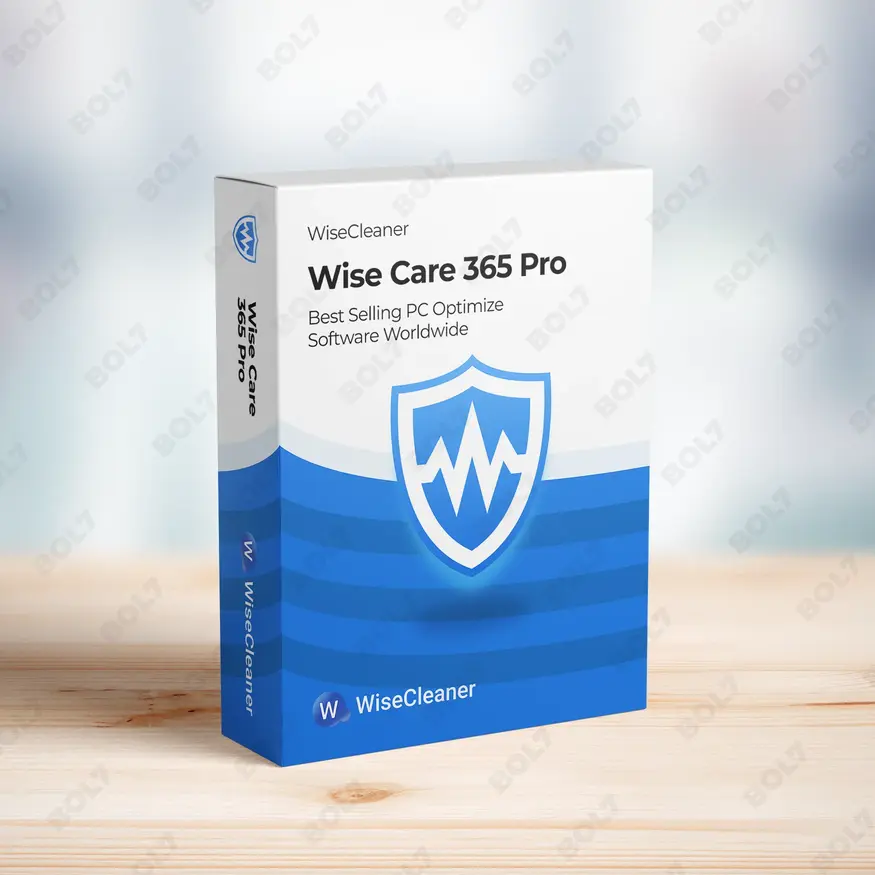
Wise Care 365 Pro 1 Year Plan For 3 PCs
INR 3424.99 -
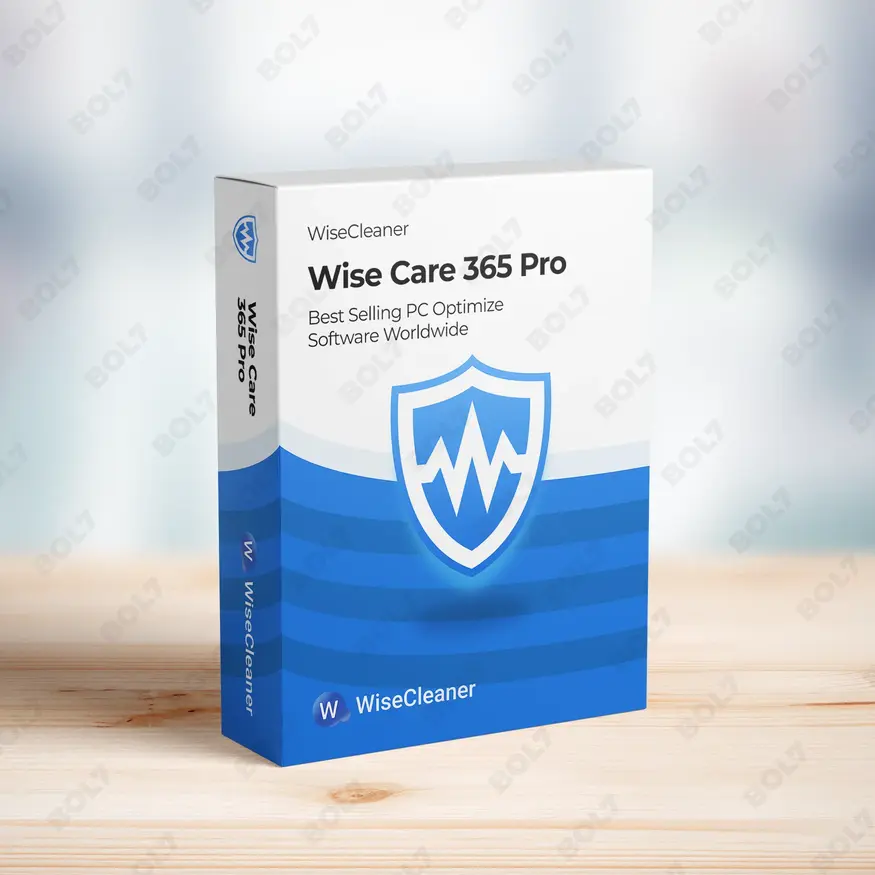
Wise Care 365 Pro 1 year Subscription For 1 PC
INR 2567.67 -
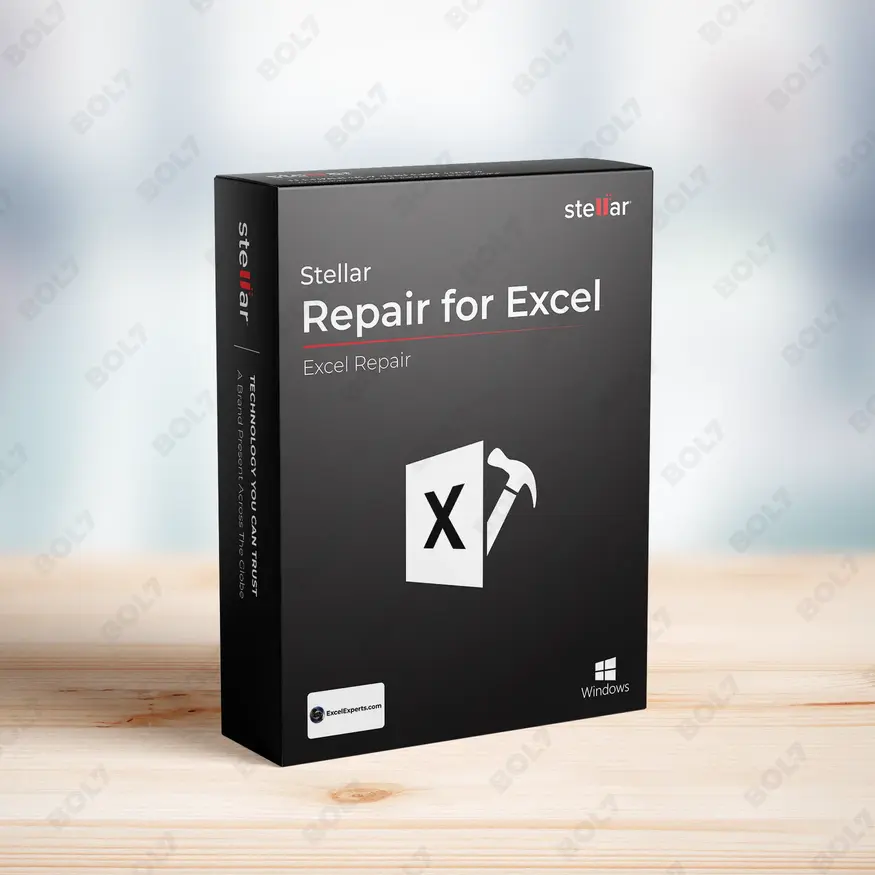
Stellar Repair For Excel 1 Year License
INR 2982.309 -
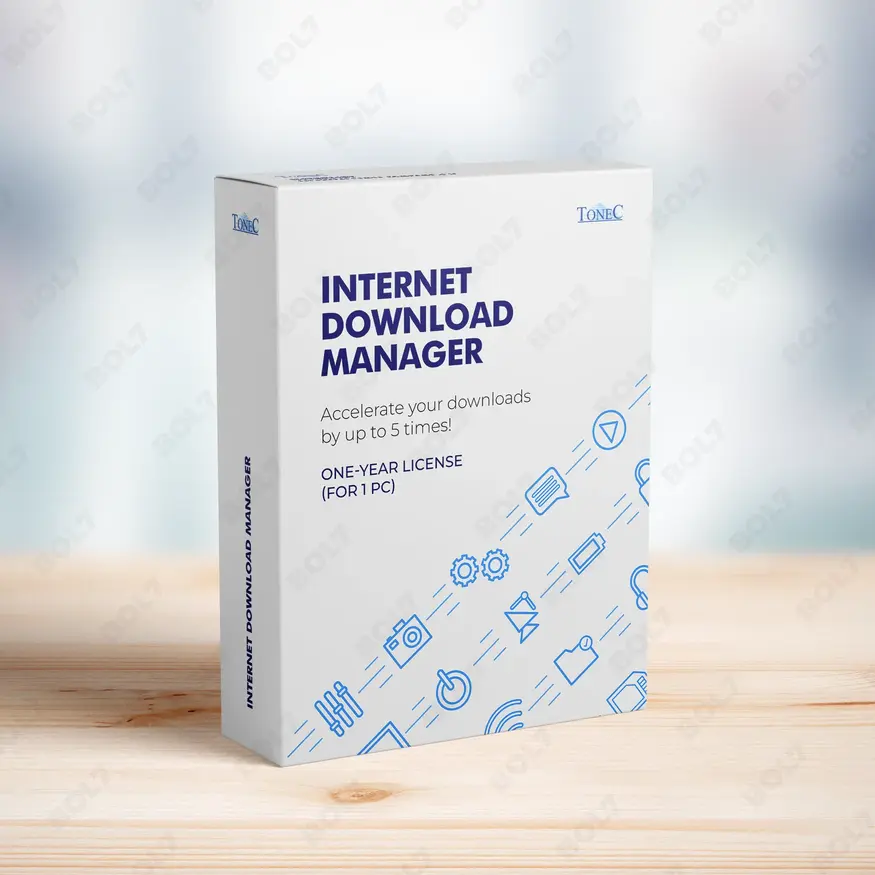
IDM for 1 PC & One Year License
INR 990.0 -
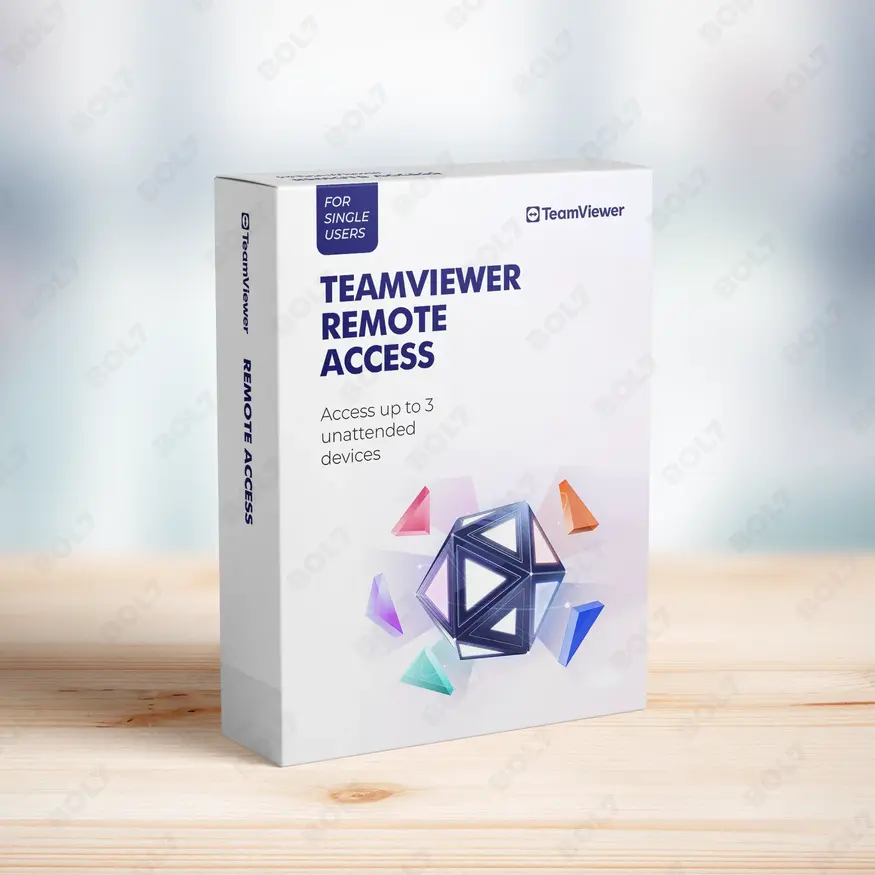
TeamViewer Remote Access
INR 8628.0 -
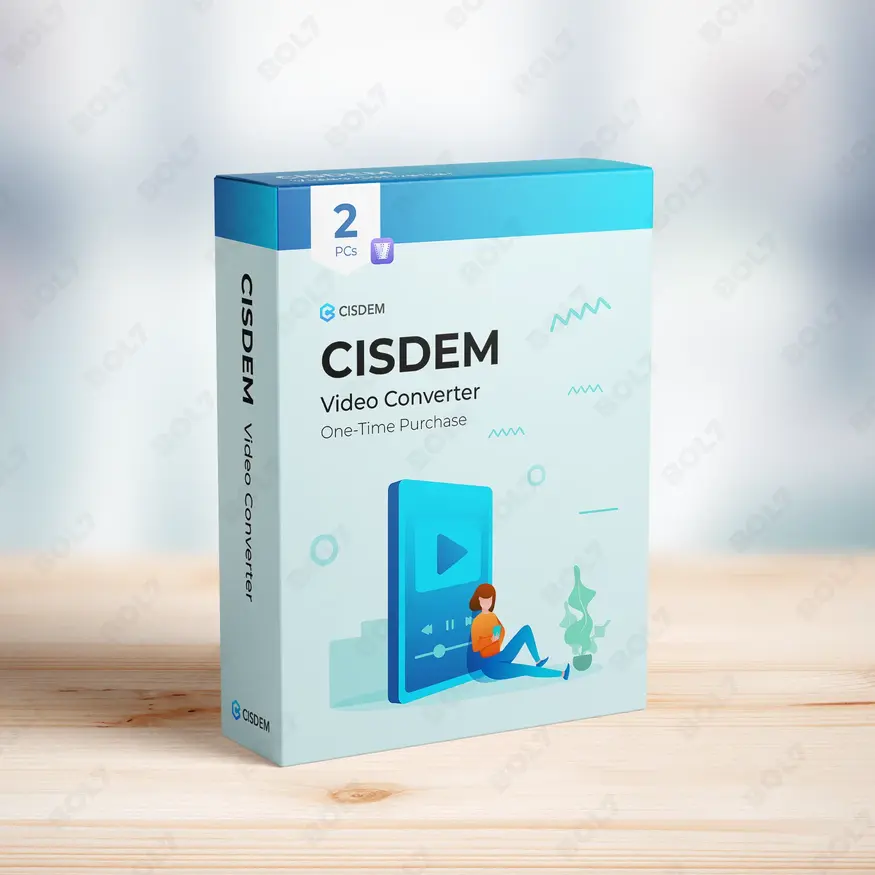
CISDEM Video Converter Lifetime License for 2 PCs
INR 8252.02
Other Products
- Dreamweaver For Teams 1 User Monthly
- Microsoft Project Pro 2024 Win All Languages
- SUSE LES Power 1-2 Sockets Standard 5 Years
- Mobile Number Database for Japan
- MobileTrans Phone Transfer Perpetual Plan
- WS DrFone Phone Transfer iOS-Android Mac Perpetual
- Business Owners Database Poland
- Cisdem Video Converter Mac Business License 2 Macs
- Business Owners Database Hungary
- Wondershare Recoverit Essential Mac Perpetual Plan
- CISDEM Video Converter Business License for 2 PCs
- CISCO CATALYST 2960-48TT-L SWITCH
- SUSE (LES) Live Patching LinuxONE Priority 5 Years
- EaseUS Todo Backup Workstation Lifetime
- Mobile Number Database for Vietnam
- Cisdem PDF Converter OCR Mac Lifetime 2 Macs
- Cisdem PDFMaster For Mac - Lifetime License
- Wondershare Filmora 14 Basic
- Business Owners Database Cabo Verde
- Stellar Data Recovery Toolkit
- Wondershare PDFelement 6 Pro
- Mobile Number Database for Austria
- Business Owners Database Benin
- Wondershare Video Converter Pro For Mac
- Wondershare Photo Recovery For Windows
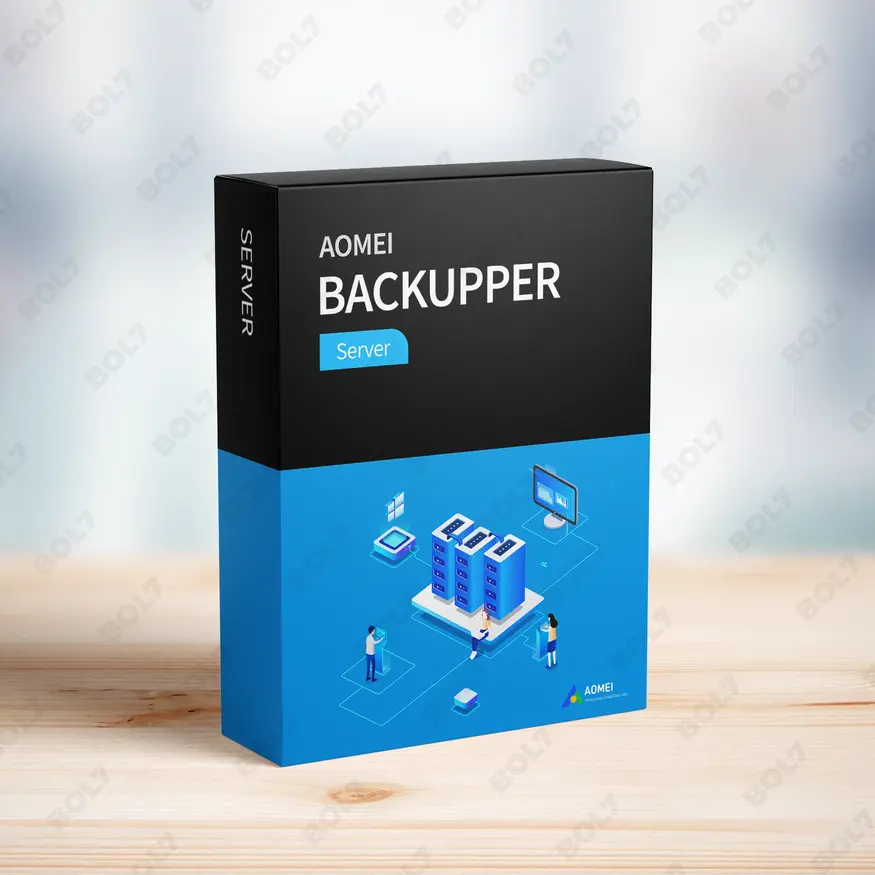
Get AOMEI Backupper Server for complete server backup and fast recovery. Ideal for businesses, it offers one-click clone, instant recovery, and automatic backups.
Key Features: AOMEI Backupper Server (Current Version)
- Simple and Quick Backup: Perform backups with just a few clicks. AOMEI Backupper Server makes it easy to protect your data, reducing downtime and minimizing the risk of data loss.
- Exact File/Folder Sync: Sync files and folders accurately between servers. Ensure that critical data is always up-to-date and stored securely without the risk of missing files.
- One-Click Clone: Easily clone your entire server or individual drives with just one click. This feature is perfect for server migrations and disk upgrades.
- Instant Recovery and No Downtime: Quickly restore your server without any downtime. Get your system back up and running in no time, minimizing interruptions to your operations.
- Fast Recovery: AOMEI Backupper Server offers a fast and efficient recovery process, reducing downtime significantly. Recover your server’s data swiftly after system failure or data loss.
- Dissimilar Hardware Restore: Restore backups to different hardware without compatibility issues. This feature allows for greater flexibility when restoring backups to new or upgraded machines.
- Schedule Your Server Backup: Automate backups with scheduled tasks. Set up AOMEI Backupper Server to back up your server at specific intervals to ensure your data is always protected.
- Automatic Backup: Enable automatic backup to keep your data safe without manual intervention. Let AOMEI Backupper Server handle backups as you focus on your business.
- Complete Backup Utilities: Includes full disk, partition, system, and file backup utilities. Ensure comprehensive protection with all-around backup support for your server.
- Subscription: Stay updated with the latest version and features with a subscription plan. Ensure ongoing support, new features, and regular updates to keep your server secure.
Simple Steps To Get Started
- Purchase the Subscription: Visit the bol7 platform to purchase AOMEI Backupper Server. After your purchase, you will receive an email with the download link and activation key.
- Download the Installer: Click the download link provided in your email to begin downloading the installer. Once downloaded, open the file to start the installation process.
- Run the Installation: Follow the on-screen instructions to install AOMEI Backupper Server on your system. The installation process is simple and quick.
- Activate the Software: Open AOMEI Backupper Server and input the activation key provided in your email. This will unlock all features and activate your subscription.
- Start Protecting Your Server: Once activated, configure the backup settings and start backing up your server. Use the scheduling feature to automate your backups for ongoing protection.
Technical Support:
Call / WhatsApp Us:
+91 70650 40985
Email: [email protected]
Sales Support:
Call / WhatsApp Us:
+91 70650 40985
Email: [email protected]
More Products
EaseUS Todo Backup Home Yearly Subscription provides a simple yet powerful solution for safeguarding your data. …
WPS Office Cloud Storage & Cloud Collaboration & Cloud Backup gives you the ability to store, …
Microsoft® Project Standard 2024 is a powerful project management software that offers pre-built templates, automated scheduling, …
Intego Antivirus for Windows delivers powerful protection for 6 to 20 PCs, making it ideal for …
PDFelement 10 is a comprehensive solution for working with PDF documents, designed for individuals who need …
The Business Owners Database Thailand offers verified B2B email addresses, phone numbers, and business profiles to …
Enhance your marketing efforts with our Mobile Number Database for Serbia, featuring 85–90% verified active contacts. …
The Business Owners Database for Estonia is a complete resource for businesses seeking reliable, actionable insights …
Useful Links
Get In Touch
[email protected]
+91 70650 40985
- live:hemant_136
A-27J, Noida Sec 16, Gautam Buddha Nagar, Uttar Pradesh 201301
Stay connected & Informed
Join our WhatsApp Channel
ⓒ 2024 BOL7 All Rights Reserved
Don't Miss Out...
Take up to 2% off your first order!
Use the discount code below and save 2% on this order now.
Coupon Code Copied!