
Carbon Copy Cloner 7 for macOS
A powerful disk-cloning tool that helps you create reliable, bootable backups of your Mac.
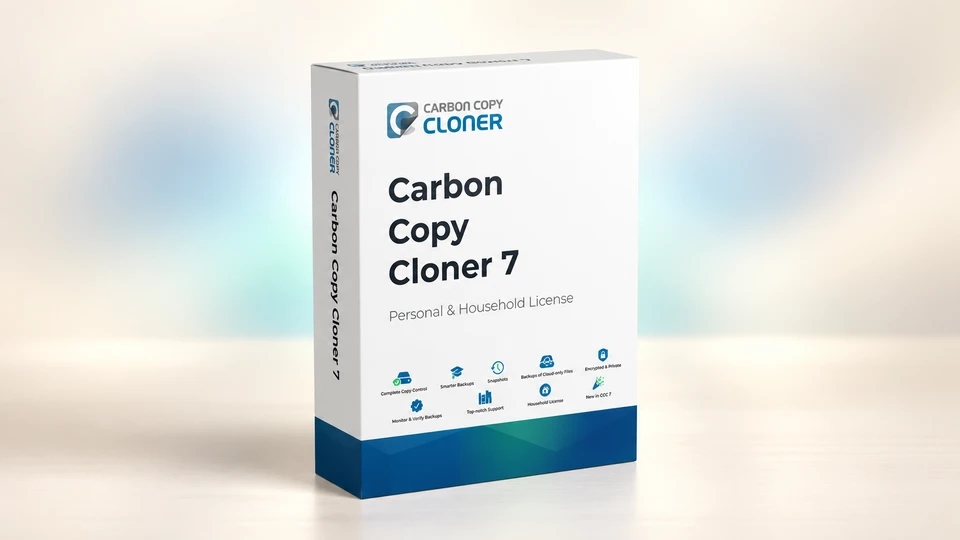
Key Features: Carbon Copy Cloner 7 Personal & Household License
- Building Better Backups with CCC 7: Create comprehensive and reliable backups for your personal or household needs.
- Backup Volume Setup Assistant: Easily set up backup volumes with a user-friendly assistant for quick configuration.
- Avoid Task Conflicts: Smart scheduling to avoid overlapping tasks and ensure backups run smoothly.
- Simplify Future Restore Activity: CCC 7 is designed to streamline the restore process, making it easier to recover your data whenever needed.
- SafetyNet Feature Disabled by Default: Avoid logistical constraints and redundancy by disabling SafetyNet and focusing on efficient backups.
- Protect Root-Level Items Setting Disabled: Helps eliminate redundancy while ensuring important files are backed up properly.
Simple Steps to Get Started
- Click "Buy Now": Visit the BOL7 marketplace and click the "Buy Now" button to purchase Carbon Copy Cloner 7 Personal & Household License.
- Receive an Email: After completing your purchase, you will receive an email containing the download link and activation key.
- Download the Installer: Use the provided link to download the CCC 7 installer.
- Run the Installer: Open the installer file and follow the prompts to complete the installation.
- Activate: Enter the activation key received via email to activate CCC 7 on your macOS device.
- Start Backing Up: Launch Carbon Copy Cloner 7 and start securing your data with customized backup settings.
Interested in Carbon Copy Cloner 7 for macOS?
Tell us what you need and we'll get you set up.
Connect with us